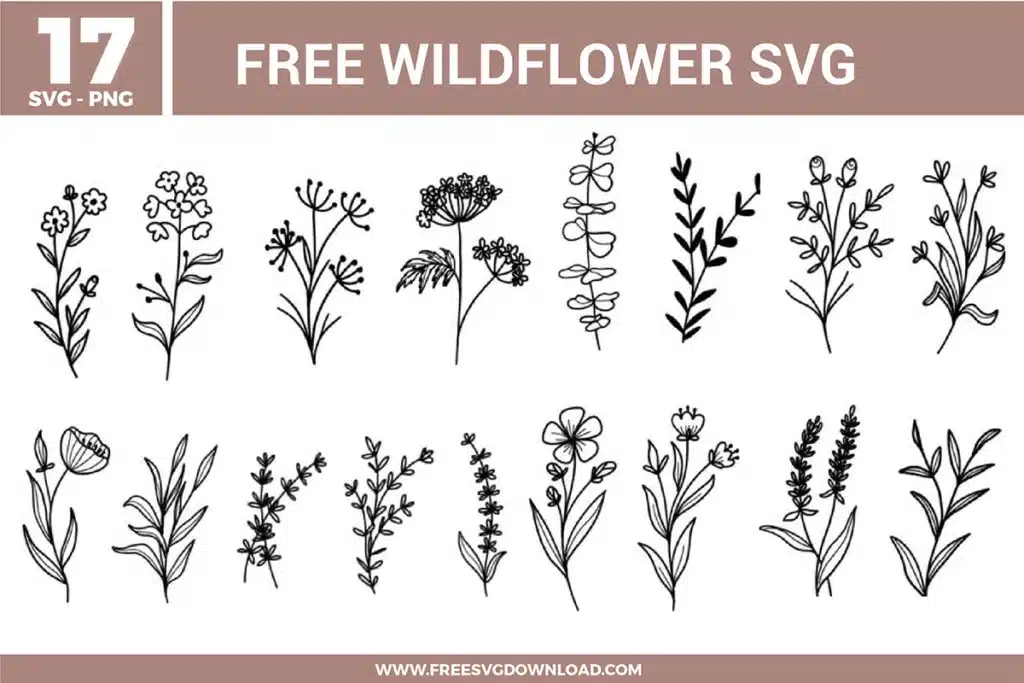
Collection Technical Data |
|
|---|---|
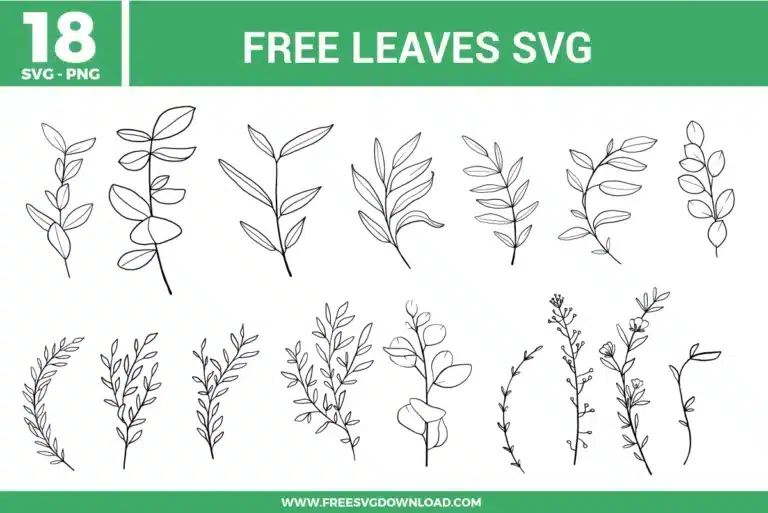
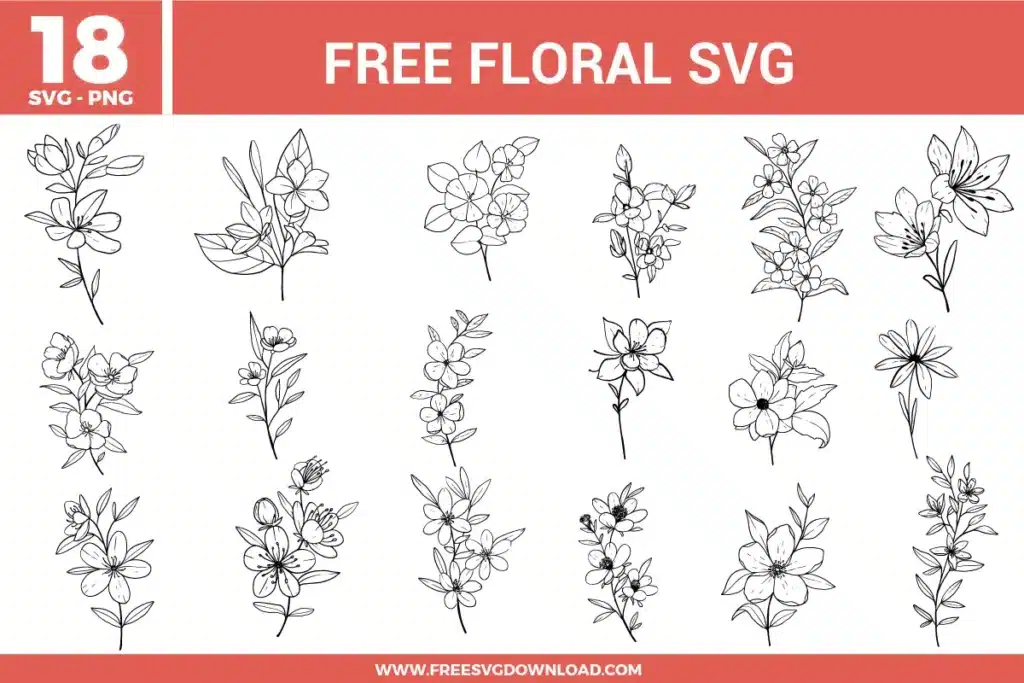
| Total Designs | 18 Items (See grid below) |
| Primary File Type | Scalable Vector Graphics (.svg) |
| Secondary Formats | High-Res PNG (300 DPI) |
| Compatibility Tested | Cricut Design Space, Silhouette Studio, Brother ScanNCut |
| Best For | Wedding Stationery, Kitchen Decals, Glass Etching, Planner Stickers. (Vinyl & HTV) |
| License Type | Personal Use Only |
| Cut Complexity | Beginner (Easy Weeding) |
These Leaves SVG files are part of our Flower SVG category, where we organize all Floral designs in one place. This category includes a wide range of whimsical, bold, and vibrant SVG files created for vinyl decals, heat transfer, and paper crafts.
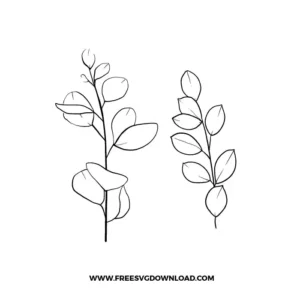
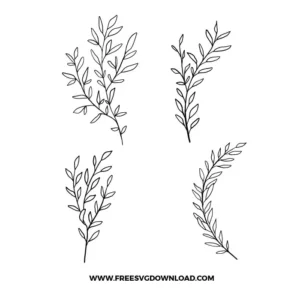
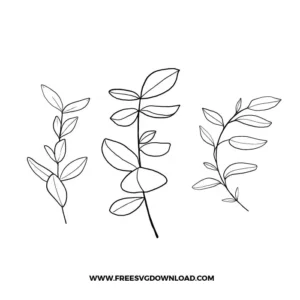
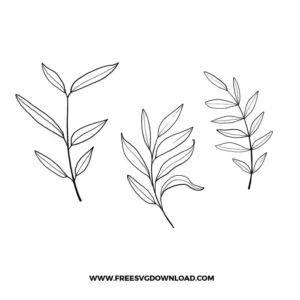
For detailed botanical designs like these eucalyptus sprigs, use a Fine-Point Blade. On your Cricut, select the “Vinyl” setting but change the pressure to “Less.” This prevents the blade from dragging or lifting the small leaf points, ensuring a crisp cut without snagging the delicate material.
Hand-drawn botanical SVGs often have an excessive number of nodes along the curves. By using the “Simplify” tool in your vector software, you reduce these points while maintaining the organic shape. This allows your machine to move in a fluid, continuous motion, preventing the “stuttering” that leads to jagged edges on rounded leaves.
If the leaves in your laurel branch overlap with the main stem, you should use “Weld” to create one single, continuous cut path. If you only use “Attach,” the machine will cut the outline of every individual leaf into the stem, weakening the vinyl. Welding ensures the entire branch is a single, sturdy piece.
If a specific leaf is too small for your project scale, enter the “Node Editing” mode in your software. You can select the individual anchor points of that leaf and move them to thicken the shape or adjust the curve. This gives you total control over the design’s “cutability” without needing to redraw the entire botanical illustration.
When applying HTV leaves to cotton, set your press to 315°F for 15 seconds with firm pressure. Because these designs are delicate line art, always perform a “Cold Peel.” Waiting for the carrier sheet to cool completely ensures the adhesive has fully bonded with the fabric fibers, preventing the fine stems from lifting.
These Leaves SVG files are provided for personal use only, and resale or redistribution of the designs is not permitted. You are welcome to explore more free SVG designs across our website, including a wide range of themed and character-based collections.
If you experience any issues with downloading or using the files, feel free to reach out through our contact page and we will be happy to help. We also appreciate feedback from our community, so you’re welcome to leave a review below and share your experience.
For professionally curated bundles and extended design sets, you can also browse our premium SVG collections in our official store. Thank you for crafting with Free SVG Download, and enjoy creating your projects.