Collection Technical Data |
|
|---|---|
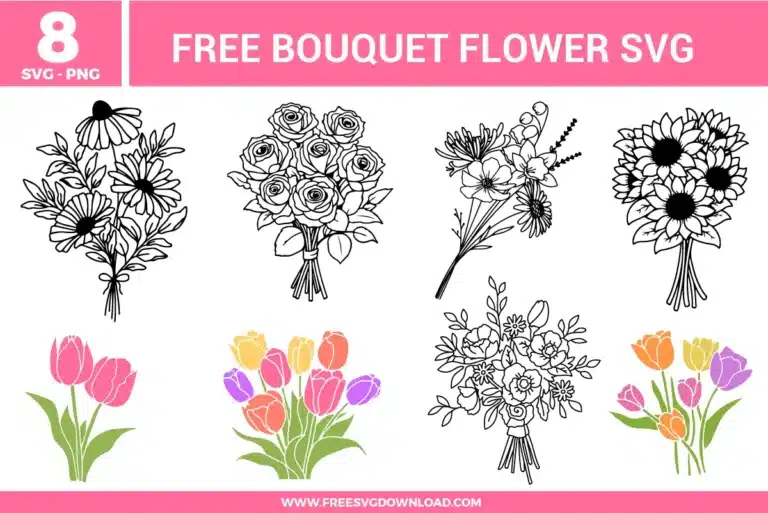
| Total Designs | 8 Items (See grid below) |
| Primary File Type | Scalable Vector Graphics (.svg) |
| Secondary Formats | High-Res PNG (300 DPI) |
| Compatibility Tested | Cricut Design Space, Silhouette Studio, Brother ScanNCut |
| Best For | Mother's Day Gifts, Wedding Stationery, Sublimation Tumblers, Greeting Cards. (Vinyl & HTV) |
| License Type | Personal Use Only |
| Cut Complexity | Intermediate (Multi-Layer) |
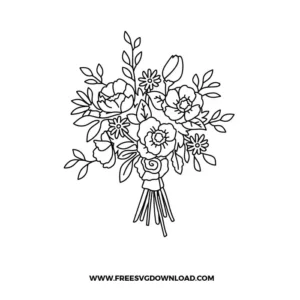
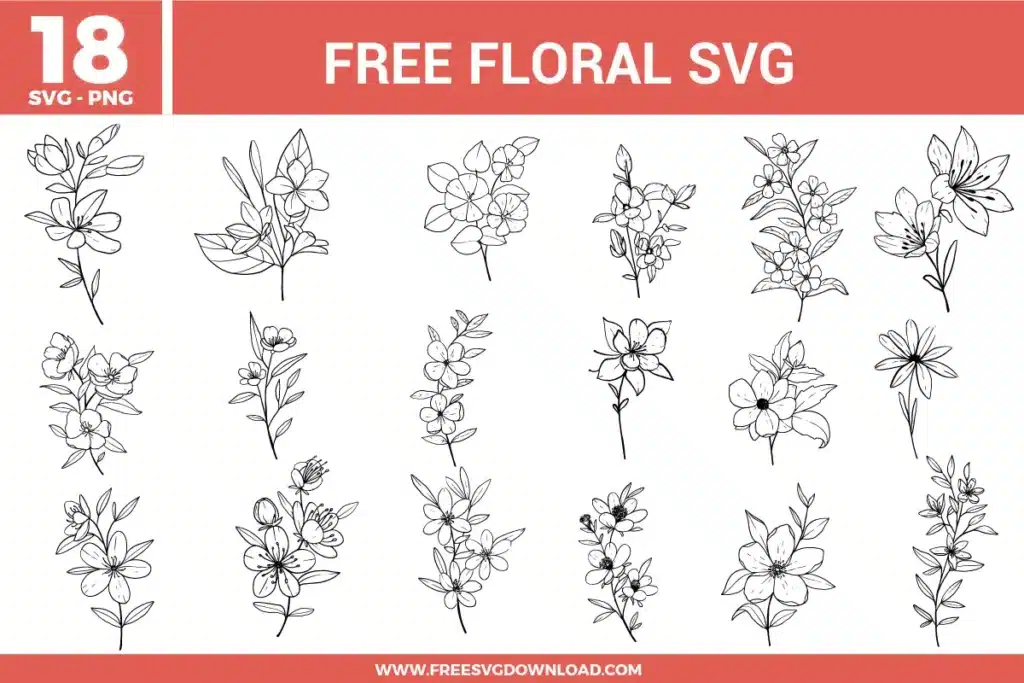
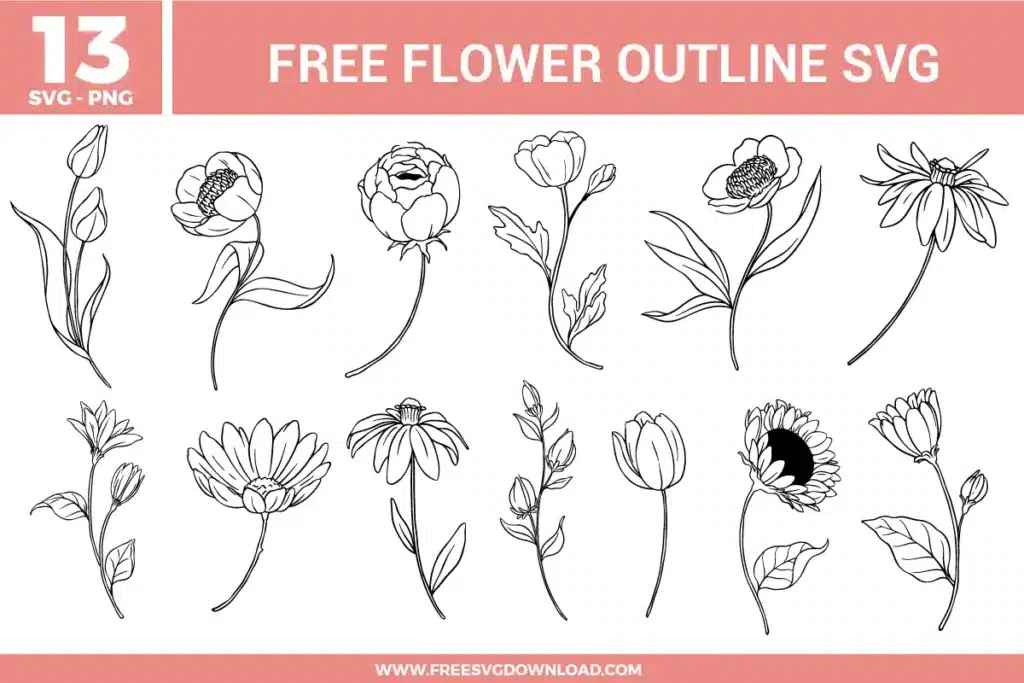
These Bouquet Flower SVG files are part of our Flower SVG category, where we organize all Floral designs in one place. This category includes a wide range of whimsical, bold, and vibrant SVG files created for heat transfer, vinyl decals, and sublimation.
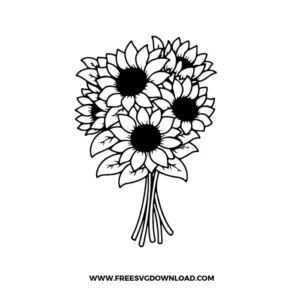
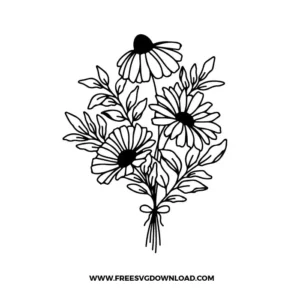
Because the sunflower bouquet contains many small, overlapping petal paths, use a fresh Fine-Point Blade. On your cutting machine, select “Premium Vinyl” with “More” pressure. This ensures the blade cuts through the adhesive layer cleanly at every intersection, making the weeding process for the center of the flowers much easier.
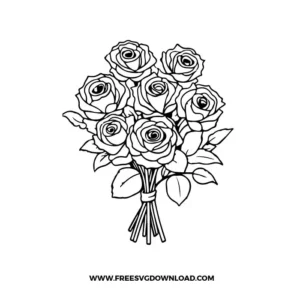
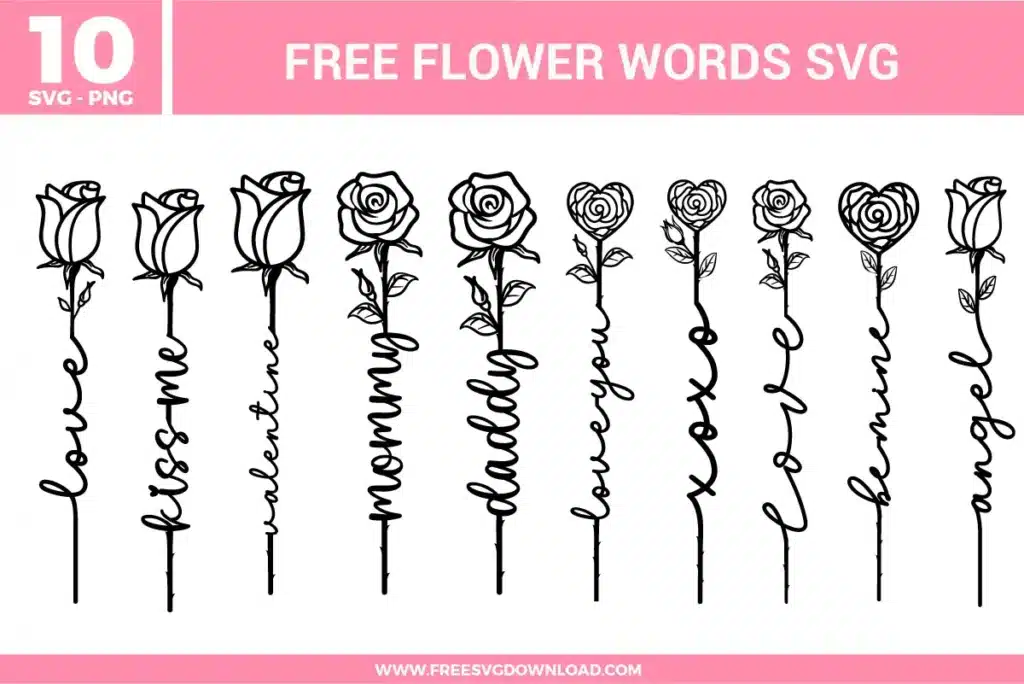
For the rose and sunflower bouquets, you must use “Weld” if you want the design to cut as a single, solid piece. If you only use “Attach,” the machine will cut the outline of every individual flower into the ones behind it, resulting in a pile of scraps. Welding creates a unified silhouette that maintains the structural integrity of the entire bouquet.
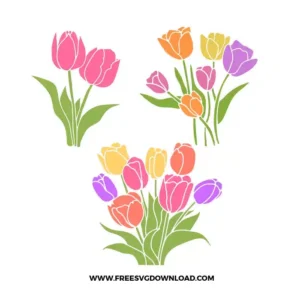
Since this bundle includes colored tulip graphics, they are perfect for sublimation. Print using sublimation ink and press onto a high-polyester garment or coated ceramic at 400°F for 60 seconds. Use medium pressure and ensure you have a blowout sheet inside the shirt to prevent the vibrant pink and purple inks from bleeding through to the back.
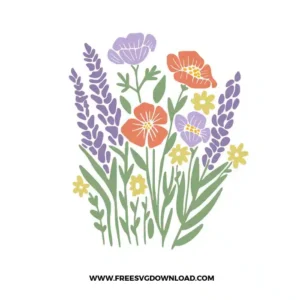
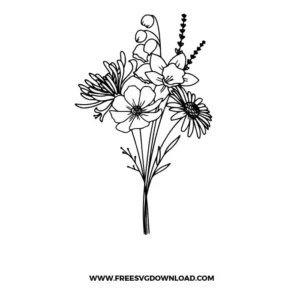
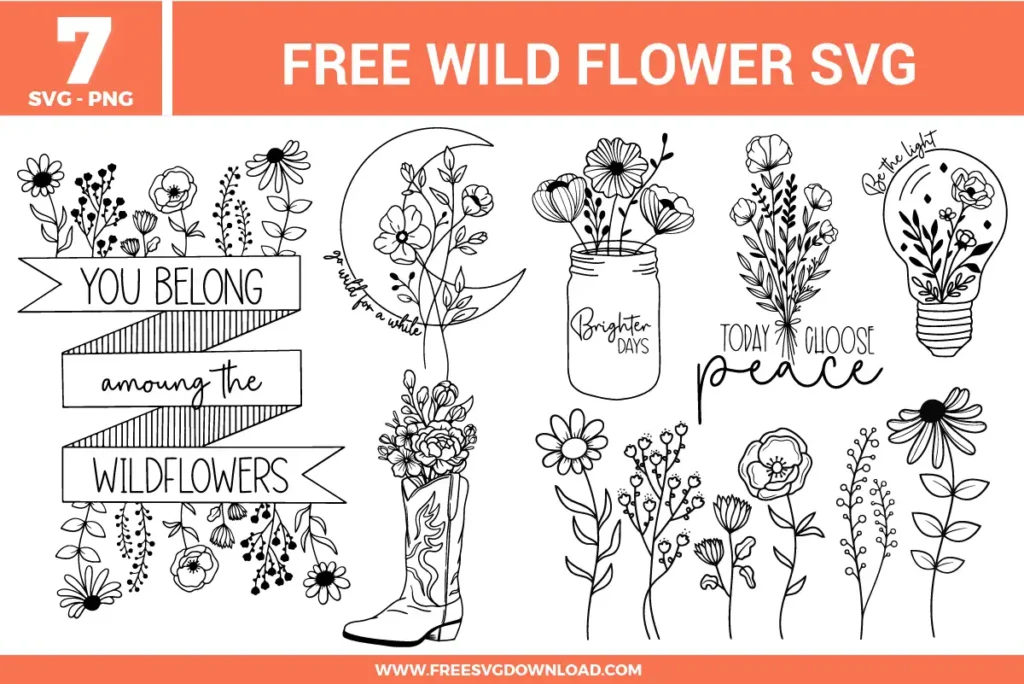
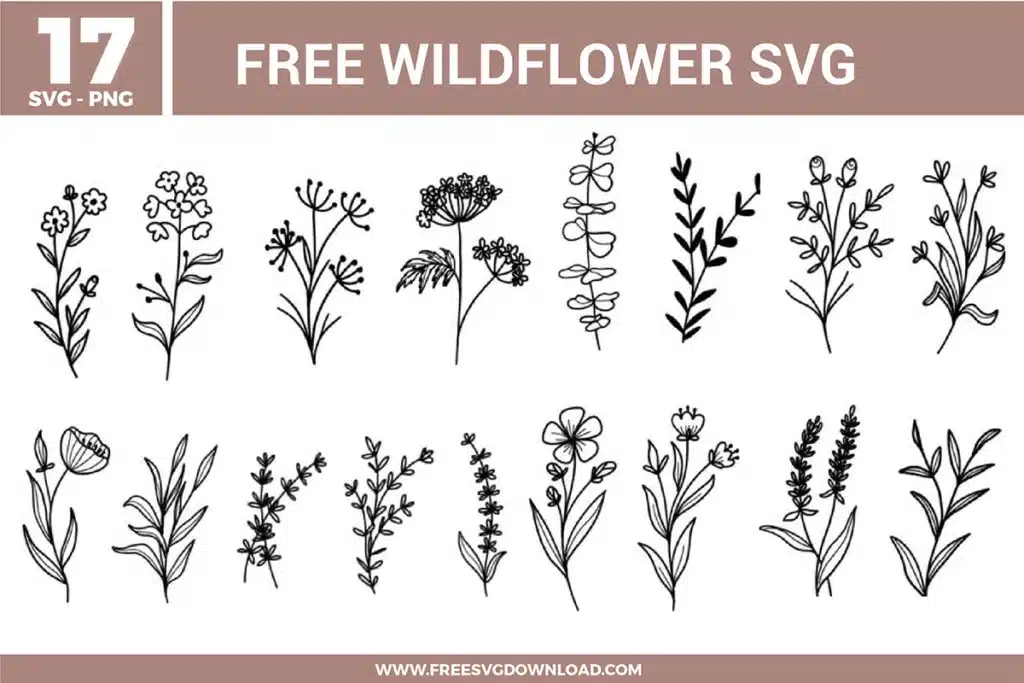
Yes, applying a 0.1-inch “Offset” is a great way to make these bouquets more durable as stickers. It creates a solid white or colored background layer that supports the thin line art of the stems. This is especially helpful for the wildflower bouquet, where the individual stems might be too delicate to survive being peeled without a backing.
Hand-drawn rose designs often contain hundreds of tiny nodes to capture the detail of the petals. Using the “Simplify” tool reduces these points, which prevents your cutting machine from “stuttering.” This results in a faster cut time and much smoother, more professional curves on the intricate rose petals.
These Bouquet Flower SVG files are provided for personal use only, and resale or redistribution of the designs is not permitted. You are welcome to explore more free SVG designs across our website, including a wide range of themed and character-based collections.
If you experience any issues with downloading or using the files, feel free to reach out through our contact page and we will be happy to help. We also appreciate feedback from our community, so you’re welcome to leave a review below and share your experience.
For professionally curated bundles and extended design sets, you can also browse our premium SVG collections in our official store. Thank you for crafting with Free SVG Download, and enjoy creating your projects.