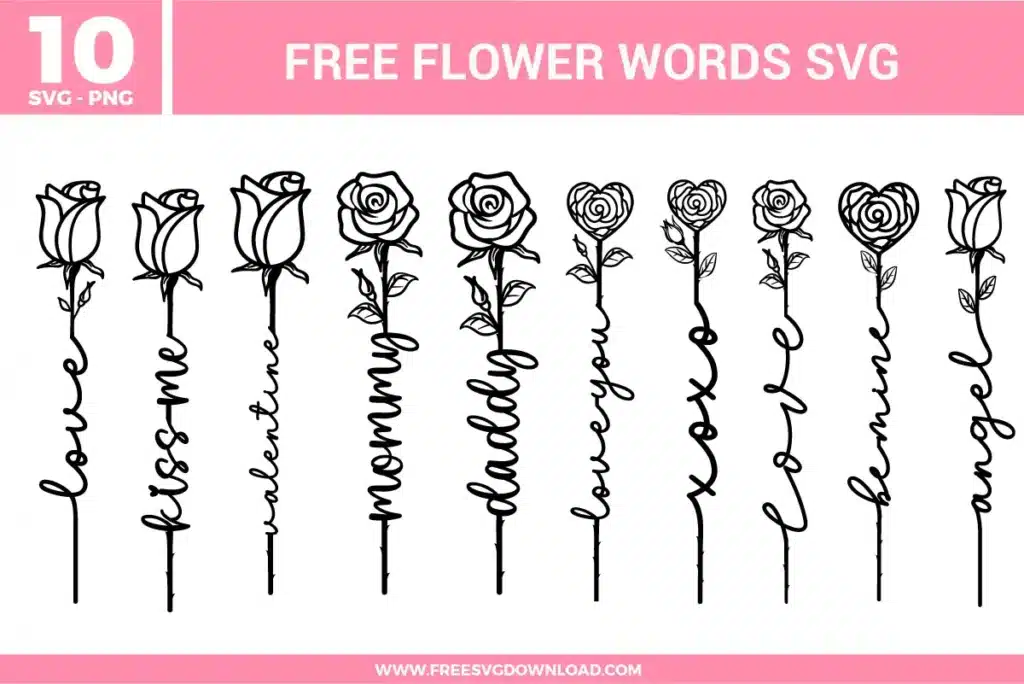
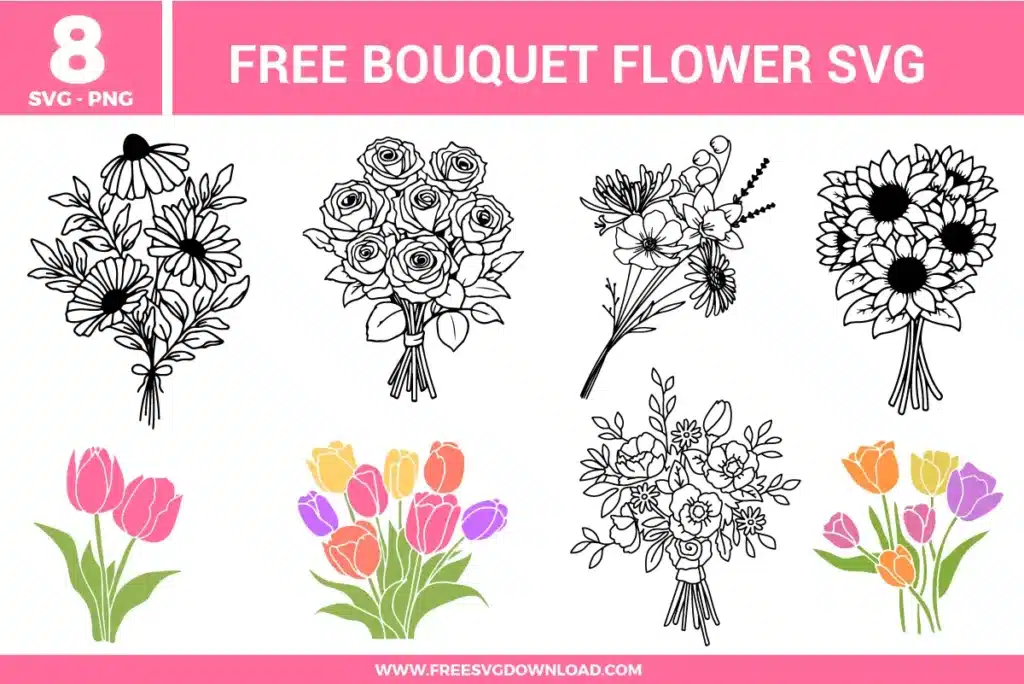
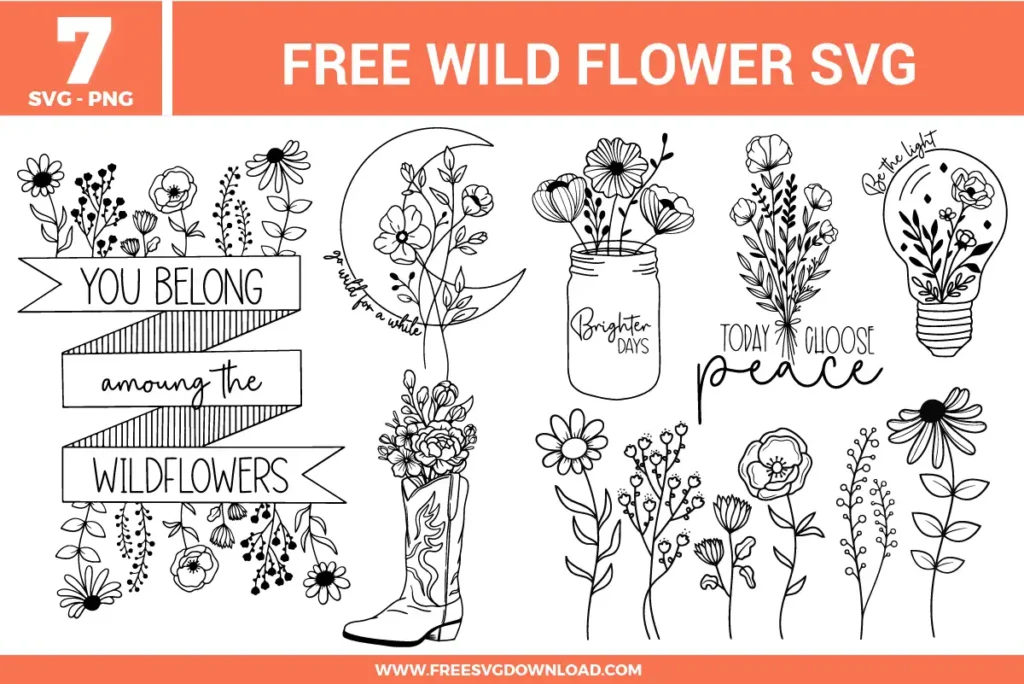
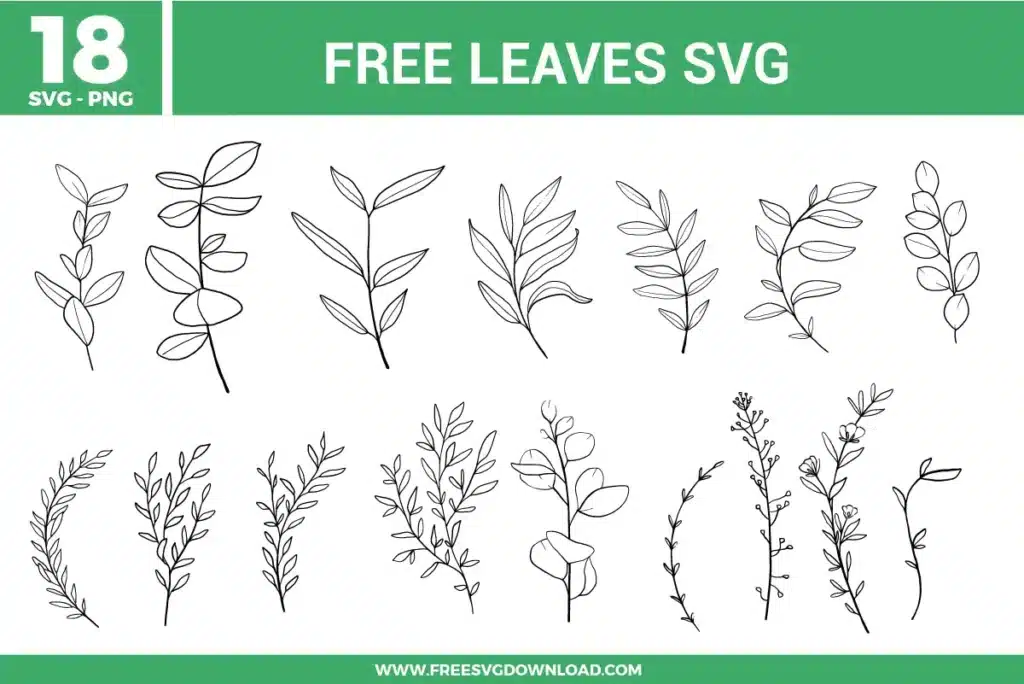
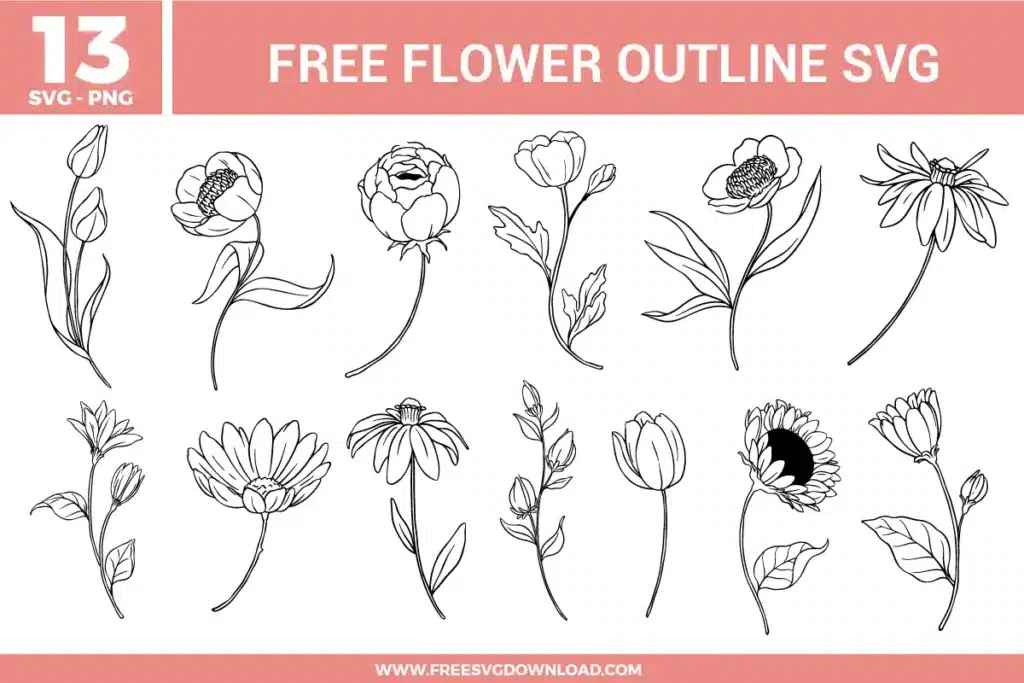
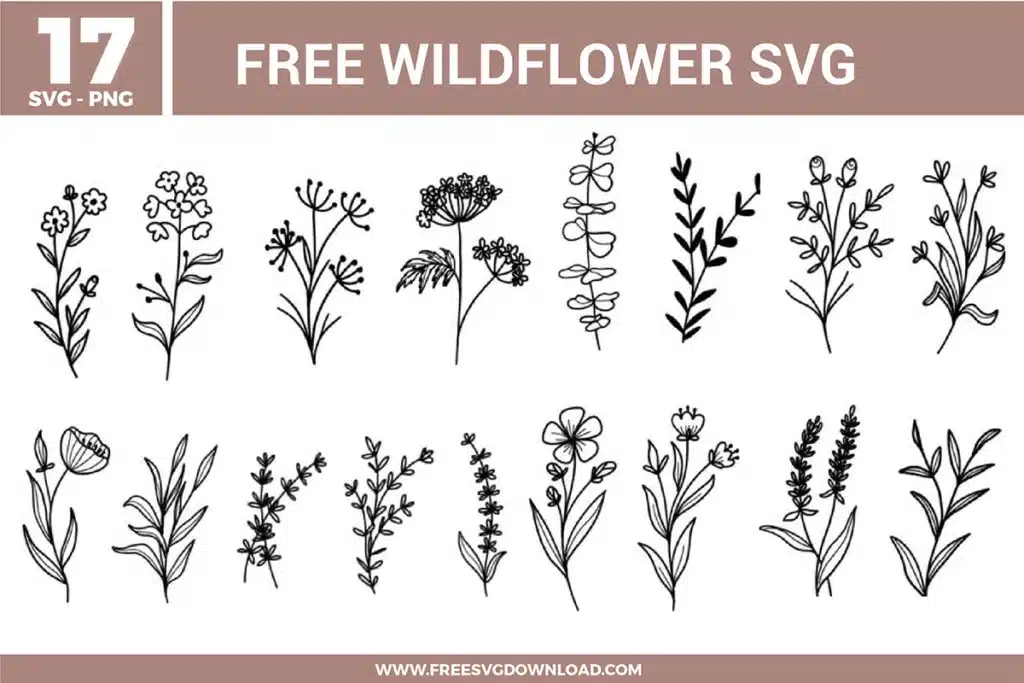
Collection Technical Data |
|
|---|---|
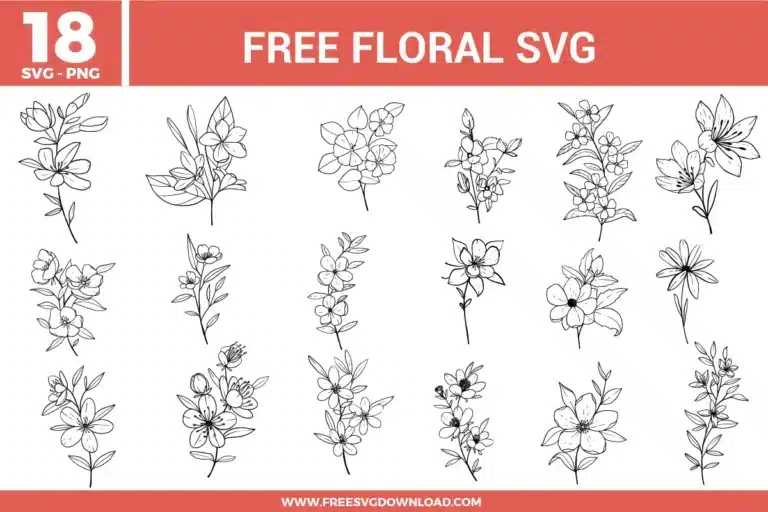
| Total Designs | 18 Items (See grid below) |
| Primary File Type | Scalable Vector Graphics (.svg) |
| Secondary Formats | High-Res PNG (300 DPI) |
| Compatibility Tested | Cricut Design Space, Silhouette Studio, Brother ScanNCut |
| Best For | Etched Glassware, Botanical Stickers, Minimalist Tote Bags, Spring Stationery. (Vinyl & HTV) |
| License Type | Personal Use Only |
| Cut Complexity | Beginner (Easy Weeding) |
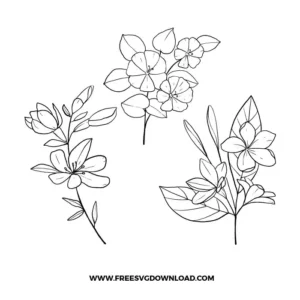
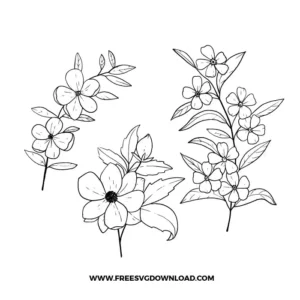
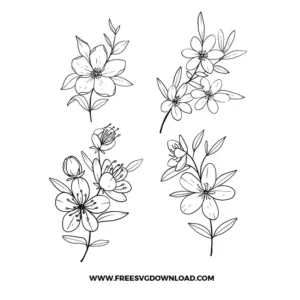
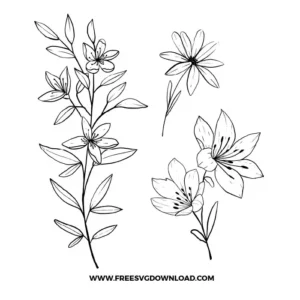
These Floral SVG files are part of our Flower SVG category, where we organize all Botanical designs in one place. This category includes a wide range of organic, airy, and graceful SVG files created for vinyl decals, heat transfer, and paper crafts.
For delicate botanical line art, use a sharp weeding tool and work from the inside of the petals outward. If the lines are lifting, try the “Box Weeding” method: cut a small rectangle around each individual flower before weeding. This limits the tension on the vinyl and prevents a large piece of excess material from pulling up your intricate floral stems.
To make these thin-line flowers sturdy enough for a cake topper, apply a 0.125-inch “Outset” or “Offset” in your software. This creates a solid backing layer. You can cut the floral detail in a dark cardstock and the offset layer in a glitter or complementary color to provide structural integrity and a professional look.
Use the Fine-Point Blade with the “Cardstock (for intricate cuts)” setting. This setting defaults to a 2-pass cut with lower pressure, which is much more effective for small floral details than a single high-pressure pass, as it prevents the paper from tearing or bunching up around the blade.
Yes, but since these are line-art SVGs, you should first “Offset” or fill the paths with color in a program like Photoshop or Canva. Once filled, print them using a sublimation printer and heat-resistant tape. Press at 400°F for 180-240 seconds for a permanent, vibrant floral design that won’t peel or fade.
If a branch design has overlapping leaves and stems, you should use “Weld” to create one single cut path. If the elements are close but not touching, “Attach” is sufficient to hold their placement. Using “Weld” on overlapping lines ensures your machine doesn’t cut through the middle of a leaf where it meets the stem.
These Floral SVG files are provided for personal use only, and resale or redistribution of the designs is not permitted. You are welcome to explore more free SVG designs across our website, including a wide range of themed and character-based collections.
If you experience any issues with downloading or using the files, feel free to reach out through our contact page and we will be happy to help. We also appreciate feedback from our community, so you’re welcome to leave a review below and share your experience.
For professionally curated bundles and extended design sets, you can also browse our premium SVG collections in our official store. Thank you for crafting with Free SVG Download, and enjoy creating your projects.