Home » Tv Shows - Movies » Snoopy Free SVG Files
Collection Technical Data |
|
|---|---|
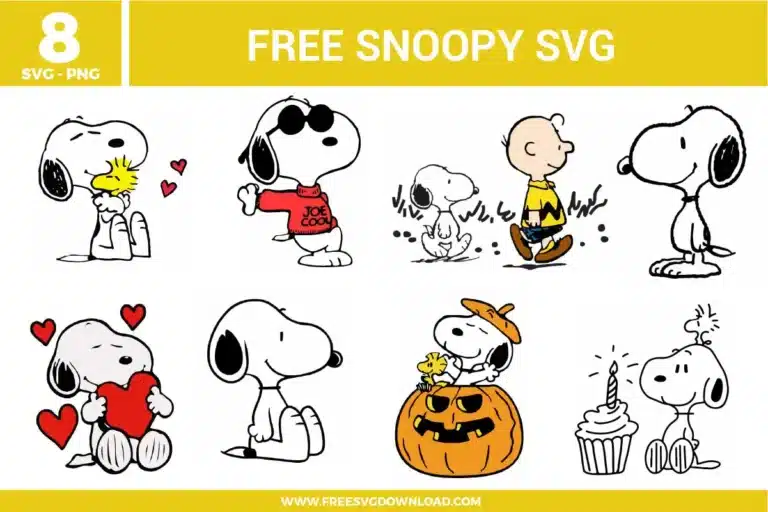
| Total Designs | 8 Items (See grid below) |
| Primary File Type | Scalable Vector Graphics (.svg) |
| Secondary Formats | High-Res PNG (300 DPI) |
| Compatibility Tested | Cricut Design Space, Silhouette Studio, Brother ScanNCut |
| Best For | Classic Comic Apparel, Custom Planner Stickers, Nostalgic Gift Tags, Holiday Party Decor. (Vinyl & HTV) |
| License Type | Personal Use Only |
| Cut Complexity | Intermediate (Multi-Layer) |
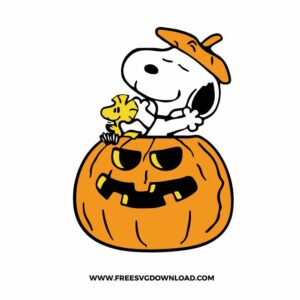
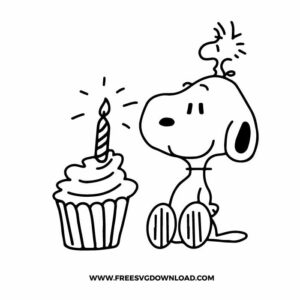
These Snoopy SVG files are part of our TV Shows and Movies SVG category, where we organize all character-inspired designs from popular shows and movies in one place. This category includes a wide range of cute, nostalgic, and playful SVG files created for apparel, party decor, and DIY crafts.
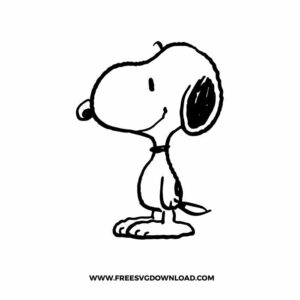
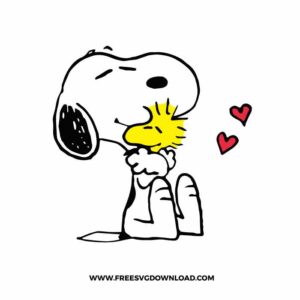
To prevent the vinyl from dragging on these iconic thin lines, use a Premium Fine Point Blade and the “More” pressure setting. Ensure your mat is clean and sticky; if the vinyl lifts even slightly during the cut, the blade will snag the outline. Lowering your speed to 2 or 3 is highly recommended for the smaller details like Woodstock’s feathers.
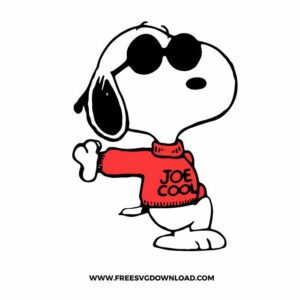
Use the “Knockout” method to avoid bulk. Instead of placing the red sweater on top of a solid white Snoopy, slice the sweater shape out of the white layer. This allows the red HTV to bond directly to the fabric, resulting in a professional, flat finish that is much more resistant to peeling and cracking over time.
Yes, the jagged zigzag pattern can sometimes have unnecessary nodes that make the cutting machine “stutter.” Using the Simplify tool reduces these points, creating a smoother path for the blade. This leads to faster cutting times and a much sharper, cleaner zigzag point on your heat transfer vinyl.
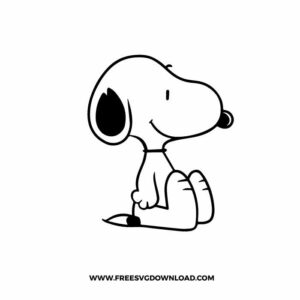
For outdoor use, always choose a high-quality Permanent Adhesive Vinyl (like Oracal 651). Clean the glass with 70% isopropyl alcohol before application. Because Snoopy’s design relies on thin black lines, use the “Reverse Weeding” technique to ensure the small facial features stay attached to the transfer tape during the process.
Use the “Attach” tool to keep the red hearts in their exact position relative to Snoopy while maintaining separate mats for the different colors. You should only “Weld” if you have overlapping hearts of the same color and want them to cut as one single, continuous shape without internal cut lines.
These Snoopy SVG files are provided for personal use only, and resale or redistribution of the designs is not permitted. You are welcome to explore more free SVG designs across our website, including a wide range of themed and character-based collections.
If you experience any issues with downloading or using the files, feel free to reach out through our contact page and we will be happy to help. We also appreciate feedback from our community, so you’re welcome to leave a review below and share your experience.
For professionally curated bundles and extended design sets, you can also browse our premium SVG collections in our official store. Thank you for crafting with Free SVG Download, and enjoy creating your projects.