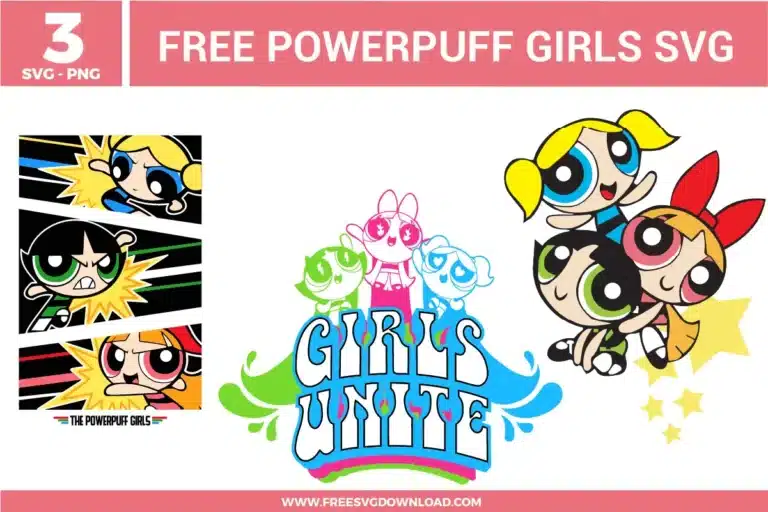
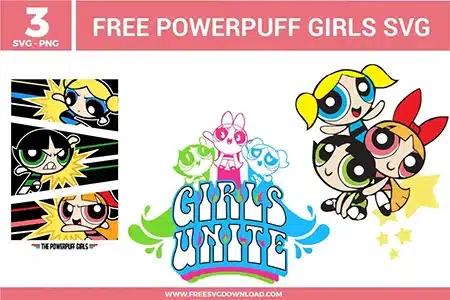
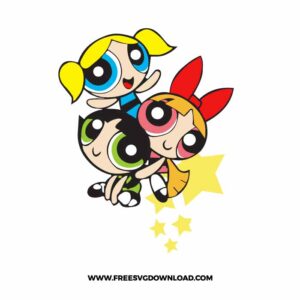
Home » Tv Shows - Movies » Powerpuff Girls Free SVG Files
Collection Technical Data |
|
|---|---|
| Total Designs | 3 Items (See grid below) |
| Primary File Type | Scalable Vector Graphics (.svg) |
| Secondary Formats | High-Res PNG (300 DPI) |
| Compatibility Tested | Cricut Design Space, Silhouette Studio, Brother ScanNCut |
| Best For | Retro Lunch Boxes, Nostalgic Girl Apparel, Custom Sticker Packs, Superhero Room Decor. (Vinyl & HTV) |
| License Type | Personal Use Only |
| Cut Complexity | Intermediate (Multi-Layer) |
These Powerpuff Girls SVG files are part of our TV Shows and Movies SVG category, where we organize all character-inspired designs from popular shows and movies in one place. This category includes a wide range of colorful, playful, and girl-powered SVG files created for apparel, party decor, and DIY crafts.
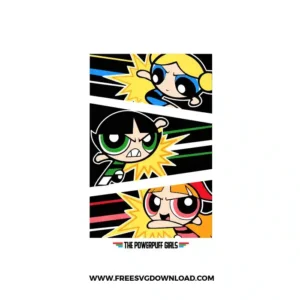
To ensure perfect alignment, use the “Registration Mark” technique. Place a small square in the same position on every color layer in your software. When cutting, these squares will help you line up the pink, blue, and green layers perfectly over the black base, preventing any “peeking” of the garment color between character features.
Intricate outlines require a “More” pressure setting and a clean Premium Fine Point Blade. If you are using adhesive vinyl, try “Reverse Weeding.” Apply your transfer tape to the entire uncut design first, then peel the backing away. This keeps the thin black borders locked in place so they don’t shift or stretch during the weeding process.
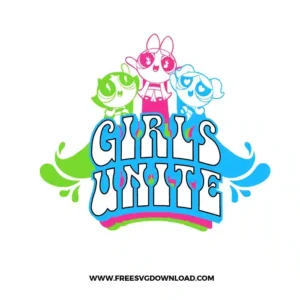
Absolutely. Retro script fonts often have high node counts that can cause your cutting machine to “jitter.” Using the Simplify tool reduces the number of points along the curves of the letters. This results in a much smoother cut and prevents the blade from tearing the vinyl at tight intersections.
For standard HTV on cotton, set your press to 305°F. Use a “2-second tack press” for the bottom layers to prevent the vinyl from shrinking. Only the final top layer should receive the full 15-second press. This ensures all layers stay perfectly aligned without ghosting or melting the lower colors.
You should use the “Attach” tool if you want the stars to stay in their specific positions relative to the girls but need to save space on your vinyl mat. Use “Weld” only if the stars are overlapping another shape of the same color and you want them to cut as one continuous piece.
These Powerpuff Girls SVG files are provided for personal use only, and resale or redistribution of the designs is not permitted. You are welcome to explore more free SVG designs across our website, including a wide range of themed and character-based collections.
If you experience any issues with downloading or using the files, feel free to reach out through our contact page and we will be happy to help. We also appreciate feedback from our community, so you’re welcome to leave a review below and share your experience.
For professionally curated bundles and extended design sets, you can also browse our premium SVG collections in our official store. Thank you for crafting with Free SVG Download, and enjoy creating your projects.