Home » Tv Shows - Movies » Bratz Free SVG Files
Collection Technical Data |
|
|---|---|
| Total Designs | 2 Items (See grid below) |
| Primary File Type | Scalable Vector Graphics (.svg) |
| Secondary Formats | High-Res PNG (300 DPI) |
| Compatibility Tested | Cricut Design Space, Silhouette Studio, Brother ScanNCut |
| Best For | Y2K Fashion Apparel, Retro Laptop Skins, Custom Makeup Bags, Nostalgic Room Decor. (Vinyl & HTV) |
| License Type | Personal Use Only |
| Cut Complexity | Intermediate (Multi-Layer) |
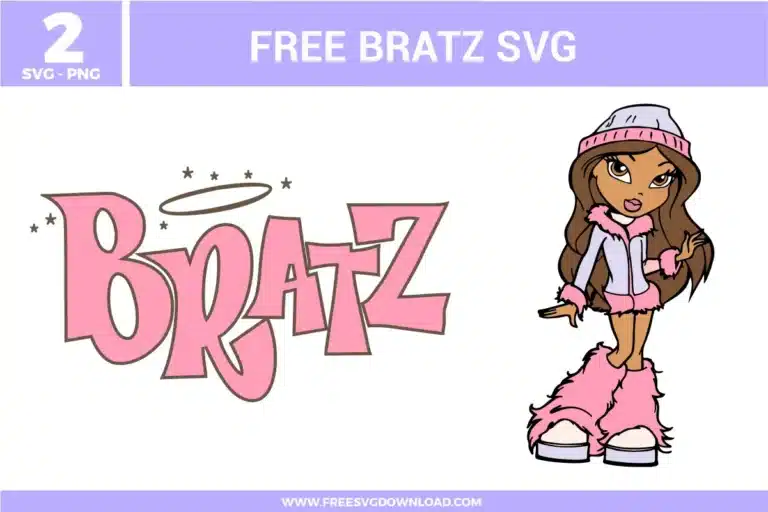
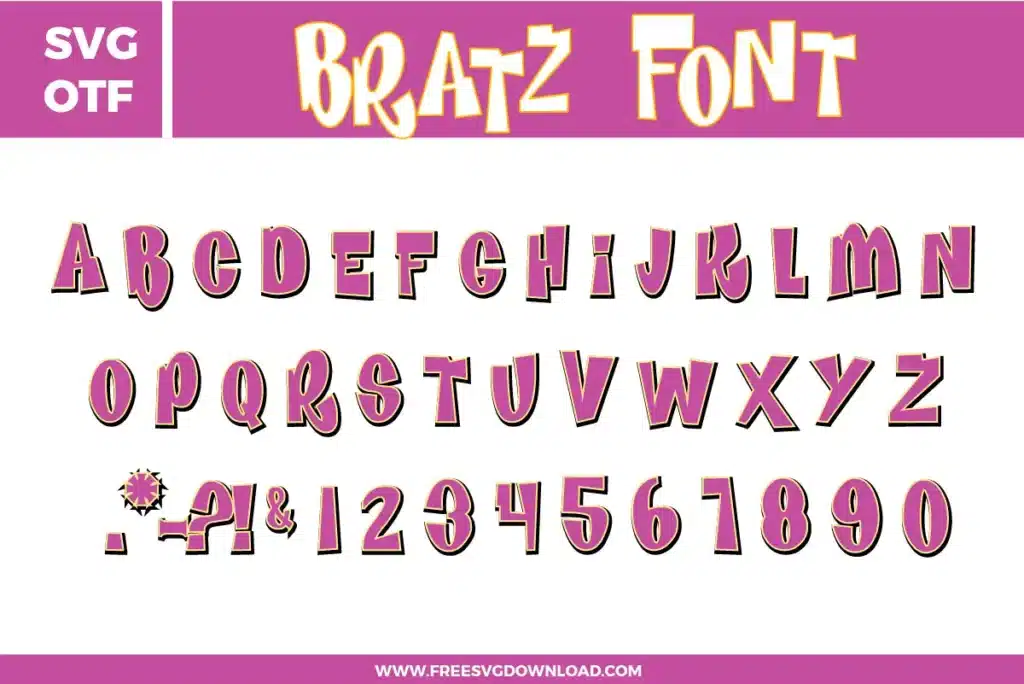
These Bratz SVG files are part of our TV Shows and Movies SVG category, where we organize all character-inspired designs from popular shows and movies in one place. This category includes a wide range of trendy, stylish, and fashion-focused SVG files created for apparel, party decor, and DIY crafts.
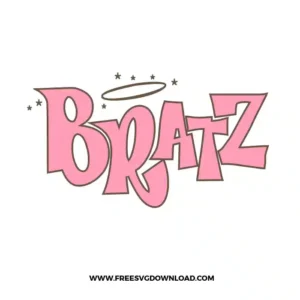
For small, sharp elements like the stars and the halo rings, use a Premium Fine Point Blade with the “More” pressure setting. If you encounter snagging, increase your “Line Overcut” to 0.1mm. This allows the blade to travel slightly past each point, ensuring the small shapes are fully released from the vinyl sheet.
To avoid a thick, bulky feel on clothing, use the “Slice” or “Knockout” tool in your design software. This creates a hole in the black base layer where the pink vinyl sits, allowing both colors to touch the fabric directly. This improves durability and prevents the top layer from peeling after multiple washes.
Glitter HTV is thicker than standard vinyl. Set your heat press to 320°F and apply firm pressure for 15 seconds. Unlike standard vinyl, most glitter brands are “Hot Peel,” meaning you should remove the clear carrier sheet immediately while the garment is still hot to get the best finish.
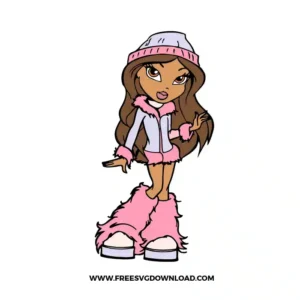
Yes, the detailed hair and fur on the boots contain many nodes. Using the “Simplify” tool will reduce these points without losing the signature Bratz aesthetic. Fewer nodes mean your machine won’t “stutter” during the cut, resulting in smoother curves and a faster overall cutting time.
For high-quality stickers, use Printable Vinyl paired with a clear UV-resistant laminate sheet. After printing the Bratz character, apply the laminate before using the “Print Then Cut” feature on your Cricut or Silhouette. This protects the pink ink from fading and makes the sticker scratch-proof and water-resistant.
These Bratz SVG files are provided for personal use only, and resale or redistribution of the designs is not permitted. You are welcome to explore more free SVG designs across our website, including a wide range of themed and character-based collections.
If you experience any issues with downloading or using the files, feel free to reach out through our contact page and we will be happy to help. We also appreciate feedback from our community, so you’re welcome to leave a review below and share your experience.
For professionally curated bundles and extended design sets, you can also browse our premium SVG collections in our official store. Thank you for crafting with Free SVG Download, and enjoy creating your projects.