Home » Tv Shows - Movies » Blues Clues Free SVG Files
Collection Technical Data |
|
|---|---|
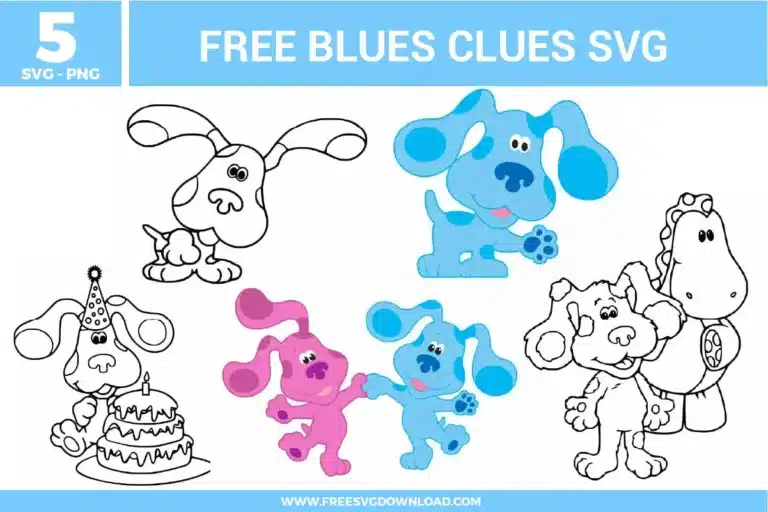
| Total Designs | 5 Items (See grid below) |
| Primary File Type | Scalable Vector Graphics (.svg) |
| Secondary Formats | High-Res PNG (300 DPI) |
| Compatibility Tested | Cricut Design Space, Silhouette Studio, Brother ScanNCut |
| Best For | Toddler Birthday Shirts, Nursery Wall Decals, Custom Lunch Boxes, Educational Play Mats. (Vinyl & HTV) |
| License Type | Personal Use Only |
| Cut Complexity | Intermediate (Multi-Layer) |
These Blues Clues SVG files are part of our TV Shows and Movies SVG category, where we organize all character-inspired designs from popular shows and movies in one place. This category includes a wide range of playful, colorful, and kid-friendly SVG files created for apparel, party decor, and DIY crafts.
To achieve a professional finish on apparel, use the “Knockout” method in your design software. Slice the character’s facial features and spots out of the main body layer so the vinyl sits flush on the fabric. This prevents a thick, bulky feel and ensures the adhesive bonds directly to the garment fibers rather than stacking layers which can lead to peeling.
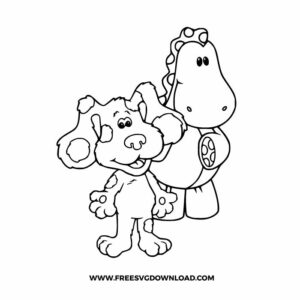
For detailed line art like the dinosaur outline, use a Premium Fine Point Blade with the “More” pressure setting. If you are using a Silhouette, enable “Line Overcut” (0.1mm) to ensure the blade finishes every corner of the character’s ears and paws cleanly without snagging the material.
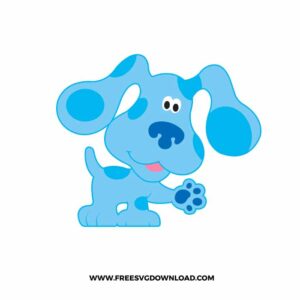
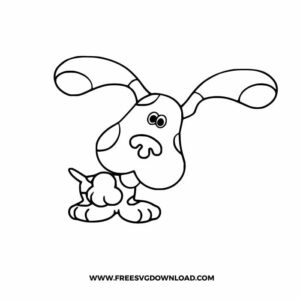
Yes, if your machine is “stuttering” during the rounded curves of Blue’s ears, use the Simplify tool to reduce the node count. This streamlines the cutting path, resulting in smoother circles for the spots and faster overall cutting time without losing the iconic character shape.
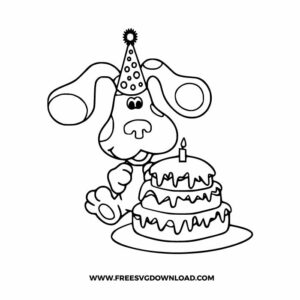
For standard HTV on cotton, set your press to 305°F and apply firm pressure for 15 seconds. If you are doing a multi-color design (like Blue with her cake), use a “2-second tack press” for the bottom layers. Only do the full 15-second press once the final layer is in place to prevent the vinyl from shrinking and misaligning.
Use the “Attach” tool to keep the candle and cake layers in their correct spatial arrangement while maintaining separate mats for the different colors. Use “Weld” only if you want to join two overlapping shapes of the same color into one single cut path, such as merging the cake layers into one solid base.
These Blues Clues SVG files are provided for personal use only, and resale or redistribution of the designs is not permitted. You are welcome to explore more free SVG designs across our website, including a wide range of themed and character-based collections.
If you experience any issues with downloading or using the files, feel free to reach out through our contact page and we will be happy to help. We also appreciate feedback from our community, so you’re welcome to leave a review below and share your experience.
For professionally curated bundles and extended design sets, you can also browse our premium SVG collections in our official store. Thank you for crafting with Free SVG Download, and enjoy creating your projects.