Collection Technical Data |
|
|---|---|
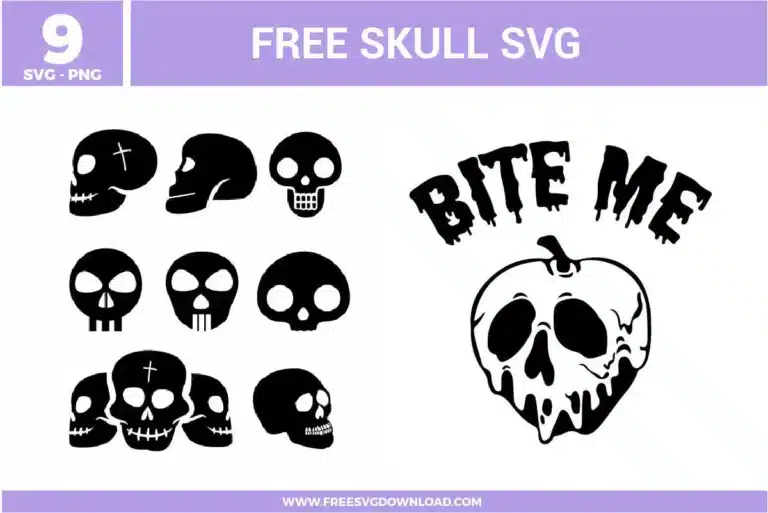
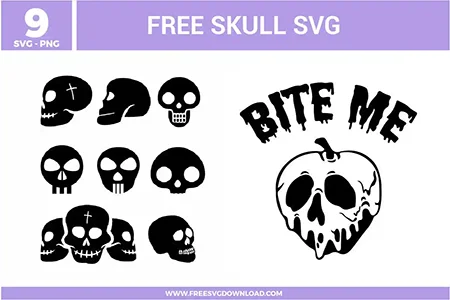
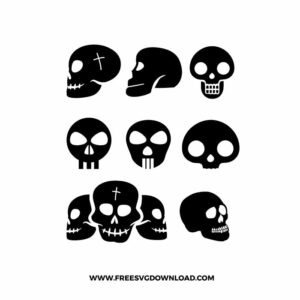
| Total Designs | 10 Items (See grid below) |
| Primary File Type | Scalable Vector Graphics (.svg) |
| Secondary Formats | High-Res PNG (300 DPI) |
| Compatibility Tested | Cricut Design Space, Silhouette Studio, Brother ScanNCut |
| Best For | Edgy Apparel Prints, Laptop Skin Decals, DIY Coffee Mugs, Gothic Journal Stickers. (Vinyl & HTV) |
| License Type | Personal Use Only |
| Cut Complexity | Beginner (Easy Weeding) |
These Skull SVG files are part of our Halloween SVG category, where we organize all spooky designs in one place. This category includes a wide range of whimsical, eerie, and macabre SVG files created for sublimation, heat transfer, and trick-or-treat bags.
To keep the fine drips from peeling, ensure your blade is sharp and use a slower speed setting. If you are applying to a hard surface, clean the area with isopropyl alcohol first to remove oils, which helps the tiny points of the vinyl drips adhere securely to the substrate.
Use the ‘Offset’ tool to create a background layer (perhaps in lime green or red) slightly larger than the black skull detail. Cut the black layer out of standard HTV and the background out of a contrasting color. When pressing, apply the bottom layer first for 5 seconds, then the black skull for the full time.
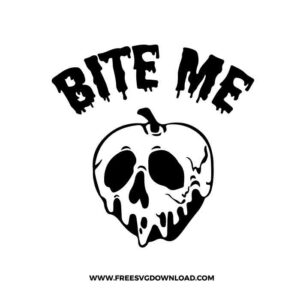
Glitter HTV is thicker and excellent for hiding fabric texture on heavy cotton tees, but it requires a higher ‘Force’ setting. Holographic vinyl provides a smooth, ‘oil-slick’ finish that looks great on the ‘Bite Me’ design, but it is less flexible, so avoid placing it over seams or high-stretch areas.
If the lines appear jagged, use the ‘Path Simplification’ tool in your vector software. This reduces unnecessary nodes created during the scanning or conversion process, resulting in smoother curves and a much faster cut time for your Cricut or Silhouette machine.
Use ‘Weld’ if you want the three skulls to become one single continuous piece of vinyl with no overlapping interior cuts. Use ‘Attach’ if you want them to stay in that specific position on your mat but prefer the machine to cut each skull outline individually, which is useful if you plan to use different scraps of vinyl.
These Skull SVG files are provided for personal use only, and resale or redistribution of the designs is not permitted. You are welcome to explore more free SVG designs across our website, including a wide range of themed and character-based collections.
If you experience any issues with downloading or using the files, feel free to reach out through our contact page and we will be happy to help. We also appreciate feedback from our community, so you’re welcome to leave a review below and share your experience.
For professionally curated bundles and extended design sets, you can also browse our premium SVG collections in our official store. Thank you for crafting with Free SVG Download, and enjoy creating your projects.