Collection Technical Data |
|
|---|---|
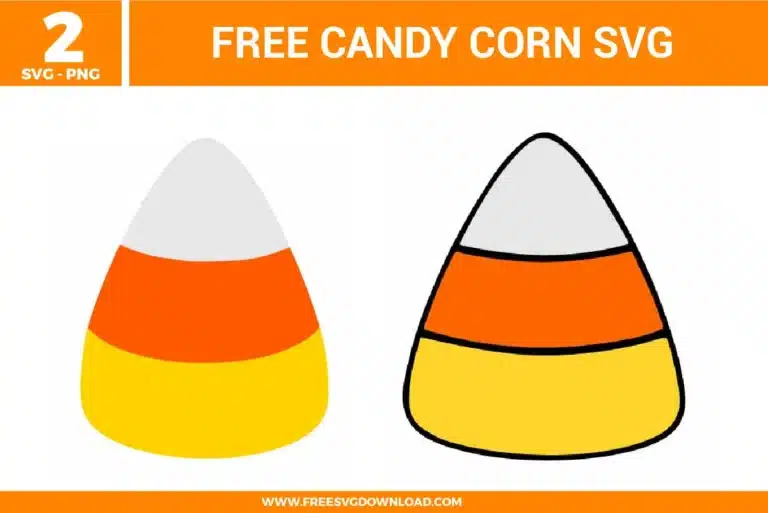
| Total Designs | 2 Items (See grid below) |
| Primary File Type | Scalable Vector Graphics (.svg) |
| Secondary Formats | High-Res PNG (300 DPI) |
| Compatibility Tested | Cricut Design Space, Silhouette Studio, Brother ScanNCut |
| Best For | Party Favors, Scrapbook Accents, Table Scatters, Window Clings. (Vinyl & HTV) |
| License Type | Personal Use Only |
| Cut Complexity | Beginner (Easy Weeding) |
These Candy Corn SVG files are part of our Halloween SVG category, where we organize all spooky and seasonal designs in one place. This category includes a wide range of festive, simple, and candy-themed SVG files created for apparel, decorations, and DIY crafts.
Select your candy corn design and apply an Offset of 0.10 inches. This creates a slightly larger shape behind the design. Change this layer to white and use the “Flatten” tool in Cricut Design Space. This ensures that when you use Print-then-Cut, the blade cuts around the white border rather than the individual orange and yellow layers.
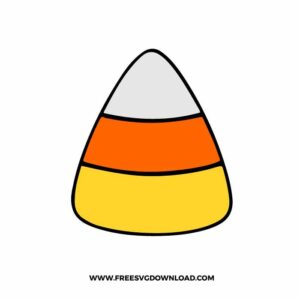
To minimize bulk and ensure a flat finish, press the yellow base first for 2-3 seconds, then the orange middle, and finally the white top. If you are using the outlined version, press the black outline last as your “registration” layer. This hides any slight shrinkage that may have occurred during the previous heat cycles.
If you want the candy corn to be flush in a paper banner, place the orange and white layers over the yellow base. Select the orange layer and the yellow base and click “Slice.” Delete the hidden yellow piece. Repeat for the white section. This creates a “puzzle” fit where the colors sit inside each other rather than stacking, keeping your project lightweight.
Open the design in your Node Editor and look for any overlapping anchor points at the very tip of the candy corn. Use the “Simplify” or “Smooth” command to reduce node density. Fewer nodes on a curve allow the cutting blade to move in one fluid motion, preventing the jagged “chatter” marks often seen on small rounded cuts.
Since candy corn colors (especially yellow and orange) can fade in direct sunlight, use a “Premium Permanent” vinyl with UV inhibitors. For plastic buckets, wipe the surface with 70% isopropyl alcohol first. This removes any manufacturing oils, allowing the acrylic-based adhesive to form a stronger mechanical bond with the plastic.
These Candy Corn SVG files are provided for personal use only, and resale or redistribution of the designs is not permitted. You are welcome to explore more free SVG designs across our website, including a wide range of themed and character-based collections.
If you experience any issues with downloading or using the files, feel free to reach out through our contact page and we will be happy to help. We also appreciate feedback from our community, so you’re welcome to leave a review below and share your experience.
For professionally curated bundles and extended design sets, you can also browse our premium SVG collections in our official store. Thank you for crafting with Free SVG Download, and enjoy creating your projects.