Simple Cross Free SVG Files

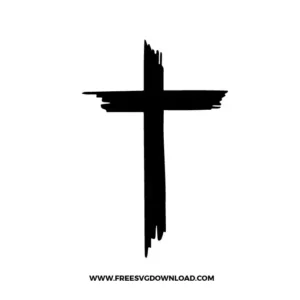
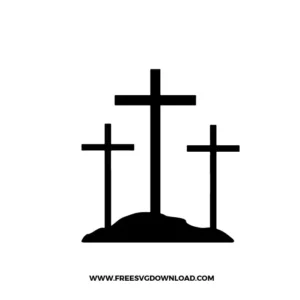
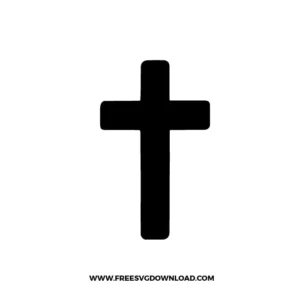
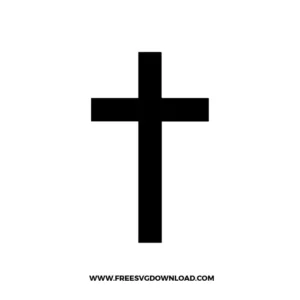
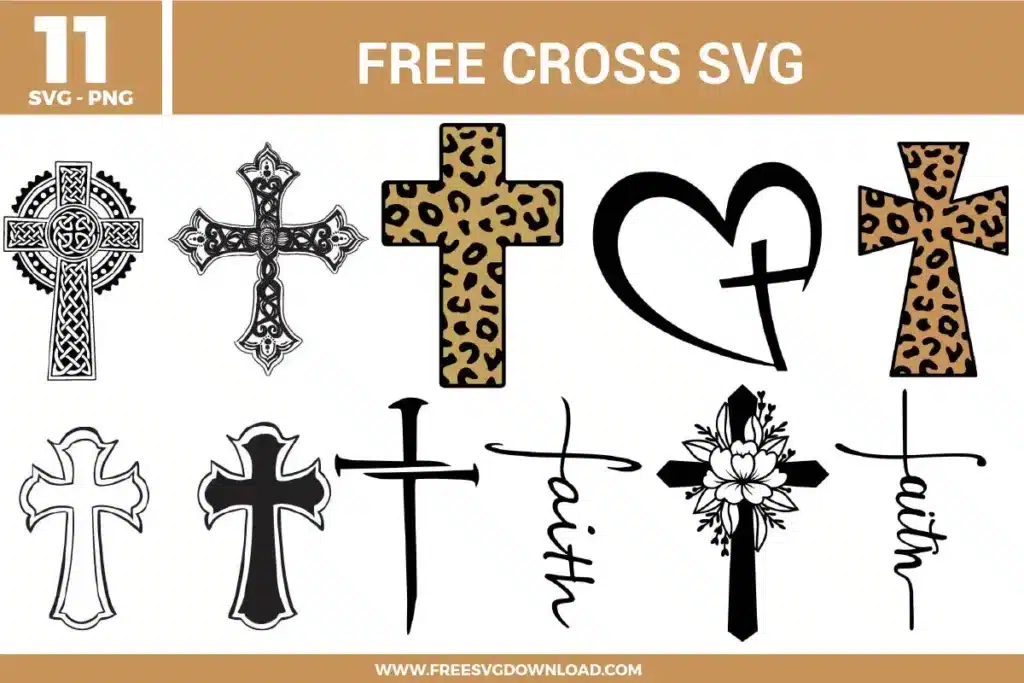
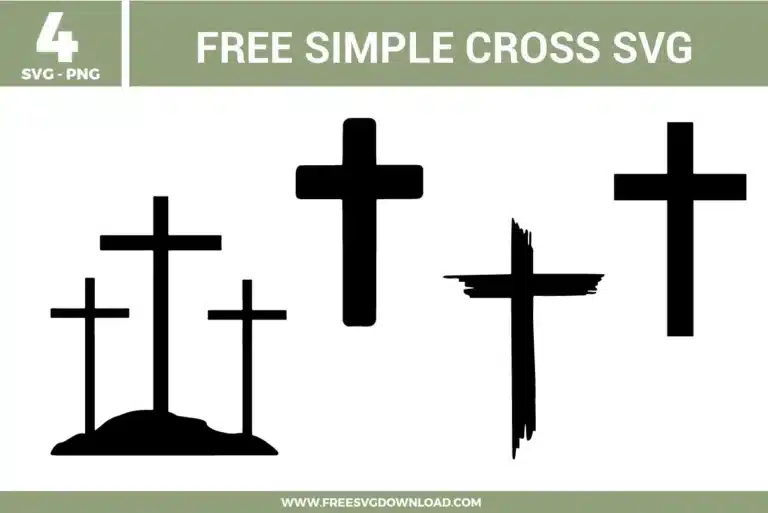
Simple Cross SVG bundle preview showing four black cross designs with a three-cross hill silhouette, bold rounded cross, brush-style cross, and clean classic cross artwork for Cricut and Silhouette.

Collection Technical Data

Total Designs 4 Items (See grid below)
Primary File Type Scalable Vector Graphics (.svg)
Secondary Formats High-Res PNG (300 DPI)
Compatibility Tested Cricut Design Space, Silhouette Studio, Brother ScanNCut
Best For Easter Crafts, Memorial Plaques, Church Decor, Wooden Crosses. (Vinyl & HTV)
License Type Personal Use Only
Cut Complexity Beginner (Easy Weeding)

Download Simple Cross SVG Bundle

Distressed Christian Cross

Distressed Christian Cross

  • Size: 16 KB
  • Format: SVG + PNG (300DPI - Transparent)
  • Layers: 1 Layer
  • License: Personal Use
  • Downloads: 503
3 Crosses

3 Crosses

  • Size: 12 KB
  • Format: SVG + PNG (300DPI - Transparent)
  • Layers: 1 Layer
  • License: Personal Use
  • Downloads: 328
Simple Cross

Simple Cross

  • Size: 7 KB
  • Format: SVG + PNG (300DPI - Transparent)
  • Layers: 1 Layer
  • License: Personal Use
  • Downloads: 274
Cross

Cross

  • Size: 2 KB
  • Format: SVG + PNG (300DPI - Transparent)
  • Layers: 1 Layer
  • License: Personal Use
  • Downloads: 391

Package Design Inventory

These Simple Cross SVG files are part of our Religion SVG category, where we organize faith-themed designs in one place. This category includes a wide range of Christian, cross-based, and inspirational SVG files created for apparel, stickers, and DIY craft projects.

Bundle Content:

  • Distressed Christian Cross SVG: A black cross uses rough brush-style edges and uneven vertical strokes, creating a bold faith symbol with a handmade distressed look. The single-color structure cuts quickly, while the textured edges should be sized carefully for smoother weeding and crisp vinyl results. It works well for faith shirts, wall decals, mugs, prayer journals, or church event crafts.
  • 3 Crosses SVG: Three black crosses stand on a small hill silhouette, with the taller center cross creating a clear Calvary-inspired composition. The one-layer design keeps cutting simple, while the clean vertical shapes and solid base make weeding easy for vinyl or cardstock projects. It is a strong choice for Easter shirts, church signs, sympathy cards, mugs, or faith-based wall art.
  • Simple Cross SVG: A rounded black cross uses thick vertical and horizontal bars, creating a clean minimal faith icon with strong readability. The solid one-color shape cuts fast and weeds easily, making it useful for small and large craft blanks. It works especially well for stickers, ornaments, shirts, mugs, Bible covers, or church group projects.
  • Cross SVG: A classic black cross uses straight block-style bars with a balanced upright shape, creating a simple Christian symbol with strong contrast. The single-layer format is beginner-friendly and supports clean cutting for vinyl, cardstock, or stencil projects. It works well for faith shirts, decals, cards, bookmarks, mugs, or religious gift tags.

You May Also Like

FAQ

How can I clean up or modify the rough, jagged edges on the brushstroke style cross vector?

Double-click the textured cross graphic to activate the node editing tool in your vector software. Select and delete any stray or overly dense clusters of vector anchor points along the distressed edges, then use the smooth handle tools to refine the contour for a cleaner mechanical cut.

Select the Calvary vector graphic on your canvas and open the Offset menu. Adjust the exterior spacing slider to roughly 0.08 or 0.10 inches, ensure the corner joint style is set to rounded, and select the option to weld the offset paths into a solid base silhouette.

Click the Attach tool if you want to lock the exact position and layout arrangement of the separate cross graphics on your cutting mat. Only choose Weld if the cross vector elements are physically overlapping and you want to melt them into a single continuous silhouette path.

Install a sharp fine-point blade and clean any debris from the housing. In your material settings, lower the tracking speed to 2 or 3 and apply a high-precision multi-pass cut profile, such as Cardstock for Intricate Cuts, to prevent the blade from dragging at the intersections.

Type your desired text and position it directly over the center of the solid cross layer. Select both the typography path and the cross vector silhouette simultaneously, then click the Slice tool in your layers panel and delete the text fragment shards to reveal the negative space cutout.

Usage & Support Notice

These Simple Cross SVG files are provided for personal use only, and resale or redistribution of the designs is not permitted. You are welcome to explore more free SVG designs across our website, including a wide range of themed and character-based collections.

If you experience any issues with downloading or using the files, feel free to reach out through our contact page and we will be happy to help. We also appreciate feedback from our community, so you’re welcome to leave a review below and share your experience.

For professionally curated bundles and extended design sets, you can also browse our premium SVG collections in our official store. Thank you for crafting with Free SVG Download, and enjoy creating your projects.
Leave a Reply

Your email address will not be published. Required fields are marked *

Free SVG Download