Collection Technical Data |
|
|---|---|
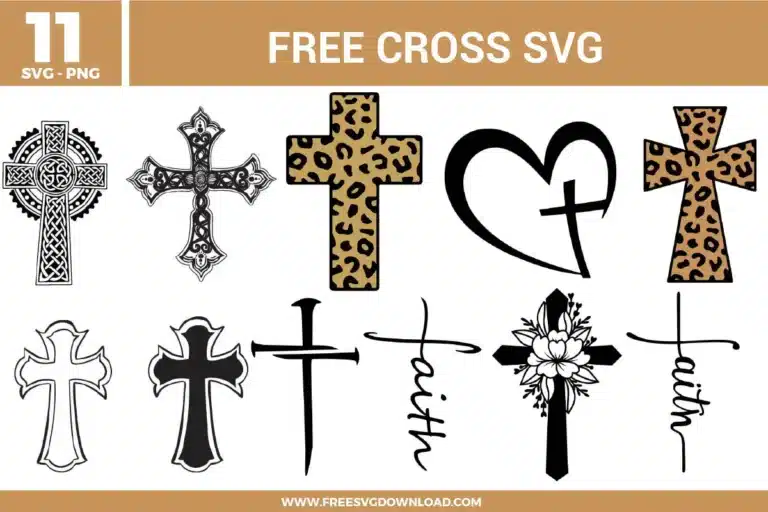
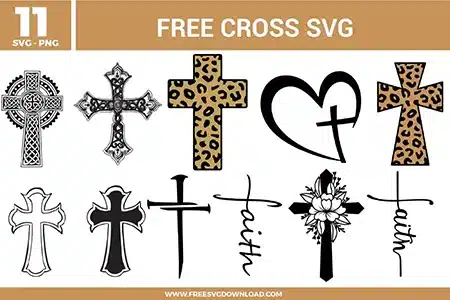
| Total Designs | 11 Items (See grid below) |
| Primary File Type | Scalable Vector Graphics (.svg) |
| Secondary Formats | High-Res PNG (300 DPI) |
| Compatibility Tested | Cricut Design Space, Silhouette Studio, Brother ScanNCut |
| Best For | Car Decals, Wooden Plaques, Memorial Crafts, Leather Tooling. (Vinyl & HTV) |
| License Type | Personal Use Only |
| Cut Complexity | Advanced (Intricate Details) |
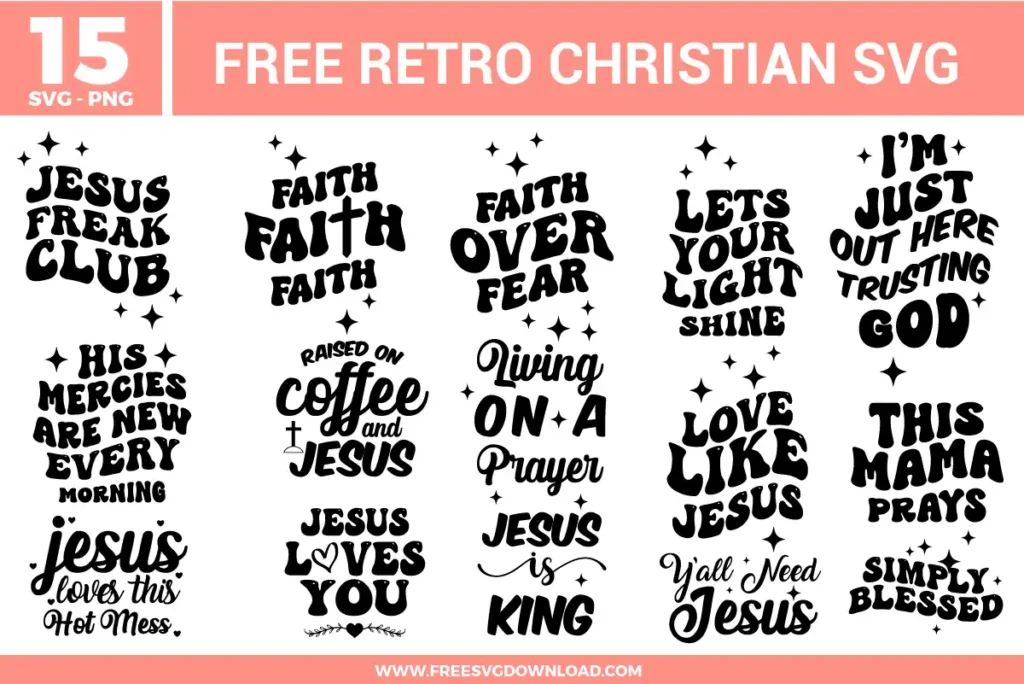
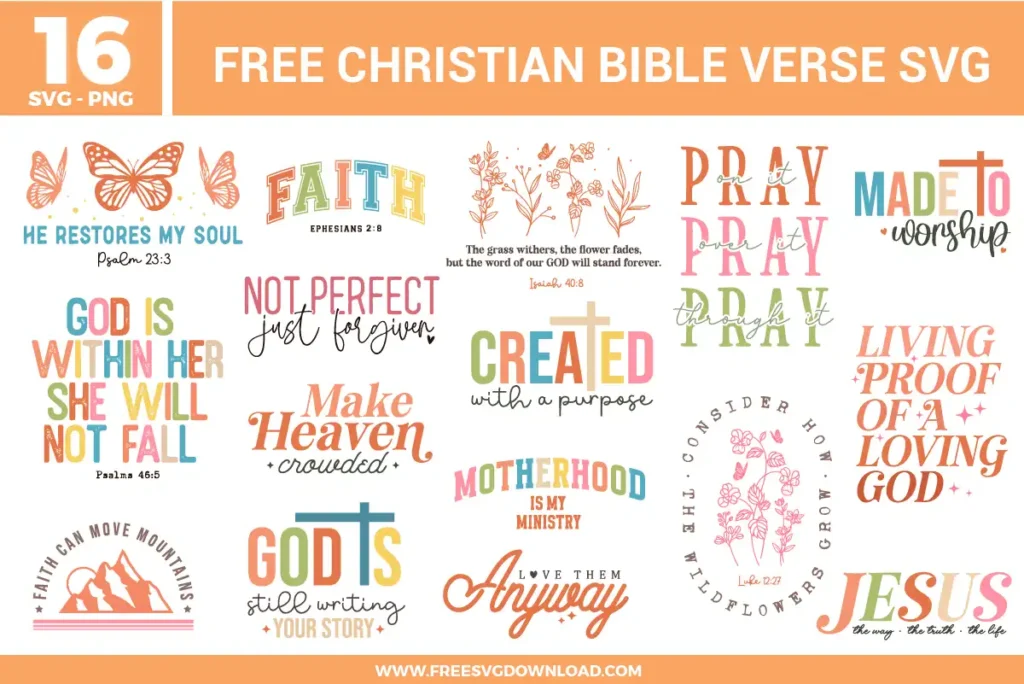
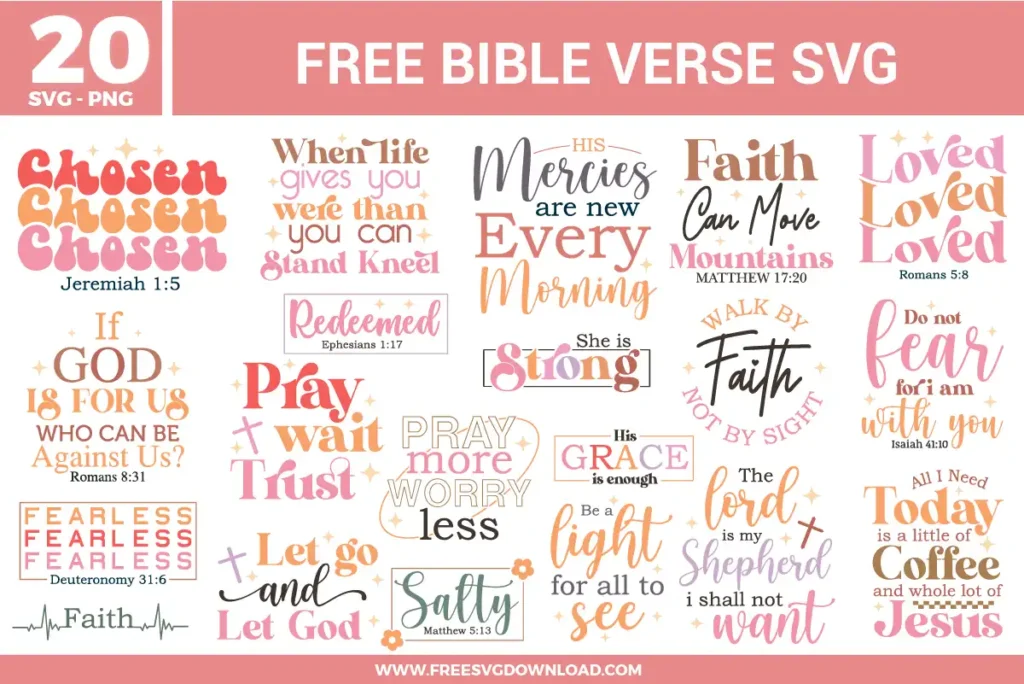
These Christian Bible Verse SVG files are part of our Religion SVG category, where we organize faith-themed designs in one place. This category includes a wide range of Christian, scripture-inspired, and inspirational SVG files created for apparel, stickers, and DIY craft projects.
Use the reverse weeding method. Apply your standard transfer tape directly over the unweeded, cut vinyl sheet and burnish it thoroughly. Flip the sheet over and carefully peel the paper backing away at a flat, 180-degree angle. The delicate vector lines will remain secured to the tape, allowing you to pull the excess negative space vinyl away without lifting the fine details.
Patterned HTV is typically printed on a solid base and requires a separate heat-resistant transfer sheet or mask. Cut the design regular without mirroring if the manufacturer specifies cutting face-up on the mask. Press at 305°F for 10 to 15 seconds with medium pressure, and allow the garment to cool slightly before removing the transfer mask.
Snagging on intricate floral lines or cursive text points indicates that the blade is moving too fast or the force is too high. Decrease the cut speed setting to 1 or 2 in your machine’s manual adjustments panel. Select a high-precision, multi-pass material profile such as Premium Vinyl or Cardstock for Intricate Cuts to ensure clean direction changes.
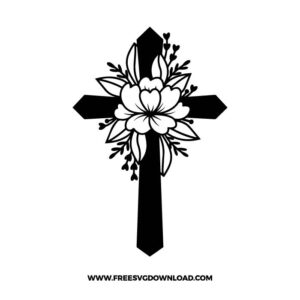
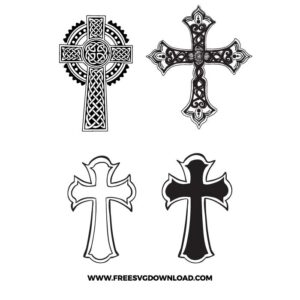
Select the design and click the Ungroup command. If the paths are fused as a single layer, use the Contour tool to hide the cross silhouette paths, leaving only the flower lines visible. Duplicate the layer, invert the contour selection to hide the flower lines and show the cross background, then color-code each layer separately before cutting.
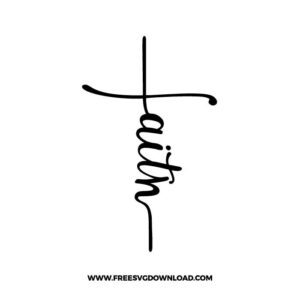
Use the Weld tool if the cursive letters physically overlap, as this melts the intersecting lines into one fluid continuous shape to prevent individual letters from cutting into one another. If the paths are already clean and non-overlapping but you need to lock their exact vertical and horizontal placement on the mat, use the Attach tool instead.
These Cross SVG files are provided for personal use only, and resale or redistribution of the designs is not permitted. You are welcome to explore more free SVG designs across our website, including a wide range of themed and character-based collections.
If you experience any issues with downloading or using the files, feel free to reach out through our contact page and we will be happy to help. We also appreciate feedback from our community, so you’re welcome to leave a review below and share your experience.
For professionally curated bundles and extended design sets, you can also browse our premium SVG collections in our official store. Thank you for crafting with Free SVG Download, and enjoy creating your projects.