Collection Technical Data |
|
|---|---|
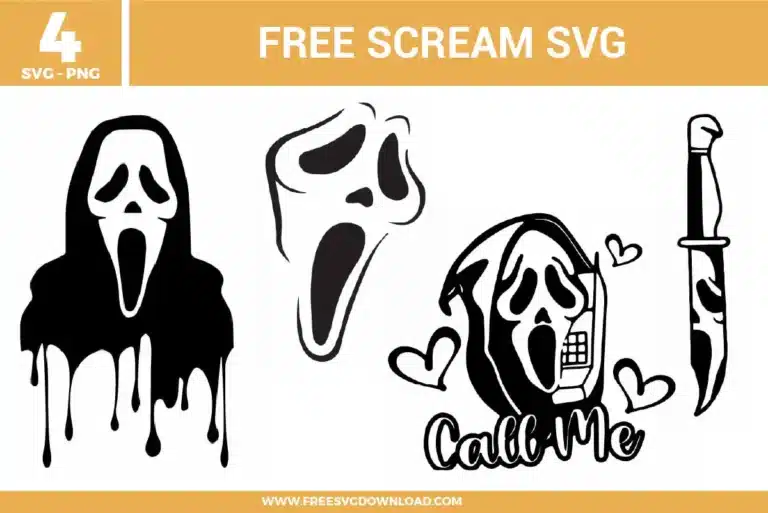
| Total Designs | 4 Items (See grid below) |
| Primary File Type | Scalable Vector Graphics (.svg) |
| Secondary Formats | High-Res PNG (300 DPI) |
| Compatibility Tested | Cricut Design Space, Silhouette Studio, Brother ScanNCut |
| Best For | Slasher Fan Gear, Retro Phone Decals, DIY Horror Stickers, Matching Bestie Tees. (Vinyl & HTV) |
| License Type | Personal Use Only |
| Cut Complexity | Beginner (Easy Weeding) |
These Scream SVG files are part of our Halloween SVG category, where we organize all creepy and seasonal designs in one place. This category includes a wide range of dark, chilling, and horror-inspired SVG files created for apparel, party decor, and DIY crafts. For character-inspired designs from popular shows and movies, you may also check out our TV Shows and Movies SVG category.
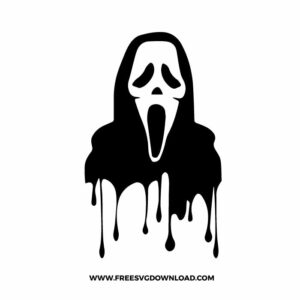
Dripping designs often have very thin points. To keep them intact, ensure your blade is sharp and use a ‘Slow’ speed setting. If weeding becomes difficult, try the ‘Reverse Weeding’ method by applying transfer tape to the uncut vinyl first to stabilize the thin drips as you pull away the excess.
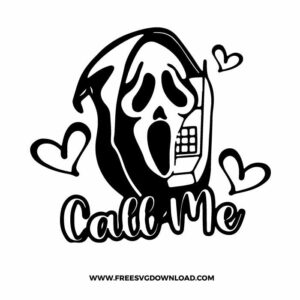
For small shapes like hearts, use a Fine-Point Blade with ‘Default’ pressure. If the hearts are smaller than 0.5 inches, use the ‘Washi Sheet’ or ‘Vinyl+’ setting on a Cricut to allow for more intricate cuts without the blade lifting the material off the backing.
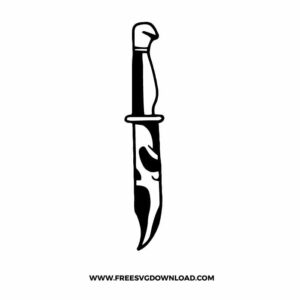
The reflection on the knife blade can be complex. Open the ‘Simplify’ tool in your software to reduce the number of nodes. This smoothens the curves of the mask reflection, making it easier for your machine to navigate and resulting in a much cleaner, professional-looking cut.
Use ‘Weld’ for script fonts like “Call Me” to merge the overlapping letters into one continuous piece. Use ‘Attach’ for the hearts and the phone icon to keep them in their specific layout relative to the text without permanently merging them into a single path.
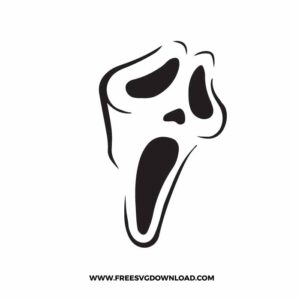
When pressing black HTV on dark cotton, use a ‘High-Opacity’ or ‘Super-White’ HTV if you want the design to pop. Set your heat press to 305°F and apply firm pressure for 15 seconds. Always use a ‘Cold Peel’ if the vinyl brand specifies it to ensure the sharp edges of the mask stay crisp.
These Scream SVG files are provided for personal use only, and resale or redistribution of the designs is not permitted. You are welcome to explore more free SVG designs across our website, including a wide range of themed and character-based collections.
If you experience any issues with downloading or using the files, feel free to reach out through our contact page and we will be happy to help. We also appreciate feedback from our community, so you’re welcome to leave a review below and share your experience.
For professionally curated bundles and extended design sets, you can also browse our premium SVG collections in our official store. Thank you for crafting with Free SVG Download, and enjoy creating your projects.