Collection Technical Data |
|
|---|---|
| Total Designs | 3 Items (See grid below) |
| Primary File Type | Scalable Vector Graphics (.svg) |
| Secondary Formats | High-Res PNG (300 DPI) |
| Compatibility Tested | Cricut Design Space, Silhouette Studio, Brother ScanNCut |
| Best For | Themed Birthday Apparel, Custom Water Bottles, Bedroom Wall Decals, Scrapbook Page Accents. (Vinyl & HTV) |
| License Type | Personal Use Only |
| Cut Complexity | Beginner (Easy Weeding) |
These Coraline SVG files are part of our Halloween SVG category, where we organize all spooky and seasonal designs in one place. This category includes a wide range of creepy, whimsical, and character-inspired SVG files created for apparel, party decor, and DIY crafts. For character-inspired designs from popular shows and movies, you may also check out our TV Shows and Movies SVG category.
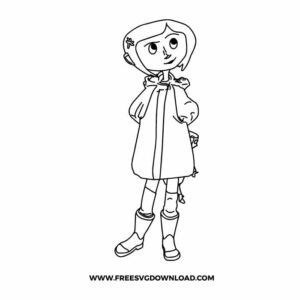
For detailed line art, ensure your blade is sharp and your mat is high-tack. Use a ‘Node Editing’ tool to check for stray anchor points that might cause the blade to snag. If the lines are too thin for your material, apply a very small outward ‘Offset’ of 0.01 inches to thicken the strokes without losing character detail.
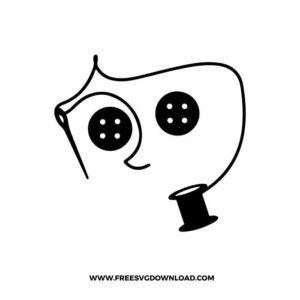
For a realistic look, use Glossy black vinyl for the buttons to mimic the shine of real plastic buttons. If you are applying these to a window or a mirror, a ‘Reflective’ vinyl can add a spooky, glowing effect when hit by light, perfect for capturing the movie’s haunting atmosphere.
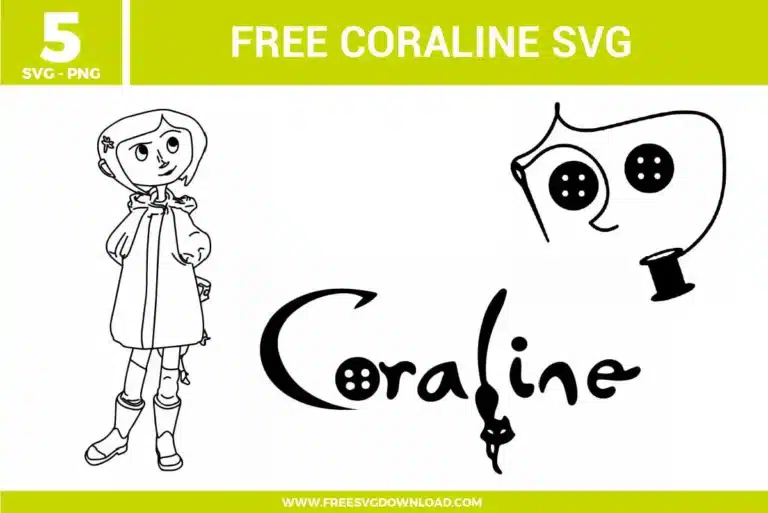
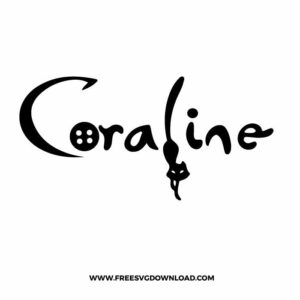
The button in the ‘O’ usually has four small holes. To ensure they are transparent, select the button base and the four small circles, then use the ‘Slice’ or ‘Subtract’ tool. Delete the leftover pieces so that the color of your project surface shows through the holes, creating a true button effect.
Use ‘Reverse Weeding’ for the thread. Apply transfer tape over the entire uncut design, burnish it well, and peel the backing paper away. Then, carefully remove the negative space from the tape. This method prevents the thin, swirling thread lines from stretching or snapping during the weeding process.
Yes, if you want the cat to be a negative space within the letters, position the cat silhouette over the ‘i’ and ‘l’, select both the text and the cat, and use the ‘Exclude’ or ‘Slice’ tool. This integrates the character into the typography for a professional, custom-designed appearance.
These Coraline SVG files are provided for personal use only, and resale or redistribution of the designs is not permitted. You are welcome to explore more free SVG designs across our website, including a wide range of themed and character-based collections.
If you experience any issues with downloading or using the files, feel free to reach out through our contact page and we will be happy to help. We also appreciate feedback from our community, so you’re welcome to leave a review below and share your experience.
For professionally curated bundles and extended design sets, you can also browse our premium SVG collections in our official store. Thank you for crafting with Free SVG Download, and enjoy creating your projects.