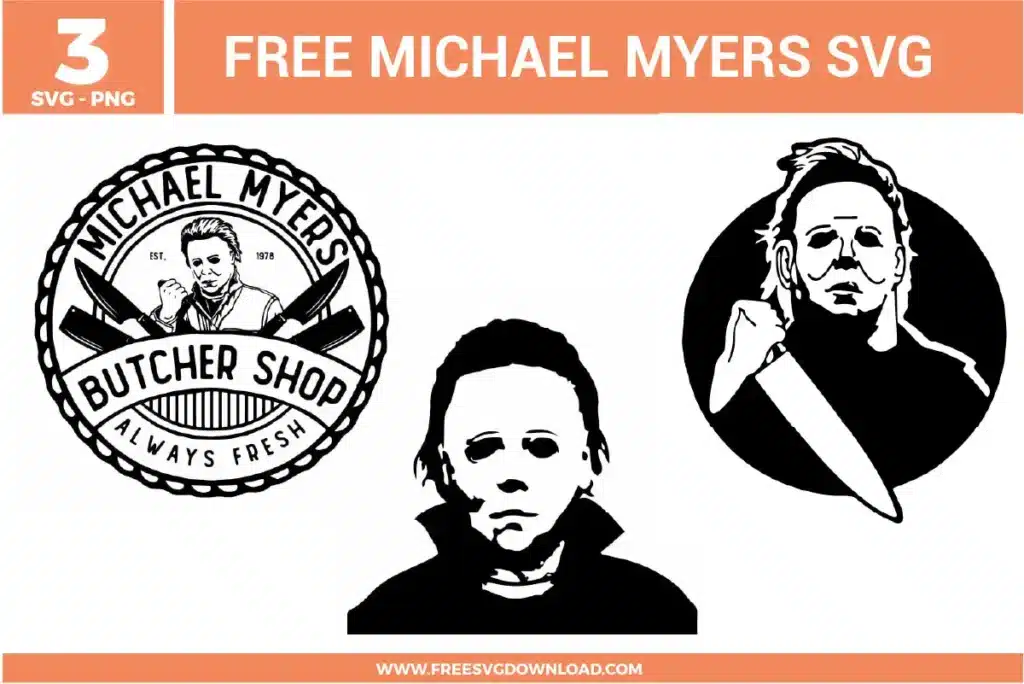
Collection Technical Data |
|
|---|---|
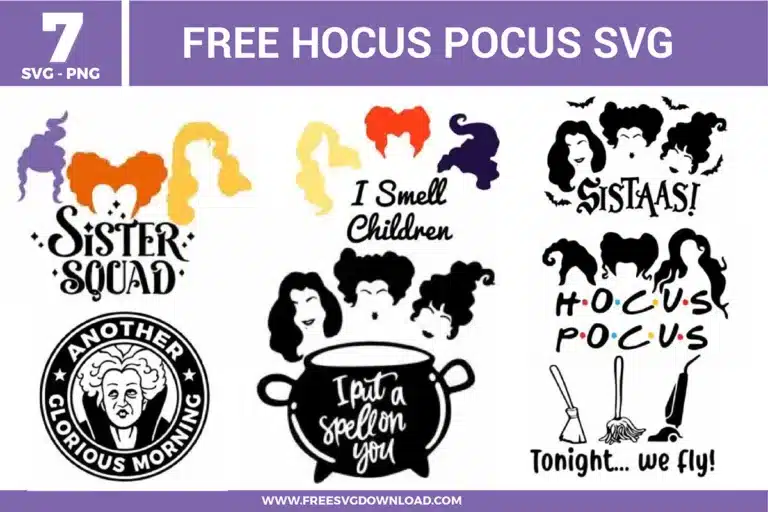
| Total Designs | 8 Items (See grid below) |
| Primary File Type | Scalable Vector Graphics (.svg) |
| Secondary Formats | High-Res PNG (300 DPI) |
| Compatibility Tested | Cricut Design Space, Silhouette Studio, Brother ScanNCut |
| Best For | Halloween Apparel, Trick-Or-Treat Bags, Coffee Tumblers, Tiered Tray Decor. (Vinyl & HTV) |
| License Type | Personal Use Only |
| Cut Complexity | Intermediate (Multi-Layer) |
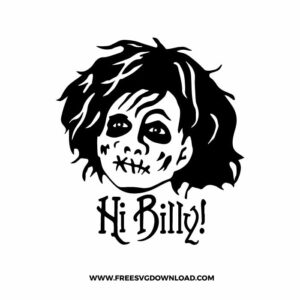
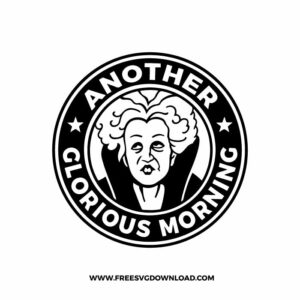
These Hocus Pocus SVG files are part of our Halloween SVG category, where we organize all eerie and seasonal designs in one place. This category includes a wide range of witchy, playful, and character-inspired SVG files created for apparel, party decor, and DIY crafts. For character-inspired designs from popular shows and movies, you may also check out our TV Shows and Movies SVG category.
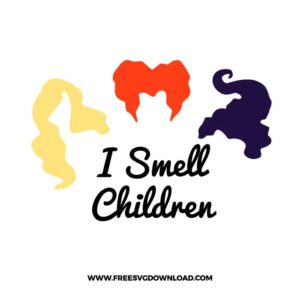
In Design Space, select the hair layer and use the Offset tool set to 0.05 inches. This creates a slightly thicker background layer that provides more surface area for the adhesive to grip, preventing fine tips from peeling off after pressing.
For glitter heat transfer vinyl, use the ‘Glitter Vinyl’ setting on your machine. Ensure your Fine-Point Blade is clean. If the blade is older, increase the Pressure to ‘More’ to ensure the carrier sheet is not pierced while getting a clean cut through the textured film.
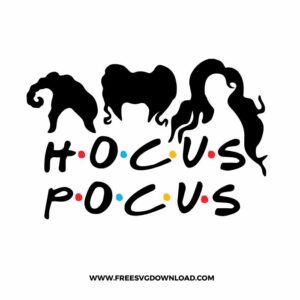
Use Weld if you want the overlapping letters to become one continuous piece of vinyl. Use Attach if you simply want the letters to stay in their specific layout on the cutting mat but maintain their individual paths. Welding is preferred for a seamless look on apparel.
Set your heat press to 305°F (150°C). Position the design and apply firm pressure for 15 seconds. Most standard HTV requires a warm peel, so wait about 5-10 seconds before removing the clear carrier sheet to ensure the edges have set.
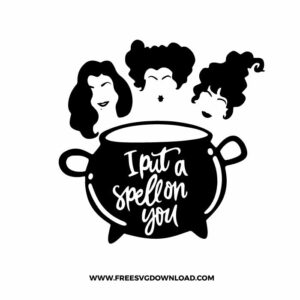
Place your text over the cauldron graphic, select both layers, and click ‘Slice.’ This cuts the text shape out of the cauldron. Delete the ‘sliced’ text pieces to leave a hollowed-out area, allowing the shirt color to show through the design.
These Hocus Pocus SVG files are provided for personal use only, and resale or redistribution of the designs is not permitted. You are welcome to explore more free SVG designs across our website, including a wide range of themed and character-based collections.
If you experience any issues with downloading or using the files, feel free to reach out through our contact page and we will be happy to help. We also appreciate feedback from our community, so you’re welcome to leave a review below and share your experience.
For professionally curated bundles and extended design sets, you can also browse our premium SVG collections in our official store. Thank you for crafting with Free SVG Download, and enjoy creating your projects.