Collection Technical Data |
|
|---|---|
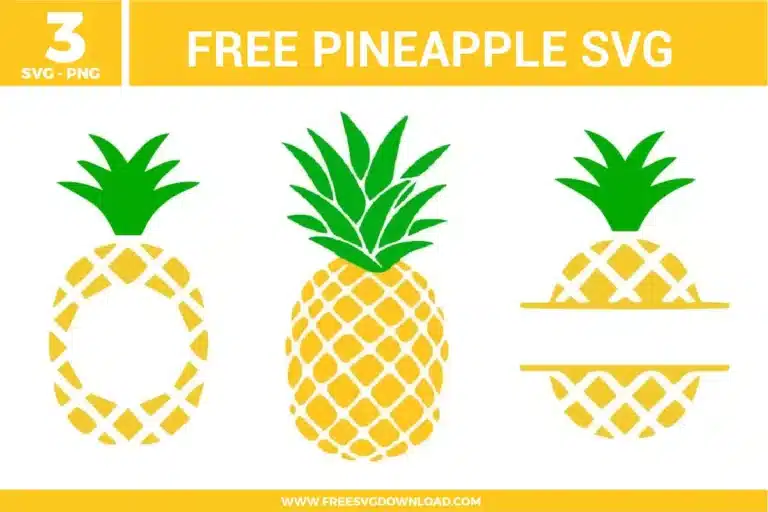
| Total Designs | 3 Items (See grid below) |
| Primary File Type | Scalable Vector Graphics (.svg) |
| Secondary Formats | High-Res PNG (300 DPI) |
| Compatibility Tested | Cricut Design Space, Silhouette Studio, Brother ScanNCut |
| Best For | Summer Apparel, Custom Signage, Monogram Tumblers, Kitchen Decor. (Vinyl & HTV) |
| License Type | Personal Use Only |
| Cut Complexity | Beginner (Easy Weeding) |
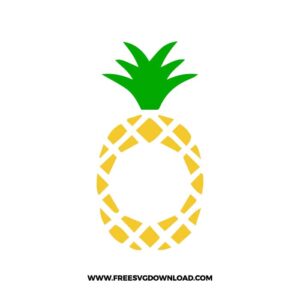
These Pineapple SVG files are part of our Food SVG category, where we organize food-themed designs in one place. This category includes a wide range of fruit-inspired, tropical, and decorative SVG files created for apparel, stickers, and DIY craft projects. For more customizable designs with name and initial layouts, you may also visit our Monogram SVG category.
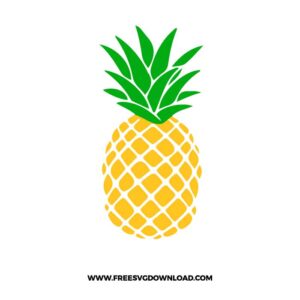
Do not Weld or Attach the crown to the body if you plan to cut them from different colored materials. Welding or Attaching paths of different colors forces them onto a single mat layer and applies a single color. Keep them separated in your layers panel so your software prompts you to load the yellow and green sheets sequentially.
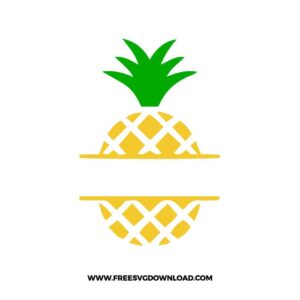
Type your name or monogram text within the split gap, select the text layer, and open the Offset menu. Apply a small positive offset of 0.04 to 0.06 inches to generate an outer border path. Use this newly created boundary layer to slice away background elements or cut it in a contrasting color to establish visual separation.
Position your custom capital letters so that their tops and bottoms slightly overlap the horizontal bars of the split pineapple frame. Select both the text layer and the pineapple frame graphic, then click the Weld tool (or Unite path finder option). This fuses the typography directly into the frame bars, creating one sturdy cut path.
Use a high-grade permanent outdoor vinyl like Oracal 651 or a premium cast vinyl wrap film. These materials possess a solvent-based acrylic adhesive that withstands heavy UV exposure, rain, and chlorine water. Standard indoor wall vinyl will quickly lift and curl off when exposed to the elements.
When cutting intricate interlocking geometric paths, decrease your cutting speed to 1 or 2 and test with a brand-new 45-degree Fine Point blade. If lines still lift, select the ‘Intricate Cardstock’ or premium vinyl preset with ‘More Pressure’ to trigger automatic dual-pass scoring that crisply executes sharp corners.
These Pineapple SVG files are provided for personal use only, and resale or redistribution of the designs is not permitted. You are welcome to explore more free SVG designs across our website, including a wide range of themed and character-based collections.
If you experience any issues with downloading or using the files, feel free to reach out through our contact page and we will be happy to help. We also appreciate feedback from our community, so you’re welcome to leave a review below and share your experience.
For professionally curated bundles and extended design sets, you can also browse our premium SVG collections in our official store. Thank you for crafting with Free SVG Download, and enjoy creating your projects.