Collection Technical Data |
|
|---|---|
| Total Designs | 2 Items (See grid below) |
| Primary File Type | Scalable Vector Graphics (.svg) |
| Secondary Formats | High-Res PNG (300 DPI) |
| Compatibility Tested | Cricut Design Space, Silhouette Studio, Brother ScanNCut |
| Best For | Birthday Shirts, Tote Bags, Kitchen Decor, Planner Stickers. (Vinyl & HTV) |
| License Type | Personal Use Only |
| Cut Complexity | Intermediate (Multi-Layer) |
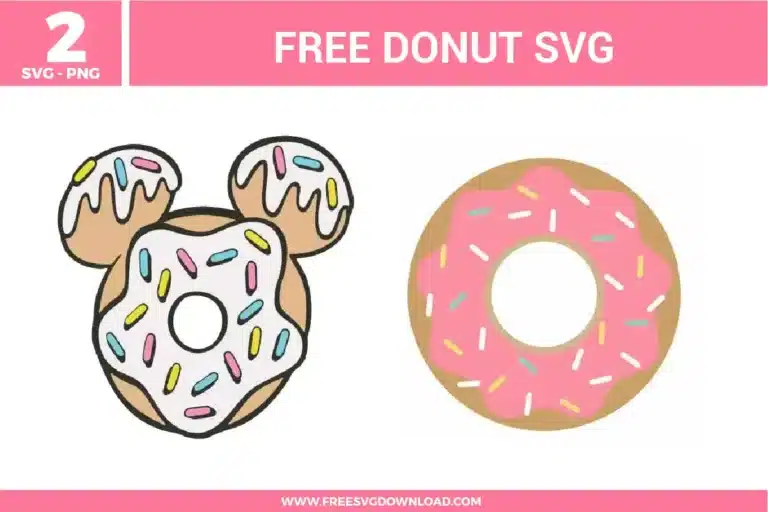
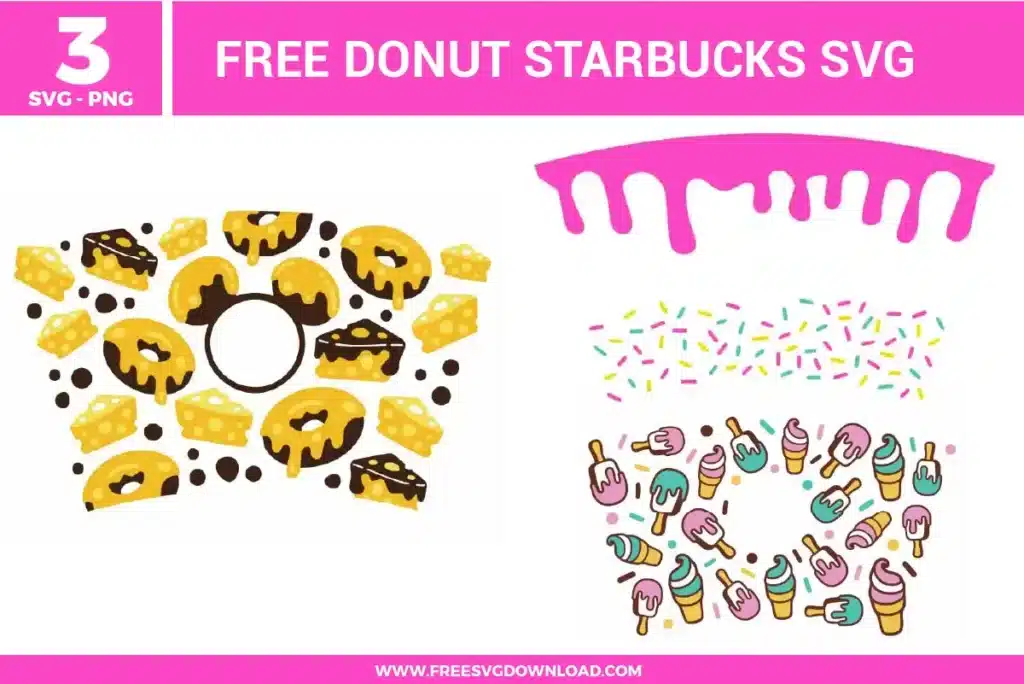
These Donut SVG files are part of our Food SVG category, where we organize general-use and assorted designs in one place. This category includes a wide range of cute, food-themed, and decorative SVG files created for apparel, stickers, and DIY craft projects.
Select both the outer round donut base path and the inner circle vector path simultaneously in your workspace layers panel. Click the Slice tool (or Subtract in Silhouette Studio) to punch out the center opening, then select and delete the resulting cut fragments to leave a clean, hollow ring path.
Puff HTV is ideal for adding dimension to the donut frosting layer. Cut and weed the design as normal, then press it onto the fabric at 280°F to 290°F for 8-10 seconds using firm pressure. The vinyl will expand and raise during the heating cycle, creating a realistic 3D textured look.
To cut small sprinkle details accurately, use a clean 45-degree Premium Fine Point blade and set your machine’s cutting speed to a very low level (such as 1 or 2). High cutting speeds cause the blade tip to drag and snag on fine geometries, pulling them off the backing paper prematurely.
If you want to cut all sprinkles of the same color simultaneously while keeping their exact layout positions relative to the donut frosting, select those specific sprinkle shapes and use the Attach tool. Do not use Weld unless you want to physically merge overlapping paths into a single continuous vector outline.
This issue is caused by an excess of anchor points along the organic curves of the dripping icing layer. Select the frosting path, open the Simplify panel in your software (or press Ctrl+Shift+M in Illustrator), and slide the tolerance to reduce the node density for a smoother cutting path.
These Donut SVG files are provided for personal use only, and resale or redistribution of the designs is not permitted. You are welcome to explore more free SVG designs across our website, including a wide range of themed and character-based collections.
If you experience any issues with downloading or using the files, feel free to reach out through our contact page and we will be happy to help. We also appreciate feedback from our community, so you’re welcome to leave a review below and share your experience.
For professionally curated bundles and extended design sets, you can also browse our premium SVG collections in our official store. Thank you for crafting with Free SVG Download, and enjoy creating your projects.