Collection Technical Data |
|
|---|---|
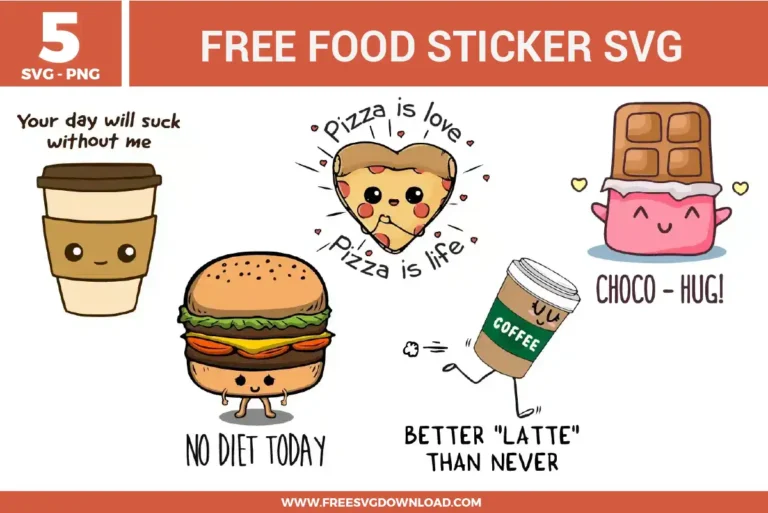
| Total Designs | 5 Items (See grid below) |
| Primary File Type | Scalable Vector Graphics (.svg) |
| Secondary Formats | High-Res PNG (300 DPI) |
| Compatibility Tested | Cricut Design Space, Silhouette Studio, Brother ScanNCut |
| Best For | Laptop Stickers, Planner Decoration, Lunch Bags, Scrapbook Crafts. (Vinyl & HTV) |
| License Type | Personal Use Only |
| Cut Complexity | Intermediate (Multi-Layer) |
These Food Sticker SVG files are part of our Food SVG category, where we organize food-themed designs in one place. This category includes a wide range of cute, snack-inspired, and decorative SVG files created for stickers, apparel, and DIY craft projects.
Use premium printable vinyl combined with a clear self-adhesive laminating sheet overlay instead of standard matte sticker paper. Standard paper absorbs moisture, causing ink bleeding. Applying a cold-laminate film over the printed sheet before running it through your cutter adds a robust physical barrier against water and UV degradation.
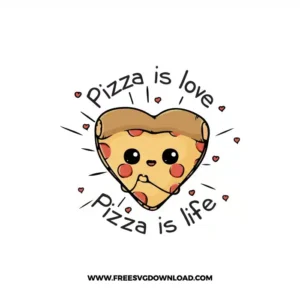
Select the entire heart pizza group and navigate to the Offset tool in your cutting software. Apply an external offset distance of 0.10 to 0.15 inches with rounded corners. Change the color of this newly generated background boundary layer to white, then ensure it sits underneath the graphic layers.Select the entire heart pizza group and navigate to the Offset tool in your cutting software. Apply an external offset distance of 0.10 to 0.15 inches with rounded corners. Change the color of this newly generated background boundary layer to white, then ensure it sits underneath the graphic layers.
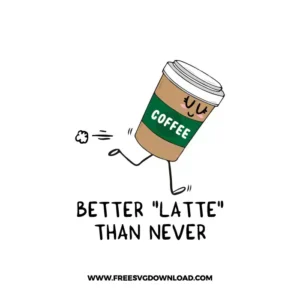
This happens because the SVG is imported as independent vector paths. To fix this for a Print Then Cut workflow, select the text layers and the coffee cup graphic together, then click the Flatten tool in Cricut Design Space. This action merges all vector components into a single flat raster image layer, limiting the cut to the outermost boundary.
When executing a die-cut or kiss-cut on thick laminated sticker vinyl, choose the Premium Vinyl or custom Sticker Paper setting and lower the speed parameter to 2 or 3. High speeds cause the fine-point blade to drag across sharp angles, lifting script loops and text serifs from the liner backing.
Select the background offset layer you created for the sticker border and open the Contour tool (or Release Compound Path in Silhouette). Click on the small interior holes or island loops inside the text contours to hide or delete them. This fills the negative space completely, creating a solid white backing shape.
These Food Sticker SVG files are provided for personal use only, and resale or redistribution of the designs is not permitted. You are welcome to explore more free SVG designs across our website, including a wide range of themed and character-based collections.
If you experience any issues with downloading or using the files, feel free to reach out through our contact page and we will be happy to help. We also appreciate feedback from our community, so you’re welcome to leave a review below and share your experience.
For professionally curated bundles and extended design sets, you can also browse our premium SVG collections in our official store. Thank you for crafting with Free SVG Download, and enjoy creating your projects.