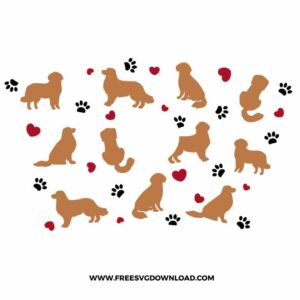
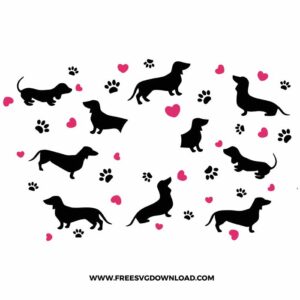
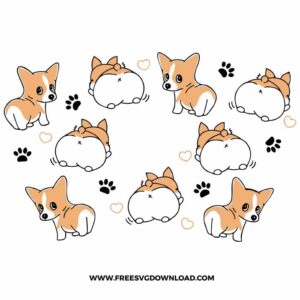
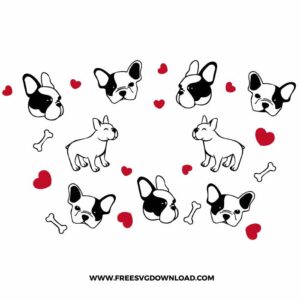
Home » Starbucks Wrap » Dog Starbucks Free SVG Files
Collection Technical Data |
|
|---|---|
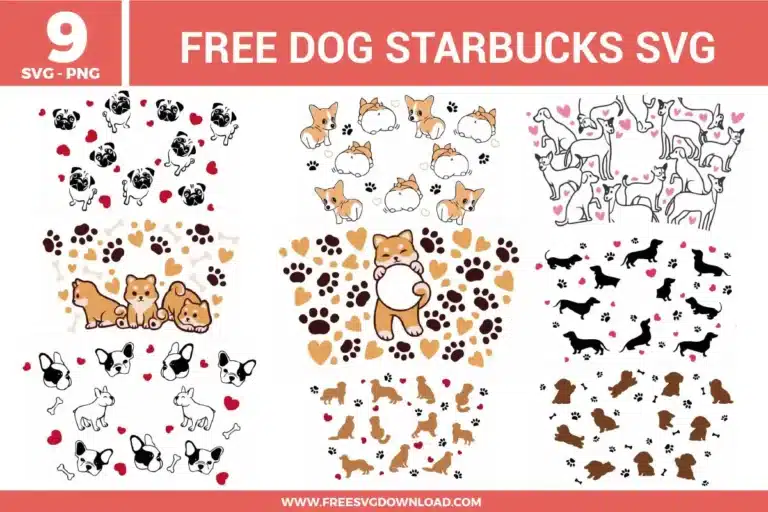
| Total Designs | 9 Items (See grid below) |
| Primary File Type | Scalable Vector Graphics (.svg) |
| Secondary Formats | High-Res PNG (300 DPI) |
| Compatibility Tested | Cricut Design Space, Silhouette Studio, Brother ScanNCut |
| Best For | 24 oz Starbucks Cold Cup Wrap. (Vinyl & HTV) |
| License Type | Personal Use Only |
| Cut Complexity | Intermediate (Multi-Layer) |
These Dog Starbucks SVG files are part of our Animal SVG category, where we organize animal-inspired designs in one place. This category includes a wide range of playful, cute, and decorative SVG files created for drinkware projects, vinyl decals, and DIY craft projects. For drinkware-focused designs, you may also check out our Starbucks Wrap SVG category.
Select the design and use the Path Simplification or Simplify tool to reduce the number of nodes. Too many data points can cause the blade to snag on small details like whiskers. Reducing these points creates a smoother cutting path, allowing the machine to glide through the intricate shapes without tearing the vinyl.
Use a standard lint roller for a quick fix, or gently wipe the surface with a fragrance-free, alcohol-free baby wipe. If the mat is heavily soiled, rinse it with lukewarm water and a drop of mild dish soap, then air dry. This restores the adhesive tackiness so your cup wrap remains perfectly flat during the cutting process.
Measure the top and bottom circumference of your specific cup. Create a trapezoid template in your software that matches these dimensions. Overlay the dog pattern onto the template, select both, and use the Slice tool. This trims the wrap to your exact specifications, ensuring the ends meet perfectly without overlapping or leaving a gap.
This usually indicates your blade is dull or the pressure is too low. Try increasing your cut setting to “More Pressure” and ensure you are using a sharp, fine-point blade. For very small elements, weeding toward the design rather than away from it helps keep the tiny pieces anchored to the carrier sheet.
If using sublimation, preheat your mug press to 375°F. Clean the ceramic surface with rubbing alcohol to remove oils, then secure your design with heat-resistant tape. Press for 180 to 210 seconds. For adhesive vinyl, simply ensure the surface is clean and dry, then use a squeegee to apply firm pressure before removing the transfer tape.
These Dog Starbucks Wrap SVG files are provided for personal use only, and resale or redistribution of the designs is not permitted. You are welcome to explore more free SVG designs across our website, including a wide range of themed and character-based collections.
If you experience any issues with downloading or using the files, feel free to reach out through our contact page and we will be happy to help. We also appreciate feedback from our community, so you’re welcome to leave a review below and share your experience.
For professionally curated bundles and extended design sets, you can also browse our premium SVG collections in our official store. Thank you for crafting with Free SVG Download, and enjoy creating your projects.