Home » Starbucks Wrap » Weed Starbucks Free SVG Files
Collection Technical Data |
|
|---|---|
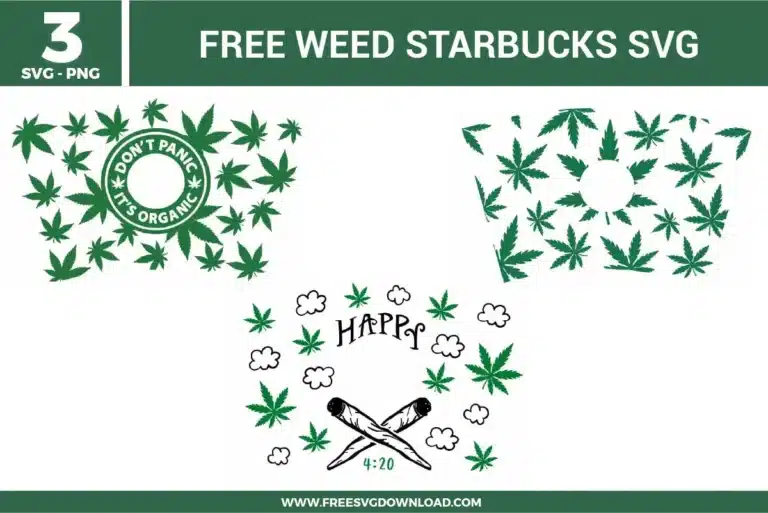
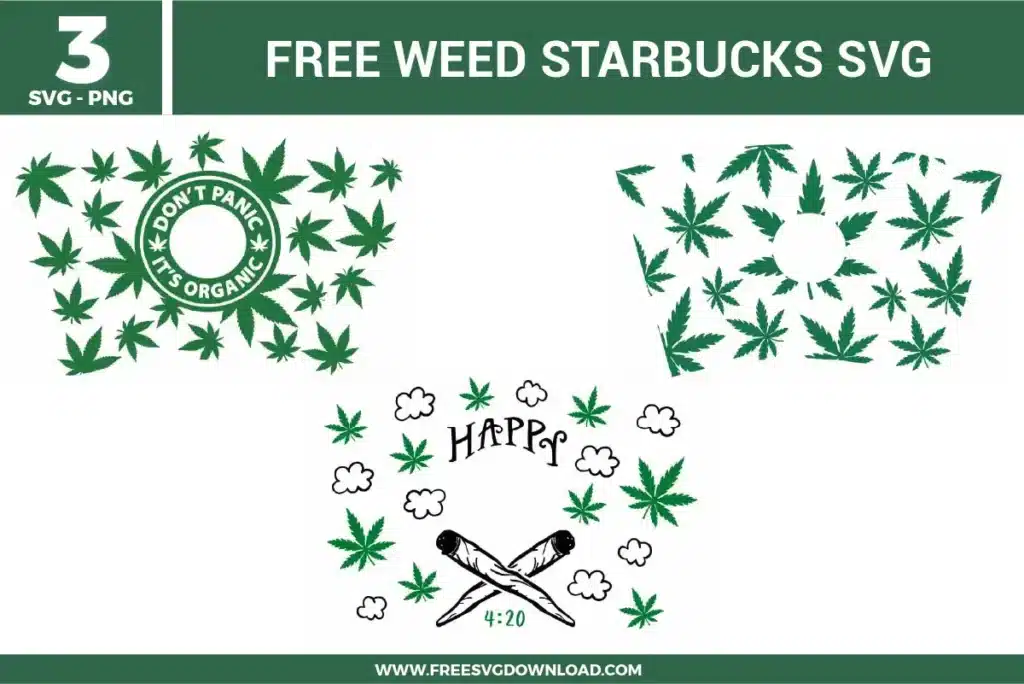
| Total Designs | 3 Items (See grid below) |
| Primary File Type | Scalable Vector Graphics (.svg) |
| Secondary Formats | High-Res PNG (300 DPI) |
| Compatibility Tested | Cricut Design Space, Silhouette Studio, Brother ScanNCut |
| Best For | 24 oz Starbucks Cold Cup Wrap. (Vinyl & HTV) |
| License Type | Personal Use Only |
| Cut Complexity | Intermediate (Multi-Layer) |
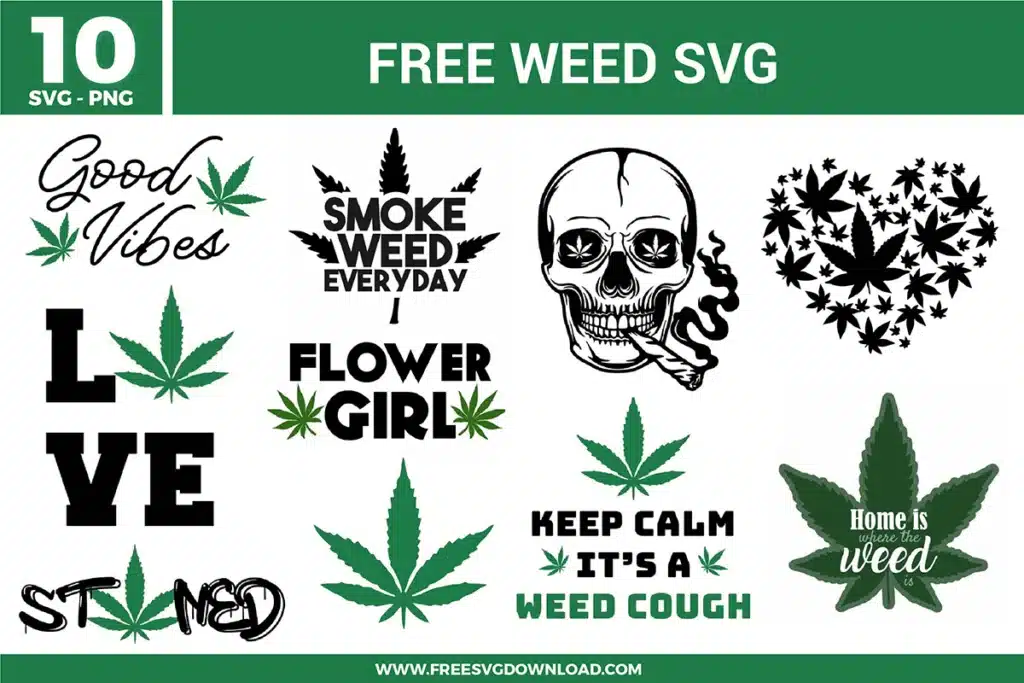
These Weed Starbucks SVG files are part of our Mixed SVG Category, where we organize assorted and general-use designs in one place. This category includes a wide range of bold, themed, and decorative SVG files created for apparel, stickers, and DIY craft projects. For more cup wrap style designs, you may also visit our Starbucks Wrap SVG category.
Always use a premium permanent cast or calendered adhesive vinyl, such as Oracal 651, for plastic drinkware containers. Avoid removable vinyl like Oracal 631, which degrades rapidly when exposed to moisture, and never use heat transfer vinyl on plastic cold cups as the heat required will warp or melt the acrylic base.
Apply the reverse weeding method by placing your standard-tack transfer tape over the entire unweeded cut design first. Burnish the front thoroughly, turn the sheet over, and peel the blue or white backing paper completely flat away from the vinyl, leaving all intricate leaf paths stuck to the tape so you can pull the negative background matrix away smoothly.
Intricate patterns with repetitive pointed corners require lower tracking velocity. Decrease your machine’s cutting speed to a level of 1 or 2 and set the cut profile to a multi-pass or high-detail configuration such as ‘Premium Vinyl’ or ‘Cardstock for Intricate Cuts’ to allow the blade to alter direction smoothly at sharp intersections without pulling up the media.
Import the wrap template into your software and lock the aspect ratio before scaling the width to exactly 10.967 inches and the height to 6.721 inches, which are the standard dimensions for a 24 oz cup wrap. If your physical cup logo varies slightly, create a basic geometric circle shape matching your logo measurement, center it over the wrap vector, and use the Slice tool to adjust the inner circular opening customly.
Use the Attach tool if you want to keep the scattered leaf elements positioned exactly as they are arranged in the template layout on your final cutting mat. Do not use Weld unless you want to permanently fuse overlapping paths into one single layer, as Attach effectively locks the spatial layout coordinates while preserving your ability to detach them later if needed.
These Weed Starbucks Wrap SVG files are provided for personal use only, and resale or redistribution of the designs is not permitted. You are welcome to explore more free SVG designs across our website, including a wide range of themed and character-based collections.
If you experience any issues with downloading or using the files, feel free to reach out through our contact page and we will be happy to help. We also appreciate feedback from our community, so you’re welcome to leave a review below and share your experience.
For professionally curated bundles and extended design sets, you can also browse our premium SVG collections in our official store. Thank you for crafting with Free SVG Download, and enjoy creating your projects.