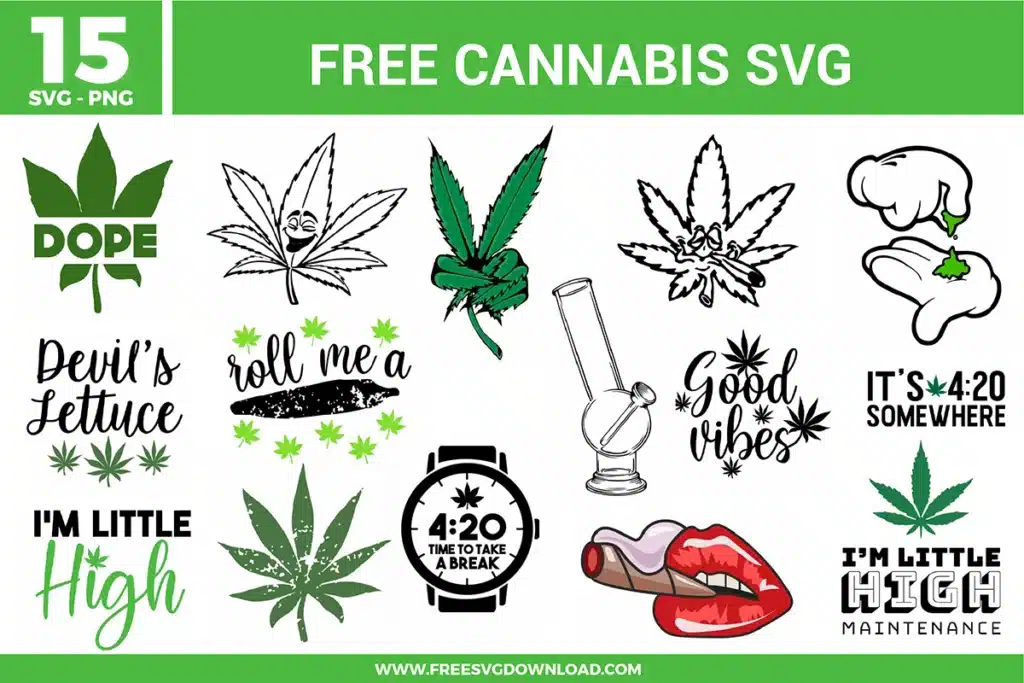
Collection Technical Data |
|
|---|---|
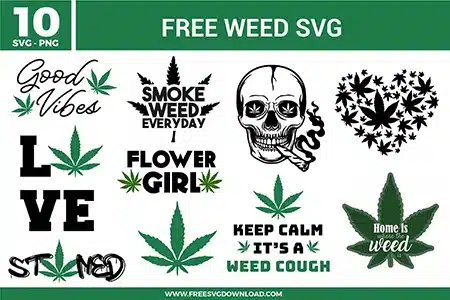
| Total Designs | 10 Items (See grid below) |
| Primary File Type | Scalable Vector Graphics (.svg) |
| Secondary Formats | High-Res PNG (300 DPI) |
| Compatibility Tested | Cricut Design Space, Silhouette Studio, Brother ScanNCut |
| Best For | Rolling Trays, Stash Boxes, Lighter Wraps, Apparel. (Vinyl & HTV) |
| License Type | Personal Use Only |
| Cut Complexity | Beginner (Easy Weeding) |
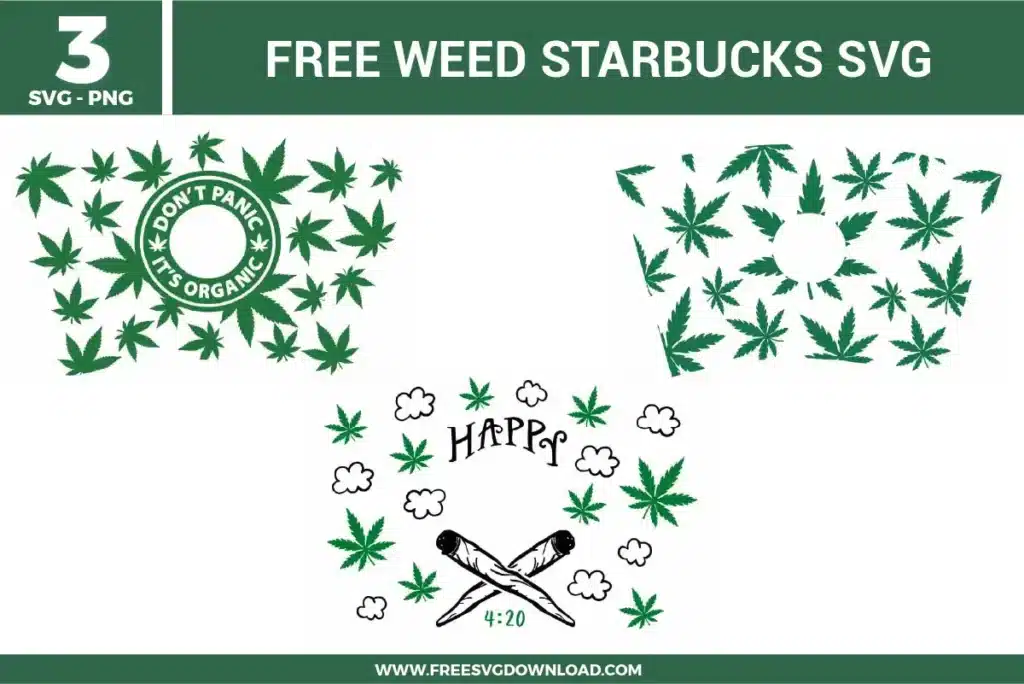
These Weed SVG files are part of our Mixed SVG Category, where we organize all stoner and marijuana culture designs in one place. This category includes a wide range of laid-back, edgy, and rebellious SVG files created for custom stash boxes, lighter wraps, and grinder decals.
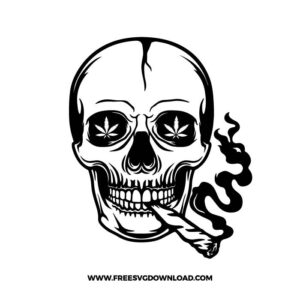
Double-click the skull vector to open Node Editing mode in your software. If you see hundreds of crowded anchor points along the smoke paths, use the Simplify tool to automatically reduce the node density. This streamlines the cut path, preventing your machine’s blade from stuttering or tearing the vinyl during detailed curves.
For highly detailed clusters like the leaf heart, lower your cutting speed to 1 or 2 and ensure you are using a clean, premium fine-point blade. You should also switch your cut profile to a multi-pass setting with lower force, such as ‘Cardstock for Intricate Cuts’, which cleanly executes complex inner trajectories without tearing the media.
Use Attach if you want to lock the exact spacing and alignment of the individual letters so they don’t rearrange on the cutting mat, while still keeping them as editable, non-overlapping objects. Only use Weld if the letters physically overlap and you want to fuse them into a single, continuous vector shape to remove intersecting cut lines.
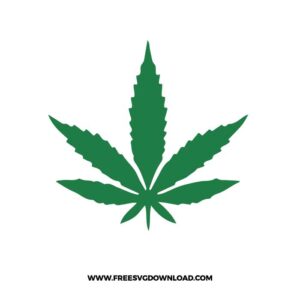
To achieve a premium textured look, use Flocked HTV or Puff HTV instead of standard smooth vinyl. Flocked HTV delivers a soft, velvet-like suede texture that works beautifully with organic leaf shapes, while Puff HTV expands when heated to give the design a distinct, three-dimensional raised profile.
Preheat your heat press to 315°F and pre-press the canvas tote for 5 seconds to remove moisture and wrinkles. Place the design, apply firm pressure for 15 seconds, and check whether your specific brand of vinyl dictates a hot or cold peel. If using a cold-peel HTV, let it cool completely before removing the carrier sheet to avoid lifting the edges.
These Weed SVG files are provided for personal use only, and resale or redistribution of the designs is not permitted. You are welcome to explore more free SVG designs across our website, including a wide range of themed and character-based collections.
If you experience any issues with downloading or using the files, feel free to reach out through our contact page and we will be happy to help. We also appreciate feedback from our community, so you’re welcome to leave a review below and share your experience.
For professionally curated bundles and extended design sets, you can also browse our premium SVG collections in our official store. Thank you for crafting with Free SVG Download, and enjoy creating your projects.