Home » Tv Shows - Movies » Spongebob Free SVG Files
Collection Technical Data |
|
|---|---|
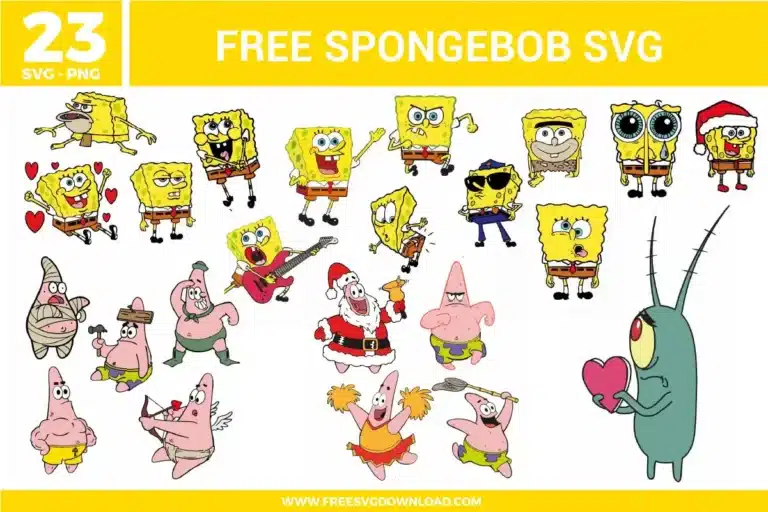
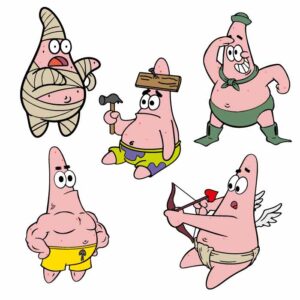
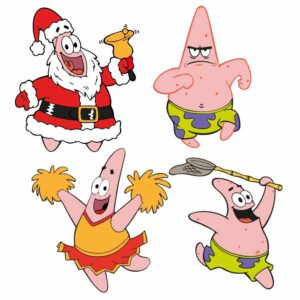
| Total Designs | 23 Items (See grid below) |
| Primary File Type | Scalable Vector Graphics (.svg) |
| Secondary Formats | High-Res PNG (300 DPI) |
| Compatibility Tested | Cricut Design Space, Silhouette Studio, Brother ScanNCut |
| Best For | Birthday Party Shirts, School Water Bottles, Bedroom Wall Stickers, Custom Lunch Boxes. (Vinyl & HTV) |
| License Type | Personal Use Only |
| Cut Complexity | Intermediate (Multi-Layer) |
These SpongeBob SVG files are part of our TV Shows and Movies SVG category, where we organize all character-inspired designs from popular shows and movies in one place. This category includes a wide range of playful, colorful, and cartoon-inspired SVG files created for apparel, party decor, and DIY crafts.
Yellow is often slightly translucent. To ensure Spongebob looks bright on a black or navy shirt, use a “High-Opacity” yellow HTV. Alternatively, press a solid white “base” silhouette of the character first, then layer the yellow on top. This acts as a primer and prevents the dark fabric color from bleeding through.
You should use the “Attach” tool in your software to keep the holes and spots in their exact relative positions. If you use “Weld,” you risk turning the spots into solid paths that might merge with the body outline. “Attach” ensures your machine cuts the spots exactly where they appear in the design for a perfect look.
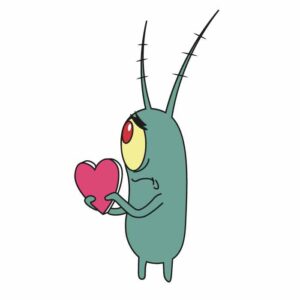
Plankton has very small antennae and eye details. Use a sharp weeding pick and a “Reverse Weeding” technique: apply transfer tape to the entire uncut design, peel the backing away, and then remove the negative space. This keeps the tiny pieces anchored to the tape so they don’t shift or get lost.
To prevent gaps caused by vinyl shrinkage, apply a tiny “Offset” (0.02 inches) to your bottom layers so they slightly overlap the top layers. When pressing, use a “tack press” of only 2-3 seconds for the bottom colors, only doing a full 15-second press on the final top layer to minimize heat-induced shrinkage.
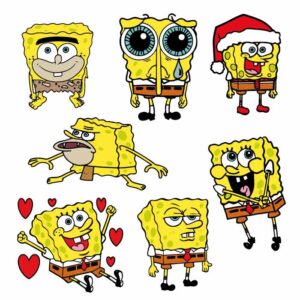
The Caveman Spongebob design has many jagged, detailed edges. Use a “Fine Point Blade” with a “More” pressure setting but decrease your cutting speed to 1 or 2. Slower speeds allow the blade to navigate the sharp corners of the “prehistoric” outlines without tearing or lifting the vinyl from the carrier sheet.
These SpongeBob SVG files are provided for personal use only, and resale or redistribution of the designs is not permitted. You are welcome to explore more free SVG designs across our website, including a wide range of themed and character-based collections.
If you experience any issues with downloading or using the files, feel free to reach out through our contact page and we will be happy to help. We also appreciate feedback from our community, so you’re welcome to leave a review below and share your experience.
For professionally curated bundles and extended design sets, you can also browse our premium SVG collections in our official store. Thank you for crafting with Free SVG Download, and enjoy creating your projects.