Home » Tv Shows - Movies » Betty Boop Free SVG Files
Collection Technical Data |
|
|---|---|
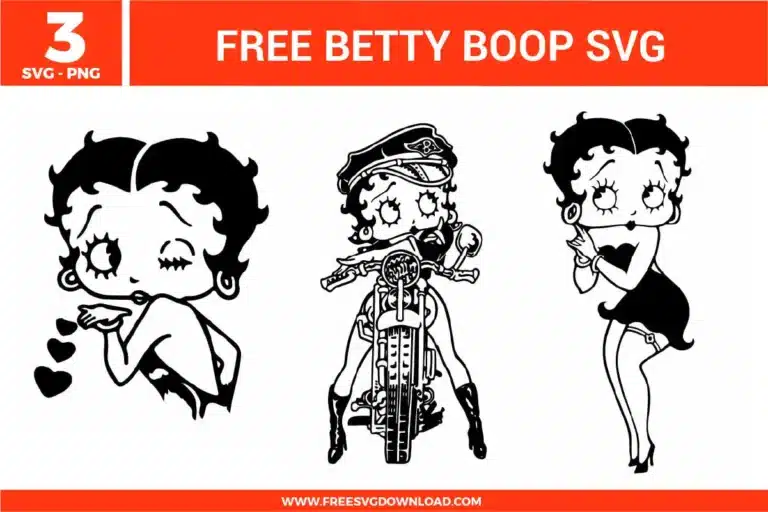
| Total Designs | 3 Items (See grid below) |
| Primary File Type | Scalable Vector Graphics (.svg) |
| Secondary Formats | High-Res PNG (300 DPI) |
| Compatibility Tested | Cricut Design Space, Silhouette Studio, Brother ScanNCut |
| Best For | Retro Fashion Tees, Motorcycle Helmet Decals, Vintage Mirror Etching, Custom Vanity Stickers. (Vinyl & HTV) |
| License Type | Personal Use Only |
| Cut Complexity | Beginner (Easy Weeding) |
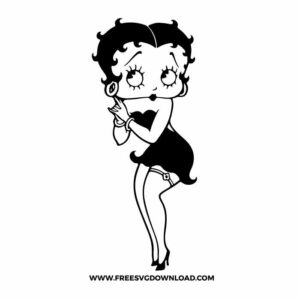
These Betty Boop SVG files are part of our TV Shows and Movies SVG category, where we organize all character-inspired designs from popular shows and movies in one place. This category includes a wide range of classic, playful, and retro-inspired SVG files created for apparel, party decor, and DIY crafts.
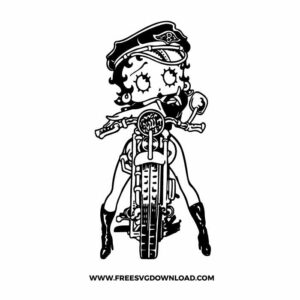
The motorcycle design contains very fine interior lines. To ensure a successful cut, use a “Premium Fine Point Blade” and set your machine to “Intricate Cut” or “More Pressure” with a slow speed. When weeding, start from the center of the wheels and work outward to prevent the thin spokes from lifting off the carrier sheet.
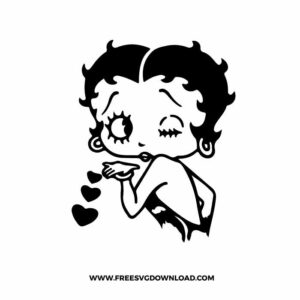
You should use the “Attach” tool to keep the eyelashes, eyes, and mouth in their exact relative positions. Since these features are often separate floating paths within the head silhouette, “Attach” ensures the machine cuts them exactly where they belong without merging the distinct lines into a single blob.
For designs with fine lines like Betty’s biker outfit, use a “Medium-Tack” clear transfer tape. A high-tack tape might be too aggressive and tear the delicate vinyl features, while a low-tack tape may struggle to lift the smaller pieces. Clear tape allows for precise registration when placing the design on your surface.
To get a retro, worn-in feel, use “Distressed” or “Matte” HTV. Alternatively, you can use the “Slicing” tool in your software to overlay a texture pattern (like a grit or crackle effect) onto the Betty Boop silhouette, cutting small holes out of the vinyl to let the shirt fabric show through.
Glitter vinyl is significantly thicker and more abrasive than standard adhesive vinyl. Set your blade depth higher (around 3 or 4) and use a Force setting of at least 25-30. If your machine supports it, enable “Overcut” by 0.1mm to ensure the blade fully closes each loop around Betty’s curls and heels.
These Betty Boop SVG files are provided for personal use only, and resale or redistribution of the designs is not permitted. You are welcome to explore more free SVG designs across our website, including a wide range of themed and character-based collections.
If you experience any issues with downloading or using the files, feel free to reach out through our contact page and we will be happy to help. We also appreciate feedback from our community, so you’re welcome to leave a review below and share your experience.
For professionally curated bundles and extended design sets, you can also browse our premium SVG collections in our official store. Thank you for crafting with Free SVG Download, and enjoy creating your projects.