Home » Tv Shows - Movies » Alice In Wonderland Free SVG Files
Collection Technical Data |
|
|---|---|
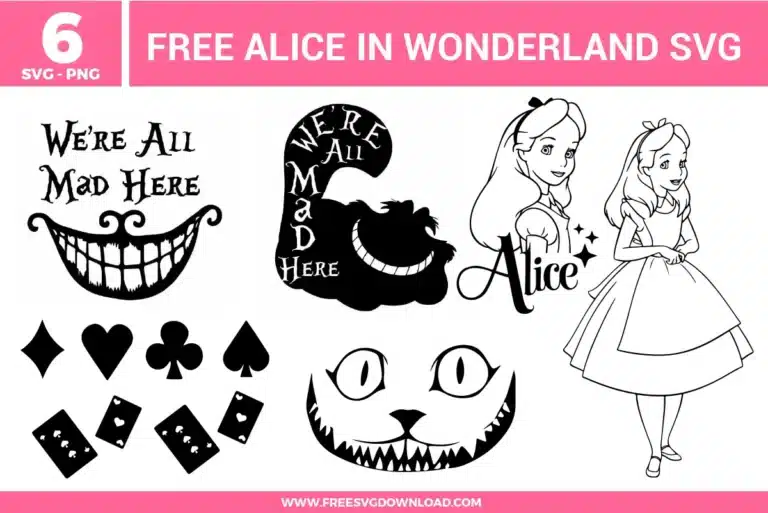
| Total Designs | 6 Items (See grid below) |
| Primary File Type | Scalable Vector Graphics (.svg) |
| Secondary Formats | High-Res PNG (300 DPI) |
| Compatibility Tested | Cricut Design Space, Silhouette Studio, Brother ScanNCut |
| Best For | Room Decor, Tea Party Favors, Custom Journal Covers, Fantasy Graphic Tees. (Vinyl & HTV) |
| License Type | Personal Use Only |
| Cut Complexity | Beginner (Easy Weeding) |
These Alice In Wonderland SVG files are part of our TV Shows and Movies SVG category, where we organize all character-inspired designs from popular shows and movies in one place. This category includes a wide range of whimsical, playful, and story-inspired SVG files created for apparel, party decor, and DIY crafts.
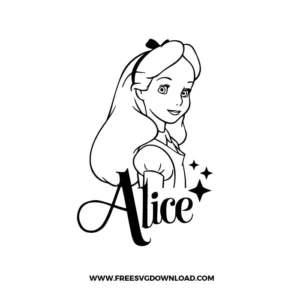
For these fine-line illustrations, ensure you are using a “Premium Fine Point Blade.” Slow your cutting speed to 2 or 3 and use a “LightGrip” (blue) mat. This prevents the blade from dragging through the delicate outlines and ensures that the thin vinyl lines stay adhered to the carrier sheet during the weeding process.
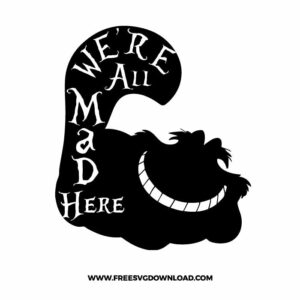
You should use the “Attach” tool to keep the text perfectly positioned above the grin. Avoid “Weld” unless you want to merge the letters into a single shape; using “Attach” keeps the elements as separate paths which makes it significantly easier to weed the tiny counters (the holes inside letters like ‘e’, ‘a’, and ‘d’).
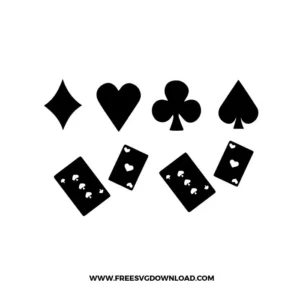
Use a sharp weeding pick or tweezers. Start from the center of the card symbols and work your way outward. If the small shapes are lifting, try the “Reverse Weeding” technique: apply your transfer tape to the entire cut design before removing the background, then peel the backing away. This forces the small details to stick to the tape.
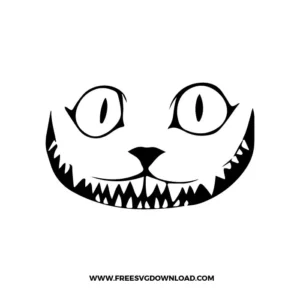
To avoid a bulky feel, use the “Slice” tool in your software. Place the teeth design over the solid mouth shape and slice them. Delete the excess pieces so the teeth fit perfectly into the gaps of the mouth like a puzzle. This creates a flat, professional finish that is much more durable on fabrics.
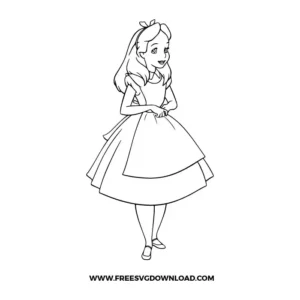
For 100% cotton, set your heat press to 315°F. Apply firm pressure for 15 seconds. If you are using “Cold Peel” vinyl, wait until the design is completely cool to the touch before removing the carrier sheet; otherwise, the fine details of Alice’s hair might lift and ruin the transfer.
These Alice in Wonderland SVG files are provided for personal use only, and resale or redistribution of the designs is not permitted. You are welcome to explore more free SVG designs across our website, including a wide range of themed and character-based collections.
If you experience any issues with downloading or using the files, feel free to reach out through our contact page and we will be happy to help. We also appreciate feedback from our community, so you’re welcome to leave a review below and share your experience.
For professionally curated bundles and extended design sets, you can also browse our premium SVG collections in our official store. Thank you for crafting with Free SVG Download, and enjoy creating your projects.