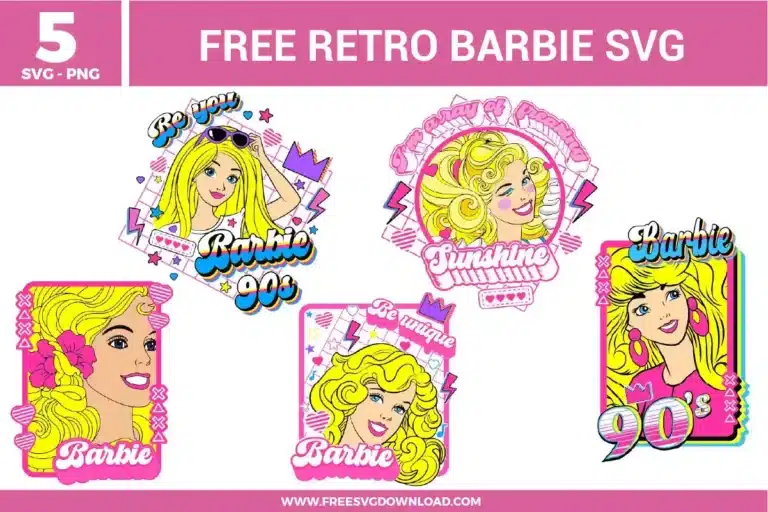
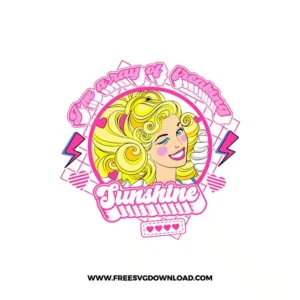
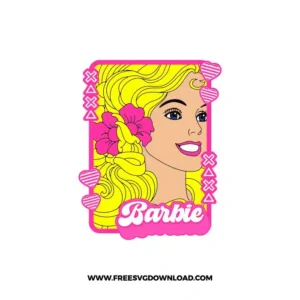
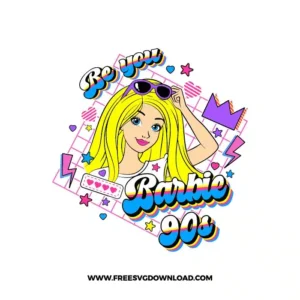
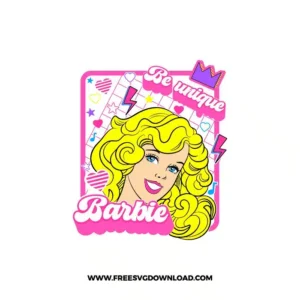
Home » Tv Shows - Movies » Retro Barbie Free SVG Files
Collection Technical Data |
|
|---|---|
| Total Designs | 6 Items (See grid below) |
| Primary File Type | Scalable Vector Graphics (.svg) |
| Secondary Formats | High-Res PNG (300 DPI) |
| Compatibility Tested | Cricut Design Space, Silhouette Studio, Brother ScanNCut |
| Best For | Vintage Graphic Tees, Neon Party Decals, Retro Laptop Skins, 90s Theme Journals. (Vinyl & HTV) |
| License Type | Personal Use Only |
| Cut Complexity | Advanced (Intricate Details) |
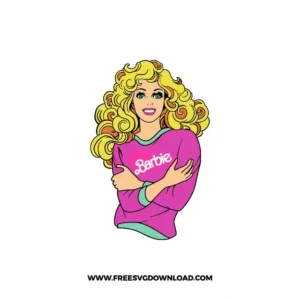
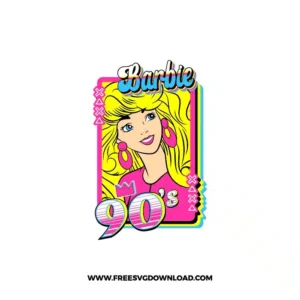
These Retro Barbie SVG files are part of our TV Shows & Movies SVG category, where we organize all cinematic and pop-culture designs in one place. This category includes a wide range of nostalgic, funky, and colorful SVG files created for sublimation printing, vinyl stickers, and DIY fashion projects.
Standard vinyl cutting is difficult for gradients. The best approach is to use “Print Then Cut” on printable heat transfer vinyl or sublimation. If you are using a Cricut, ensure you calibrate your machine for “Print Then Cut” specifically to ensure the blade perfectly tracks the outer glow and lightning bolt edges of these 90s graphics.
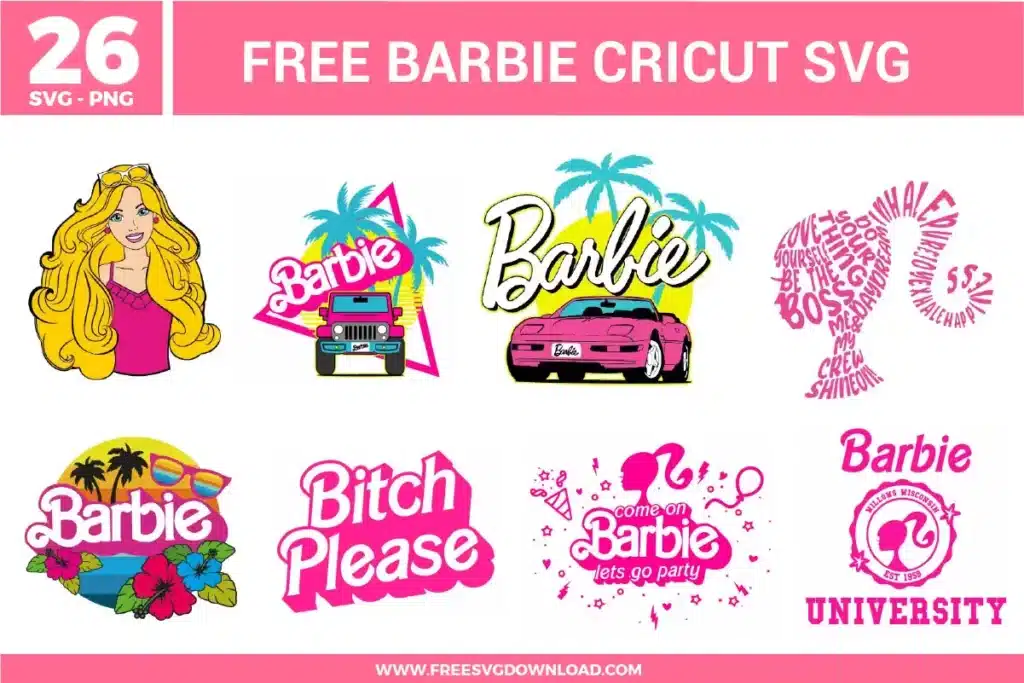
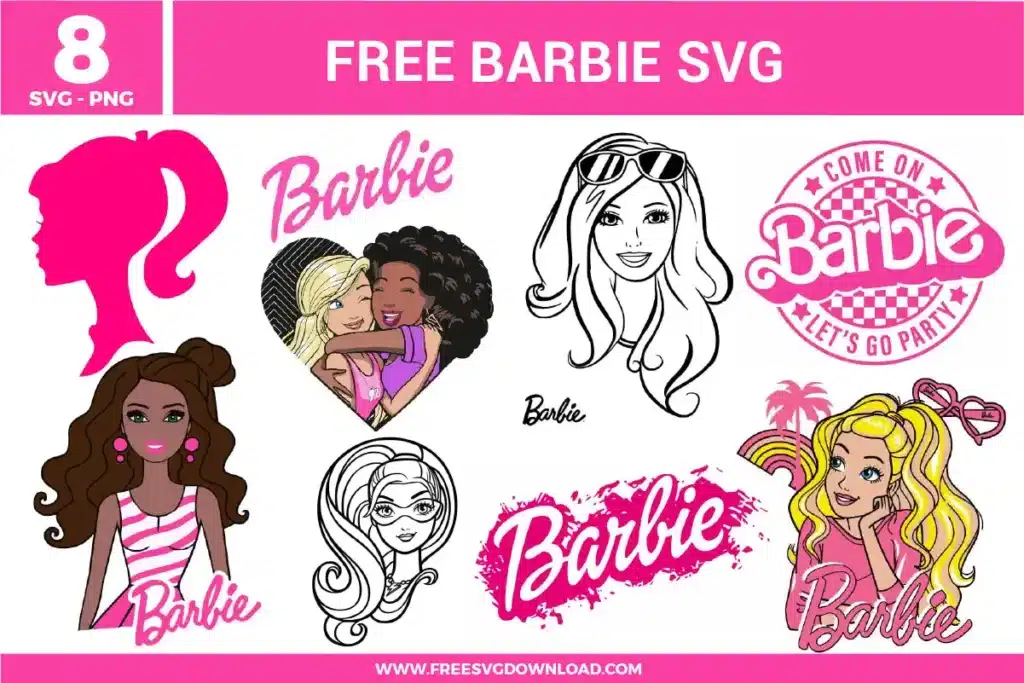
If the hair lines and facial features are too thin for your vinyl, apply a small “Offset” of 0.02 inches in your software. This slightly thickens all the paths, making them more durable during the weeding process and ensuring the thin strands of Barbie’s hair don’t lift off the carrier sheet.
To get that authentic 90s sticker vibe, use “Glossy Printable Vinyl” and top it with a “Holographic Laminate” sheet. The holographic effect mimics the prismatic stickers popular in the 90s and adds a layer of UV and water protection, making them perfect for hydro flasks or skateboards.
When working with these bright colors on apparel, use “Cold Peel” HTV if possible, as it often holds pigment better. Always turn the garment inside out and wash on a cold, delicate cycle. Avoid using fabric softeners, as the chemicals can break down the adhesive bond between the vinyl and the fabric over time.
Be careful—only use “Weld” on elements of the same color that you want to be cut as a single piece (like the background frames). If you weld the entire character, you will lose the ability to cut the different neon colors separately. Instead, use “Group” to keep the layout together while maintaining individual color layers.
These Retro Barbie SVG files are provided for personal use only, and resale or redistribution of the designs is not permitted. You are welcome to explore more free SVG designs across our website, including a wide range of themed and character-based collections.
If you experience any issues with downloading or using the files, feel free to reach out through our contact page and we will be happy to help. We also appreciate feedback from our community, so you’re welcome to leave a review below and share your experience.
For professionally curated bundles and extended design sets, you can also browse our premium SVG collections in our official store. Thank you for crafting with Free SVG Download, and enjoy creating your projects.