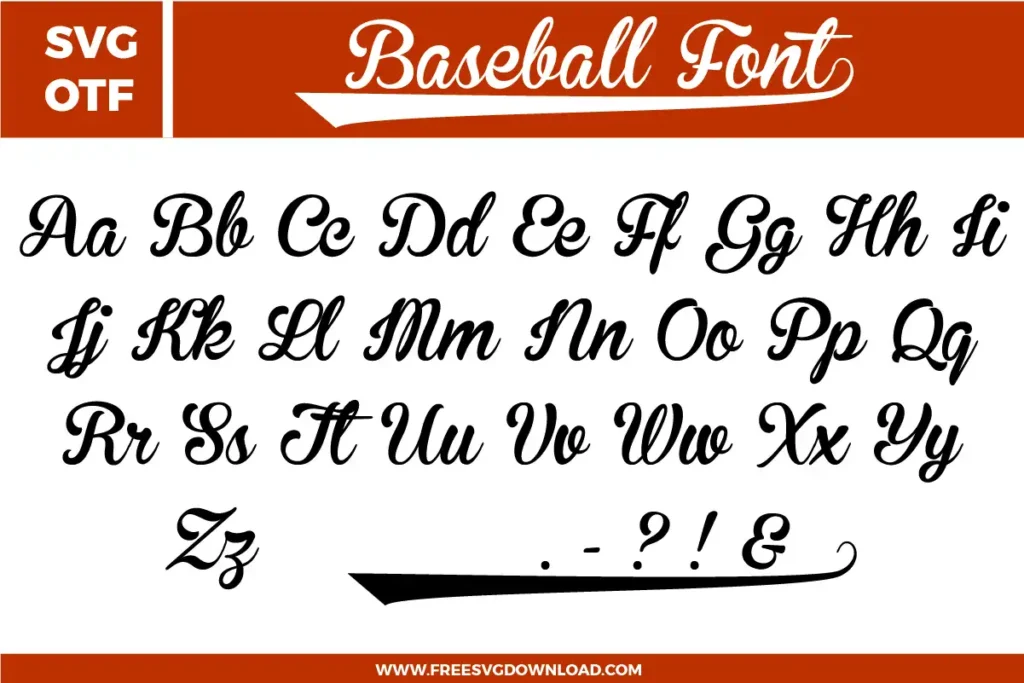
Collection Technical Data |
|
|---|---|
| Total Designs | 2 Items (See grid below) |
| Primary File Type | Scalable Vector Graphics (.svg) |
| Secondary Formats | OpenType Font (.otf) |
| Compatibility Tested | Cricut Design Space, Silhouette Studio, Brother ScanNCut |
| Best For | Birthday Party Invites, Custom Name Decals, Glam Tumblers, Fashion T-Shirts. (Vinyl & HTV) |
| License Type | Personal Use Only |
| Cut Complexity | Beginner (Easy Weeding) |
These Barbie Font SVG files are part of our Font category, where we organize all typography designs in one place. This category includes a wide range of whimsical, enchanting, and vibrant SVG files created for heat transfer, vinyl decals, and sublimation.
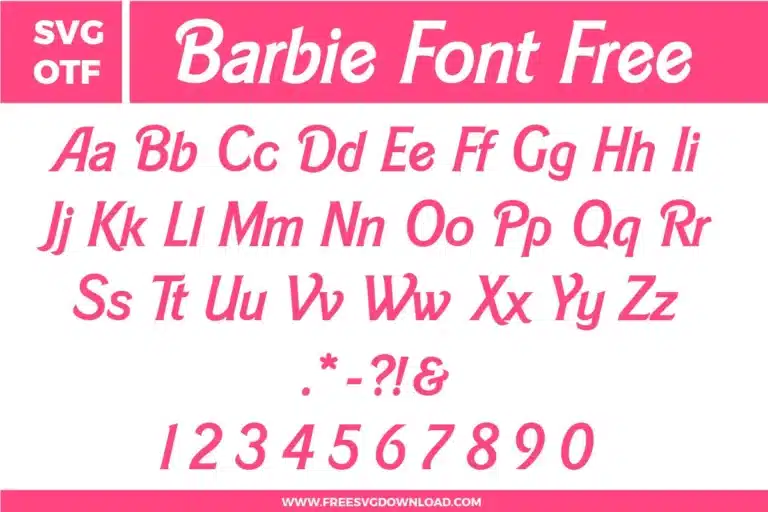
Since this font features overlapping cursive characters, you must select your text and click ‘Weld’ in your software. This merges the overlapping paths into a single continuous shape. Without welding, the machine will cut the tail of every letter into the next one, causing the vinyl to fall apart during weeding.
If you find the cursive strokes too thin for certain materials, apply a 0.04-inch external Offset. This adds a slight thickness to the entire font, making it much more durable for physical cutting while maintaining the elegant Barbie aesthetic. This is especially helpful for small decals or glitter HTV.
Italicized script fonts can sometimes generate complex paths with unnecessary anchor points. Using the ‘Simplify’ tool streamlines these paths into smooth curves. This prevents your cutting blade from ‘chattering’ or making jagged edges, ensuring a fluid motion that mimics real handwriting.
For standard glossy adhesive vinyl, use the ‘Vinyl’ setting with ‘Default’ pressure. However, because this font has many curves and thin points, reducing the cutting speed to 4 or 5 is highly recommended. A slower speed gives the blade more precision to navigate the loops without lifting the material.
Create a white ‘Offset’ background for your text. Place the pink Barbie font on top, select both, and use the ‘Slice’ or ‘Subtract’ tool. This cuts the font shape out of the white background. This professional technique allows the two colors to fit together like a puzzle, keeping the finished decal flat and smooth.
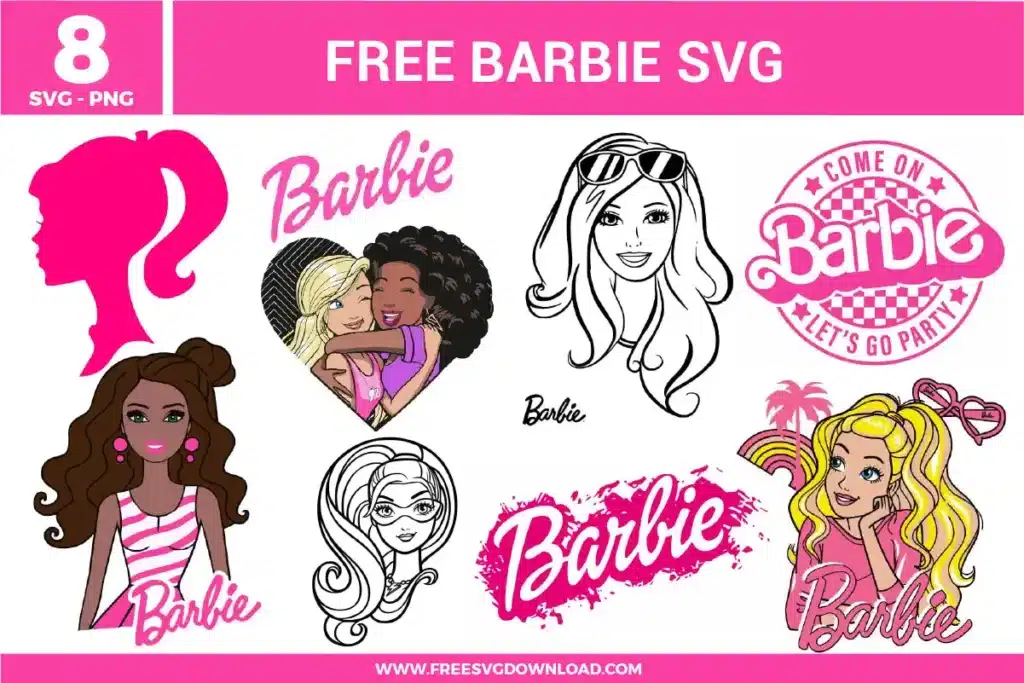
These Barbie Font SVG files are provided for personal use only, and resale or redistribution of the designs is not permitted. You are welcome to explore more free SVG designs across our website, including a wide range of themed and character-based collections.
If you experience any issues with downloading or using the files, feel free to reach out through our contact page and we will be happy to help. We also appreciate feedback from our community, so you’re welcome to leave a review below and share your experience.
For professionally curated bundles and extended design sets, you can also browse our premium SVG collections in our official store. Thank you for crafting with Free SVG Download, and enjoy creating your projects.