Collection Technical Data |
|
|---|---|
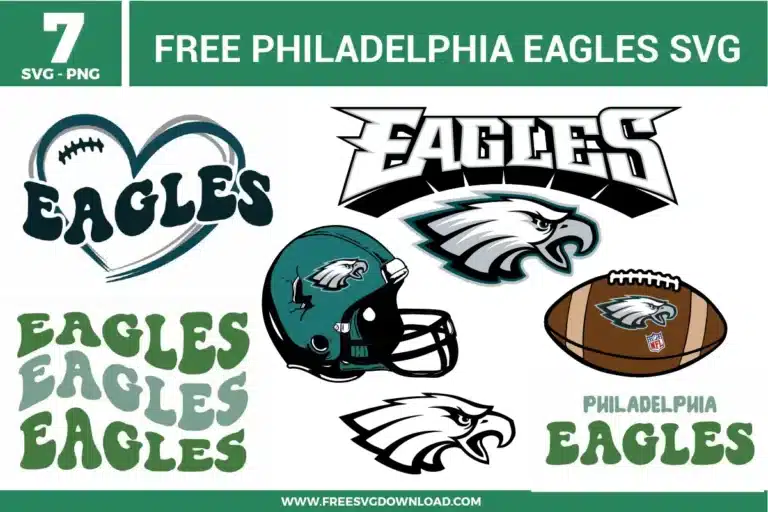
| Total Designs | 8 Items (See grid below) |
| Primary File Type | Scalable Vector Graphics (.svg) |
| Secondary Formats | High-Res PNG (300 DPI) |
| Compatibility Tested | Cricut Design Space, Silhouette Studio, Brother ScanNCut |
| Best For | Stadium Blankets, Hooded Sweatshirts, Drinking Glasses, Car Stickers (Vinyl & HTV) |
| License Type | Personal Use Only |
| Cut Complexity | Intermediate (Multi-Layer) |
These Philadelphia Eagles SVG files are part of our Sport SVG category, where we organize athletic and team-themed designs in one place. This category includes a wide range of football, fan-themed, and sports-related SVG files created for apparel, stickers, and DIY craft projects.
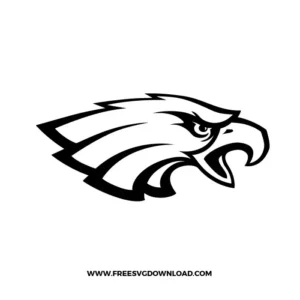
The layered feathers on the eagle profile require precise tracking. Slow down your cutting speed parameter by 10% to 20% and deploy a clean fine-point blade. If the small points buckle or slide off the backing paper while cutting, increase your downforce tracking slightly to score cleanly through the adhesive layer without tearing the carrier sheet.
Open the path workspace and active the node selection tool on the text outlines. Zoom into the pointed serifs and edges to confirm they use clean “Corner” points instead of unintentional Bezier curves. Remove any duplicate or clustered anchor structures that sit directly on the straight lines, which helps your machine avoid cutting carriage vibrations.
Weed away all excess material from the midnight green base and white detail sheets. Use transfer tape to collect the top white highlights first. Utilizing clear alignment marks or visual registration tabs, suspend the tape over the green base silhouette, match up the position lines perfectly, and drop the layer down to compress them into a single layered unit.
Synthetic sports gear glazes easily under intense heat. Adjust your heat press temperature setting down to a modest 280°F. Apply the solid base layout using medium physical pressure for a brief 3 seconds just to set it. Remove the protective carrier sheet cold, position your detail paths, shield the entire shirt with a sheet of premium Teflon, and finish with a steady 10-second fuse.
Using “Weld” or “Union” across an entire graphic package forces separate enclosed paths to bleed together into a solid polygon shape. To preserve the blank spaces inside letters like A, G, and E, avoid using global welding. Instead, select only the outer profiles to fuse overlapping baselines, or rely exclusively on the “Attach” tool to preserve the independent inner vector cavities.
These Philadelphia Eagles SVG files are provided for personal use only, and resale or redistribution of the designs is not permitted. You are welcome to explore more free SVG designs across our website, including a wide range of themed and character-based collections.
If you experience any issues with downloading or using the files, feel free to reach out through our contact page and we will be happy to help. We also appreciate feedback from our community, so you’re welcome to leave a review below and share your experience.
For professionally curated bundles and extended design sets, you can also browse our premium SVG collections in our official store. Thank you for crafting with Free SVG Download, and enjoy creating your projects.