Collection Technical Data |
|
|---|---|
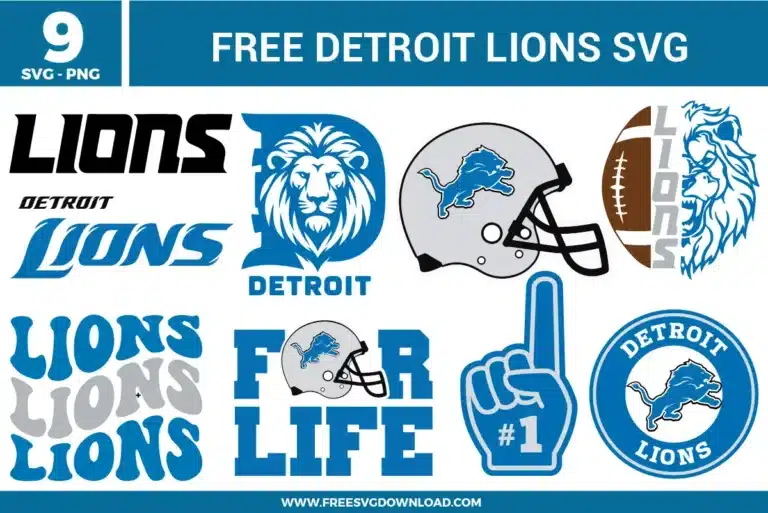
| Total Designs | 10 Items (See grid below) |
| Primary File Type | Scalable Vector Graphics (.svg) |
| Secondary Formats | High-Res PNG (300 DPI) |
| Compatibility Tested | Cricut Design Space, Silhouette Studio, Brother ScanNCut |
| Best For | Game Day Hoodies, Tailgate Banners, Travel Tumblers, Stadium Blankets. (Vinyl & HTV) |
| License Type | Personal Use Only |
| Cut Complexity | Intermediate (Multi-Layer) |
These Detroit Lions SVG files are part of our Sport SVG category, where we organize athletic and team-themed designs in one place. This category includes a wide range of football, fan-themed, and sports-related SVG files created for apparel, stickers, and DIY craft projects.
Select the graphic on your canvas and apply the “Ungroup” or “Release Compound Path” option. Look for areas where the intricate mane lines cross over the inner edges of the block letter. Use the “Intersect” or “Trim” tool to clean up hidden paths, or use “Weld” to blend uniform blue sections together so your machine cuts clean outer tracks without scoring underlying shapes.
Open your software’s node editing panel and zoom closely into the narrow tips of the lion silhouette. Check the anchor settings at each point to ensure they are designated as sharp “Corner” points rather than curved Bezier handles. Delete any redundant, tightly clustered anchors along the straight legs, as high node density causes the blade assembly to shake and roughs up your material.
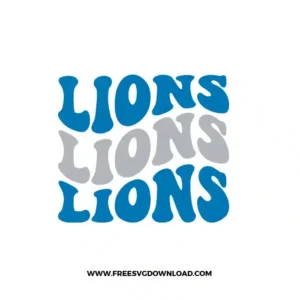
To preserve the exact spacing of the wavy rows when moving the design to the cutting mat, use the “Attach” tool in Cricut Design Space or convert the layout into a unified “Compound Path” in Silhouette Studio. This anchors the horizontal orientation and vertical gaps of the individual letters, preventing your software from scattering the rows to save material space.
Team fan gear is frequently made of polyester blends that melt or discolor under typical iron-on heat. Set your heat press to a moderate 285°F. Position the base layer and apply medium pressure for a short 3-second press to set the adhesive. Remove the carrier sheet, register the silver accent layers, cover with a Teflon sheet, and lock down the press for a final 10 seconds.
The “Weld” command permanently melts all overlapping closed paths into a single shared outline, which floods interior holes with solid color. To lock the circular frame, lettering, and center lion together without losing the open white gaps, avoid welding the entire group globally. Instead, highlight the matching colored pieces and use the “Attach” function or combine them as a compound path.
These Detroit Lions SVG files are provided for personal use only, and resale or redistribution of the designs is not permitted. You are welcome to explore more free SVG designs across our website, including a wide range of themed and character-based collections.
If you experience any issues with downloading or using the files, feel free to reach out through our contact page and we will be happy to help. We also appreciate feedback from our community, so you’re welcome to leave a review below and share your experience.
For professionally curated bundles and extended design sets, you can also browse our premium SVG collections in our official store. Thank you for crafting with Free SVG Download, and enjoy creating your projects.