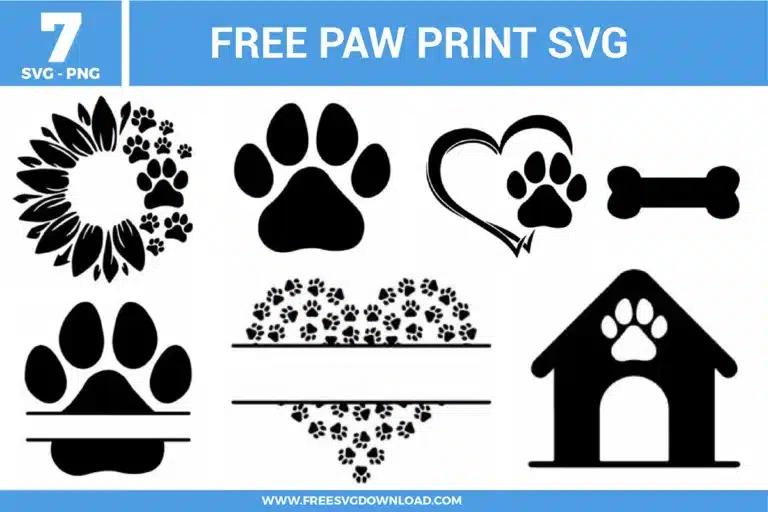
Collection Technical Data |
|
|---|---|
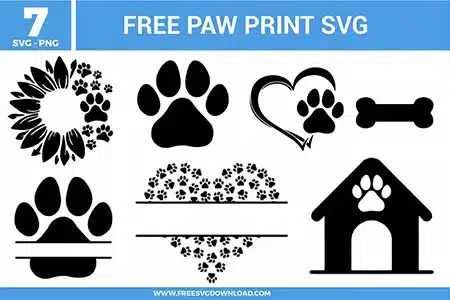
| Total Designs | 7 Items (See grid below) |
| Primary File Type | Scalable Vector Graphics (.svg) |
| Secondary Formats | High-Res PNG (300 DPI) |
| Compatibility Tested | Cricut Design Space, Silhouette Studio, Brother ScanNCut |
| Best For | Pet Name Decals, Custom Dog Apparel, Memorial Shadow Boxes, Hydro Flask Stickers. (Vinyl & HTV) |
| License Type | Personal Use Only |
| Cut Complexity | Intermediate (Multi-Layer) |
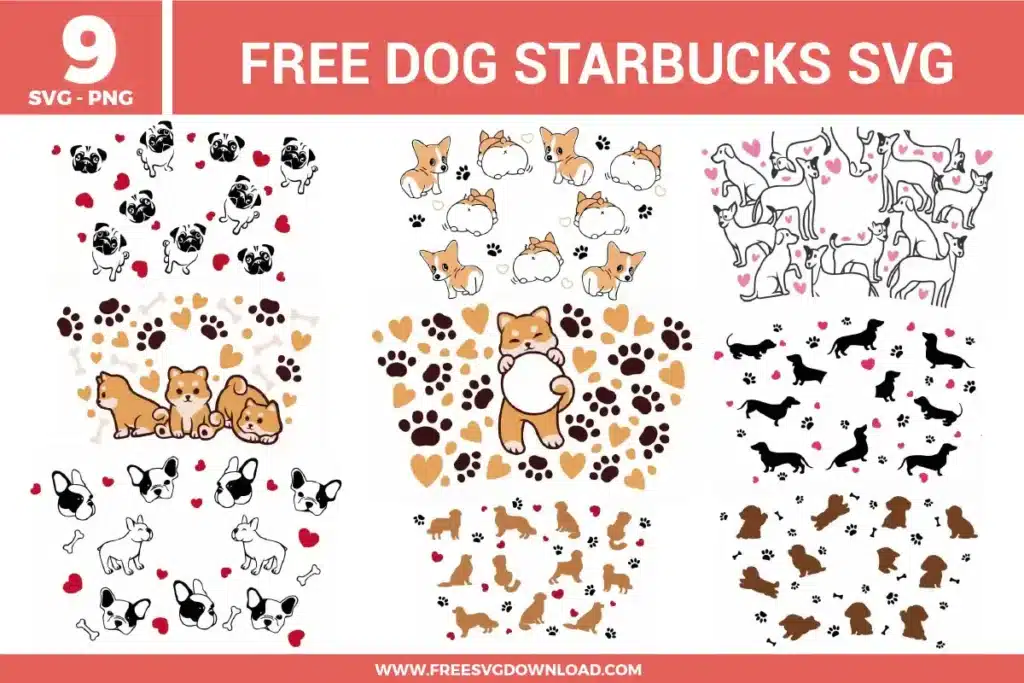
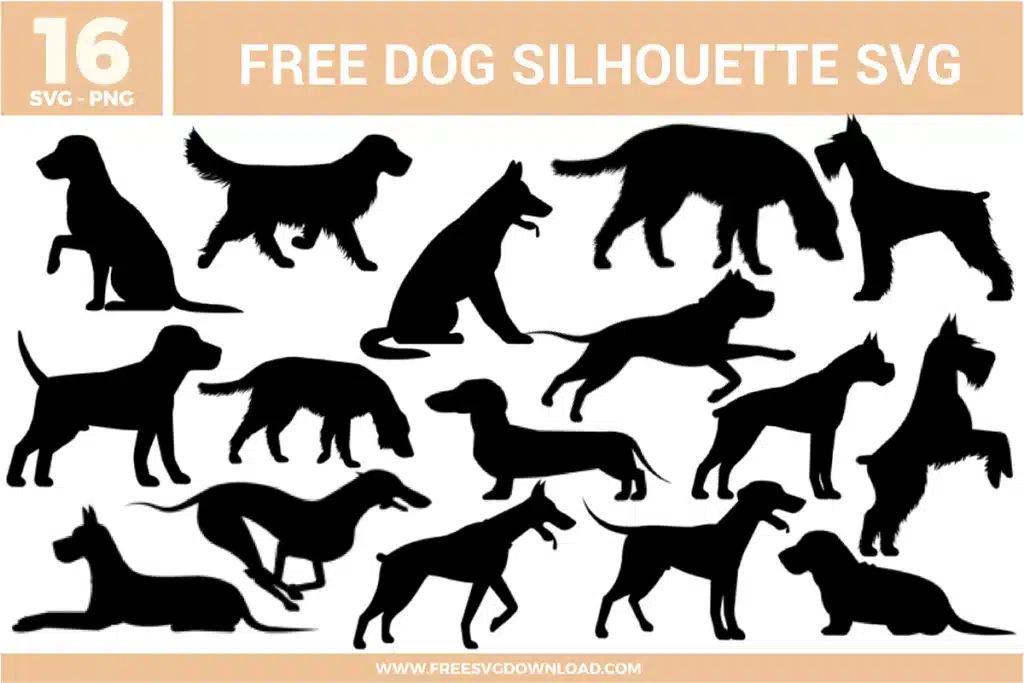
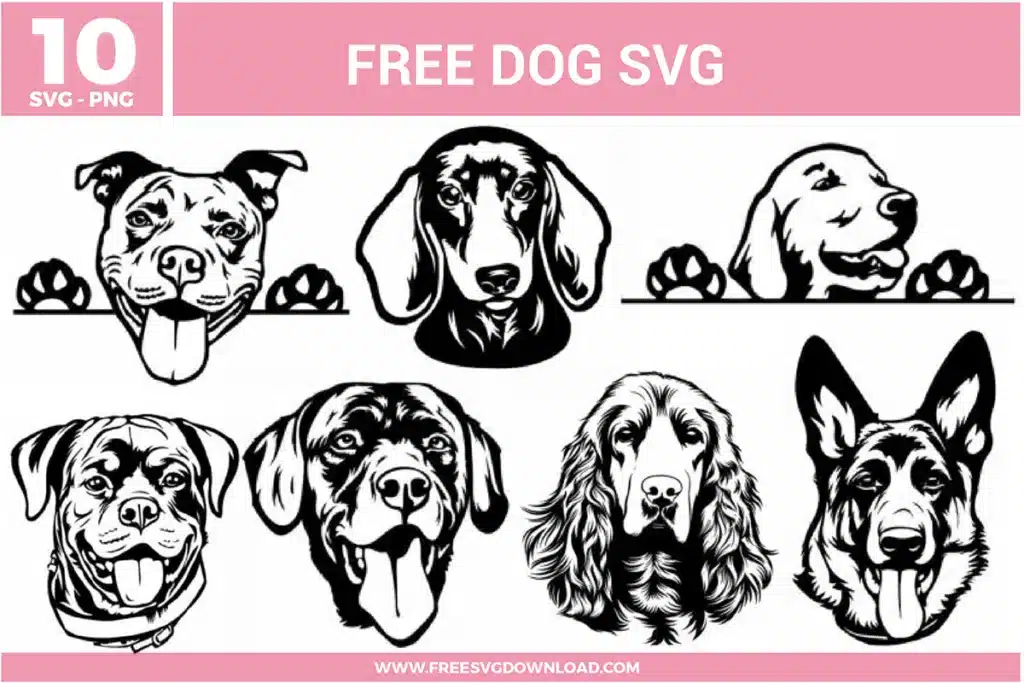
These Paw Print SVG files are part of our Animal SVG category, where we organize all animal-themed designs in one place. This category includes a wide range of decorative, modern, and easy-to-weed SVG files created for teacher gifts, sublimation projects, and classroom vinyl.
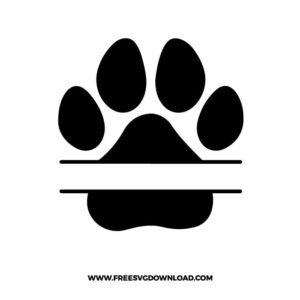
Open the SVG in your software and type your desired name using the text tool. Position the text in the center blank space between the two horizontal lines. Select both the text and the split paw, then use the ‘Align’ tool to center them horizontally before clicking ‘Attach’ to keep them together for cutting.
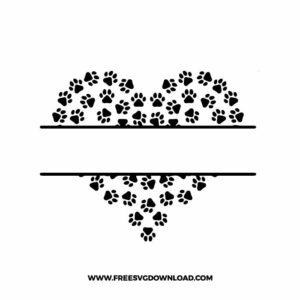
Intricate cuts like the heart made of small paws can leave behind tiny vinyl scraps. Use a scraper tool at a low angle to lift the debris. If the mat is still dirty, use a lint roller or a piece of strong transfer tape to pick up the remaining bits without damaging the mat’s adhesive.
Only use the ‘Flatten’ tool if you intend to use the ‘Print Then Cut’ feature. If you are cutting this out of regular vinyl, keep the layers separate or use ‘Weld’ to merge the petals into one single cutting path to ensure your machine doesn’t cut individual overlapping lines.
Since these are high-quality vector files, you can scale them up infinitely without pixelation. However, if you scale the tiny paw heart down too small (under 3 inches), the individual paws may become difficult to weed. Always check your ‘Line Type’ preview to see if the gaps are wide enough for your blade.
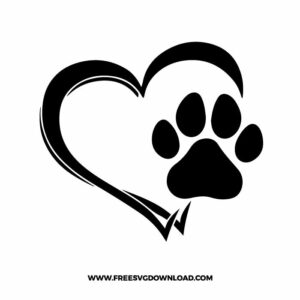
In your design software, select both the heart and the paw. Use the ‘Center’ or ‘Align’ functions to place the paw exactly where you want it relative to the heart. If you want them to cut as one piece, use the ‘Slice’ tool to cut the paw shape out of the heart outline for a professional ‘negative space’ look.
These Paw Print SVG files are provided for personal use only, and resale or redistribution of the designs is not permitted. You are welcome to explore more free SVG designs across our website, including a wide range of themed and character-based collections.
If you experience any issues with downloading or using the files, feel free to reach out through our contact page and we will be happy to help. We also appreciate feedback from our community, so you’re welcome to leave a review below and share your experience.
For professionally curated bundles and extended design sets, you can also browse our premium SVG collections in our official store. Thank you for crafting with Free SVG Download, and enjoy creating your projects.