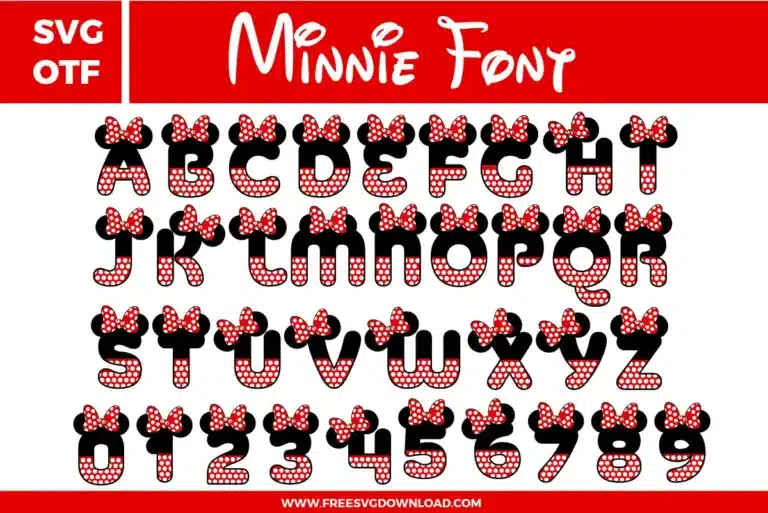
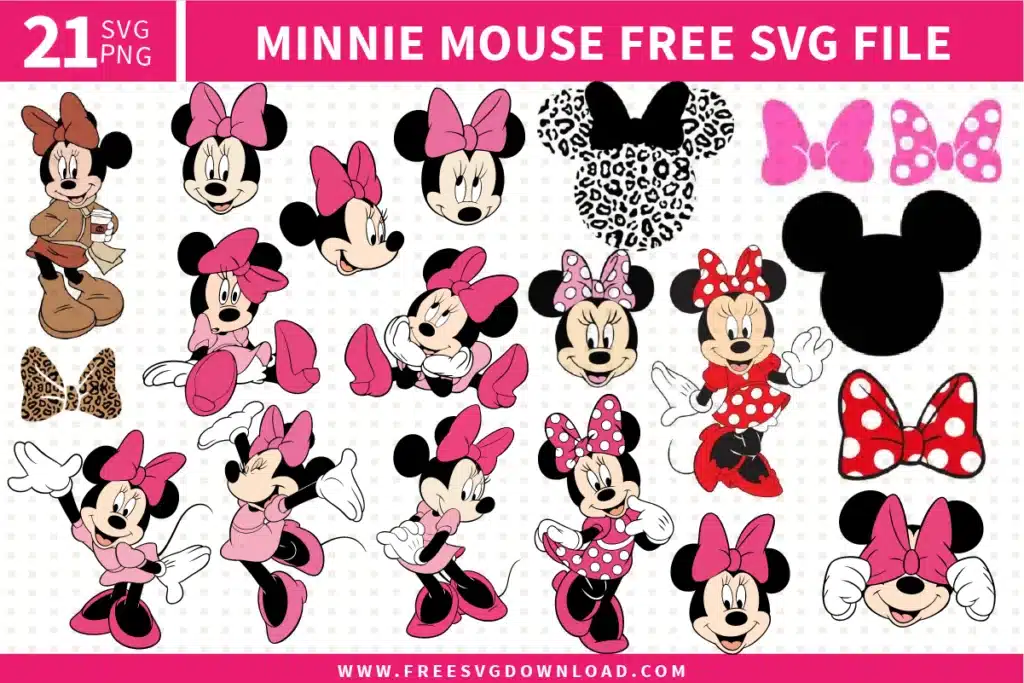
Collection Technical Data |
|
|---|---|
| Total Designs | 2 Items (See grid below) |
| Primary File Type | Scalable Vector Graphics (.svg) |
| Secondary Formats | OpenType Font (.otf) |
| Compatibility Tested | Cricut Design Space, Silhouette Studio, Brother ScanNCut |
| Best For | Birthday Party Banners, Girls Custom Apparel, Personalized Lunch Boxes, Nursery Wall Decals. (Vinyl & HTV) |
| License Type | Personal Use Only |
| Cut Complexity | Advanced (Intricate Details) |
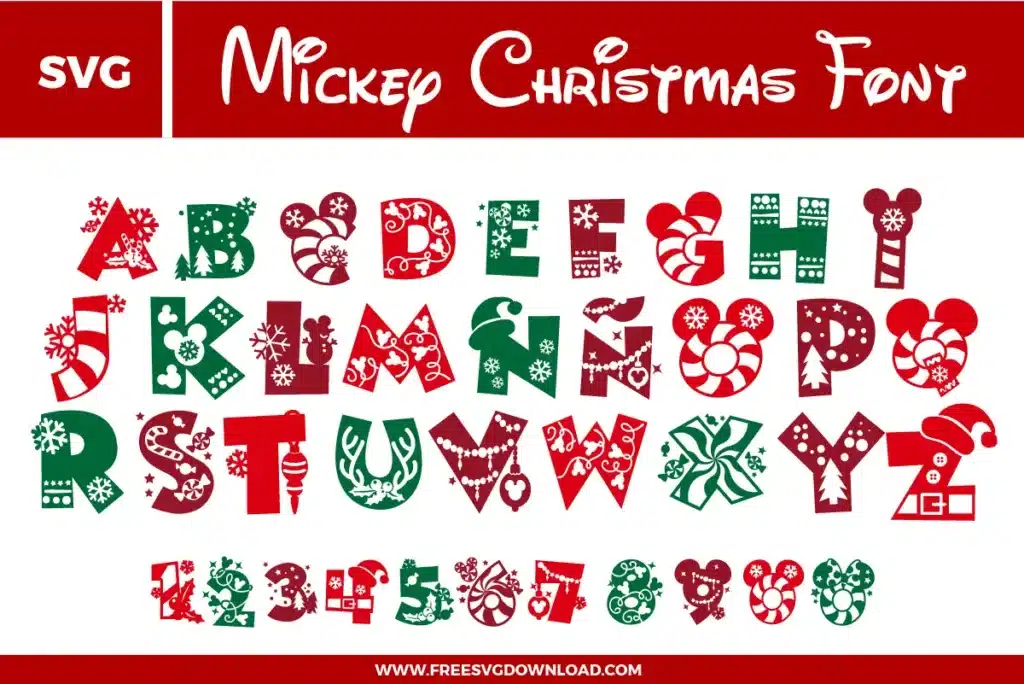
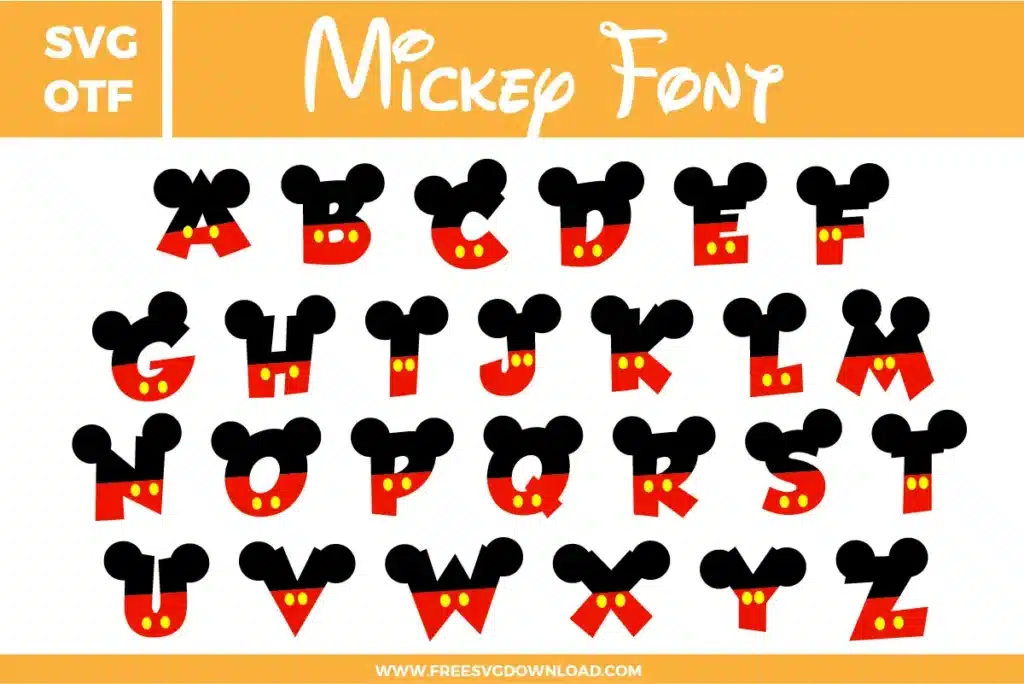
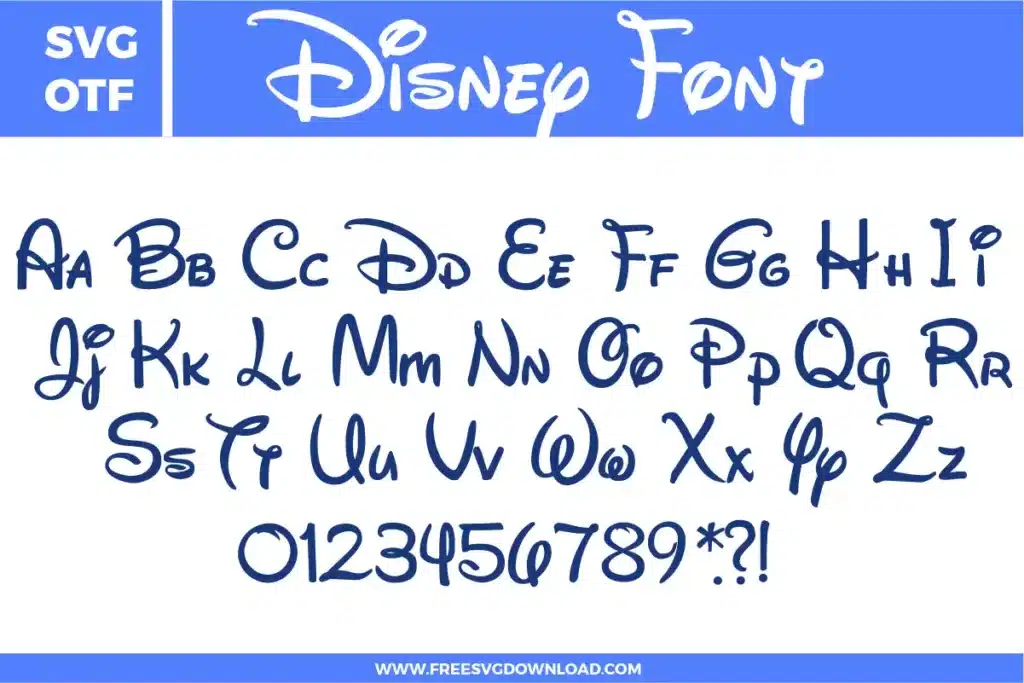
These Minnie Font SVG files are part of our Font category, where we organize all character-inspired font designs in one place. This category includes a wide range of playful, decorative, and bold SVG files created for party decorations, custom apparel, and DIY craft projects.
Small dots can be challenging to weed. Use a brand new ‘Fine Point Blade’ and set your machine to ‘More’ pressure. To prevent losing dots, use the ‘Reverse Weeding’ technique: apply your transfer tape to the entire cut design before removing the vinyl backing, then weed from the tape itself.
High-quality Heat Transfer Vinyl (HTV) like Siser EasyWeed is ideal. For the best look on cotton, use the ‘Knockout’ method so that the red polka dot layers sit directly on the fabric rather than stacking on top of the black, which prevents the design from becoming too thick or stiff.
Use ‘Registration Marks’ in your software. Place two small squares above the design in both the black and red layers. When you go to layer the vinyl, simply line up the squares on your transfer tape, and the ears and polka dot bows will be perfectly positioned over the letters.
Synthetic blends are heat-sensitive. Set your heat press to 280°F to 290°F. Press for 10-12 seconds with medium pressure. Always use a protective Teflon sheet to prevent the fabric from scorching while you apply the layers of the Minnie font.
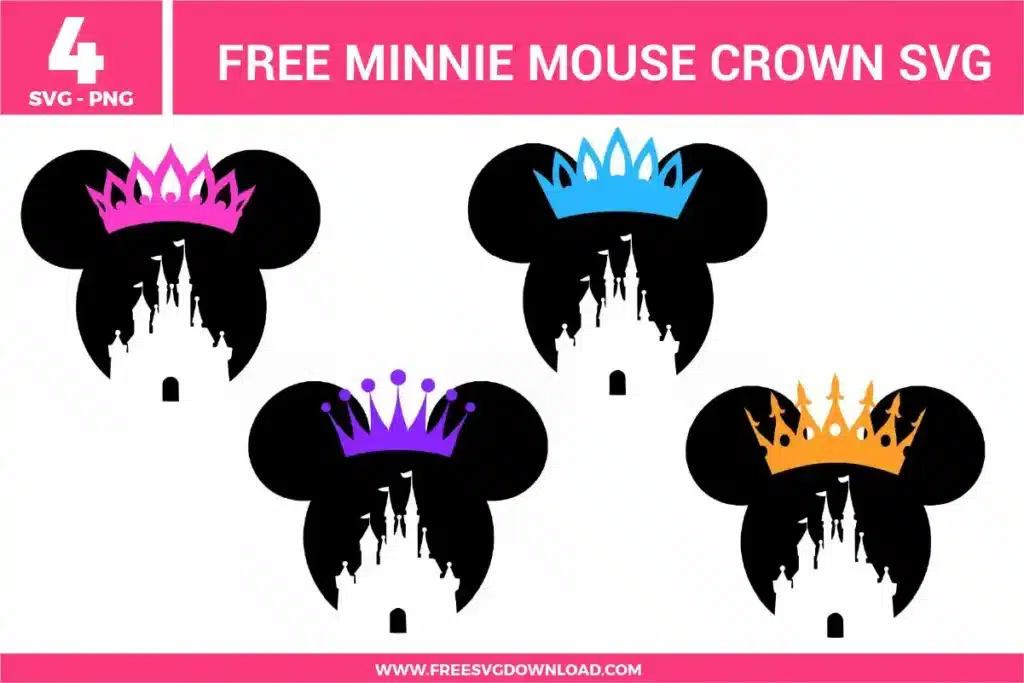
This is often caused by too many anchor points. Use the ‘Node Editing’ or ‘Simplify’ tool in your software (Path > Simplify). This reduces the complexity of the vector paths, allowing your cutting machine to create a much smoother, perfectly round cut for Minnie’s ears.
These Minnie Font SVG files are provided for personal use only, and resale or redistribution of the designs is not permitted. You are welcome to explore more free SVG designs across our website, including a wide range of themed and character-based collections.
If you experience any issues with downloading or using the files, feel free to reach out through our contact page and we will be happy to help. We also appreciate feedback from our community, so you’re welcome to leave a review below and share your experience.
For professionally curated bundles and extended design sets, you can also browse our premium SVG collections in our official store. Thank you for crafting with Free SVG Download, and enjoy creating your projects.