Mickey Font Free SVG File

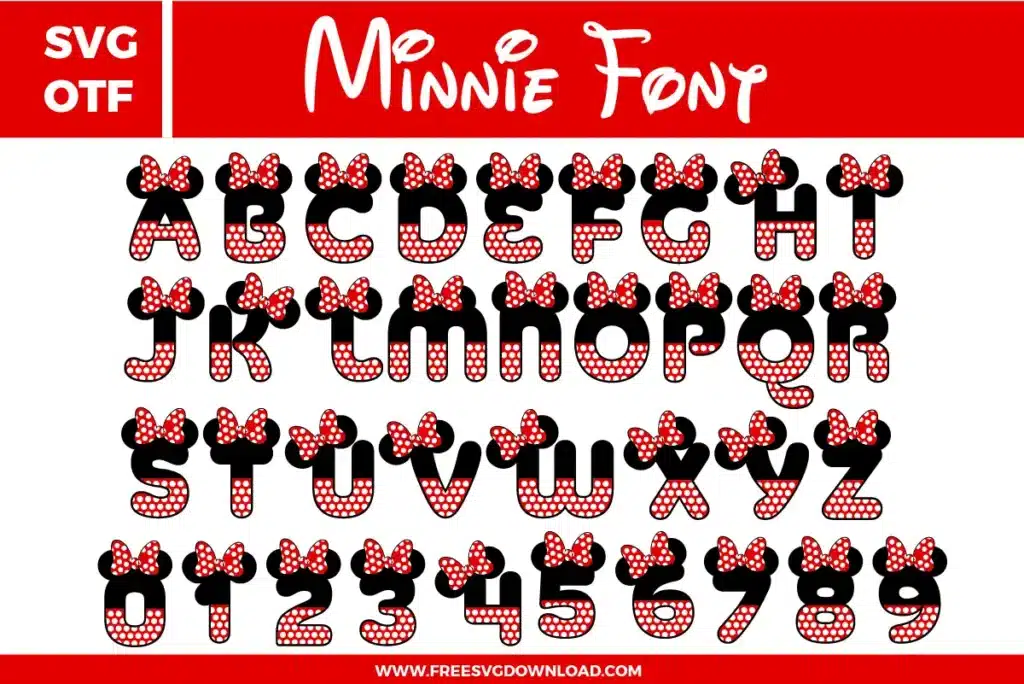
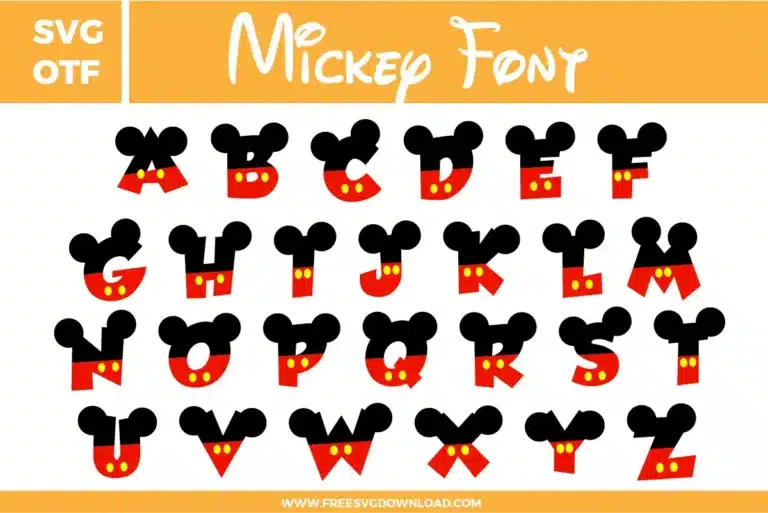
This Mickey Font free svg files bundle features a complete A-Z uppercase alphabet designed with the iconic Disney character aesthetic. Each letter is divided into two sections: a black top portion with round Mickey ears and a red bottom portion featuring two yellow oval buttons, mimicking Mickey Mouse's signature trousers. These high-quality digital vector letters are perfect for Disney-themed birthday crafts and personalized nursery decor.

Collection Technical Data

Total Designs 2 Items (See grid below)
Primary File Type Scalable Vector Graphics (.svg)
Secondary Formats OpenType Font (.otf)
Compatibility Tested Cricut Design Space, Silhouette Studio, Brother ScanNCut
Best For Birthday Party Banners, Personalized Nursery Decor, Disney Vacation Shirts, Custom Vinyl Labels. (Vinyl & HTV)
License Type Personal Use Only
Cut Complexity Beginner (Easy Weeding)

Download Kpop Demon Hunters Font & SVG Bundle

Mickey Font and SVG File

Mickey Font and SVG File

  • Size: 9 KB
  • Format: SVG + OTF
  • Layers: 3 Layers (Color Separated)
  • License: Personal Use
  • Downloads: 1038

Package Design Inventory

These Mickey Font SVG files are part of our Font category, where we organize all character-inspired font designs in one place. This category includes a wide range of bold, playful, and decorative SVG files created for custom shirts, party decor, and DIY craft projects.

Bundle Content:

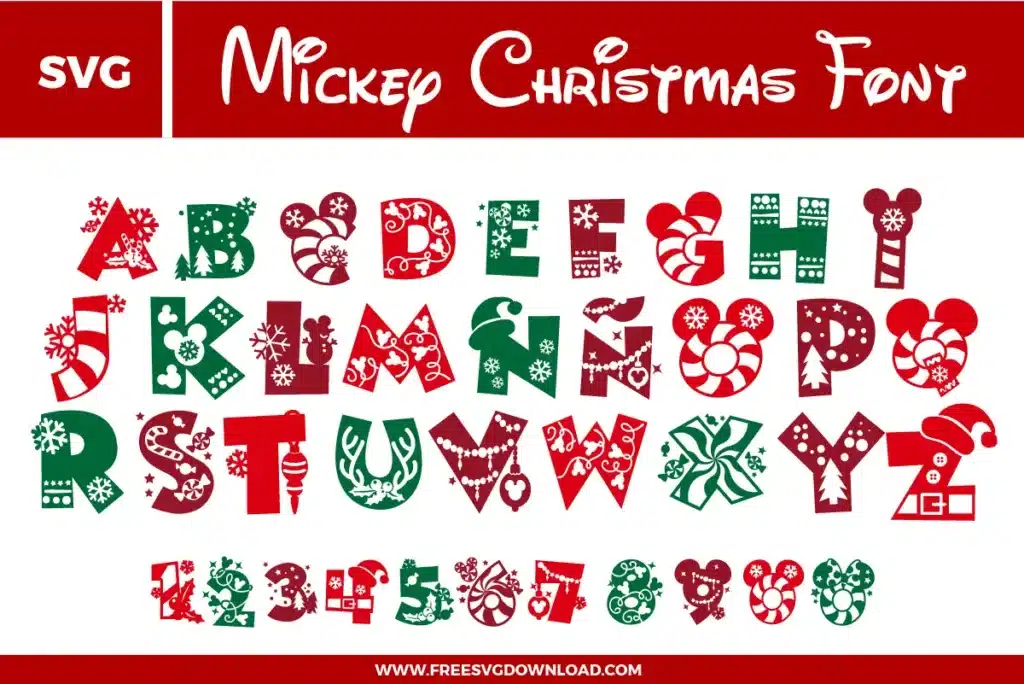
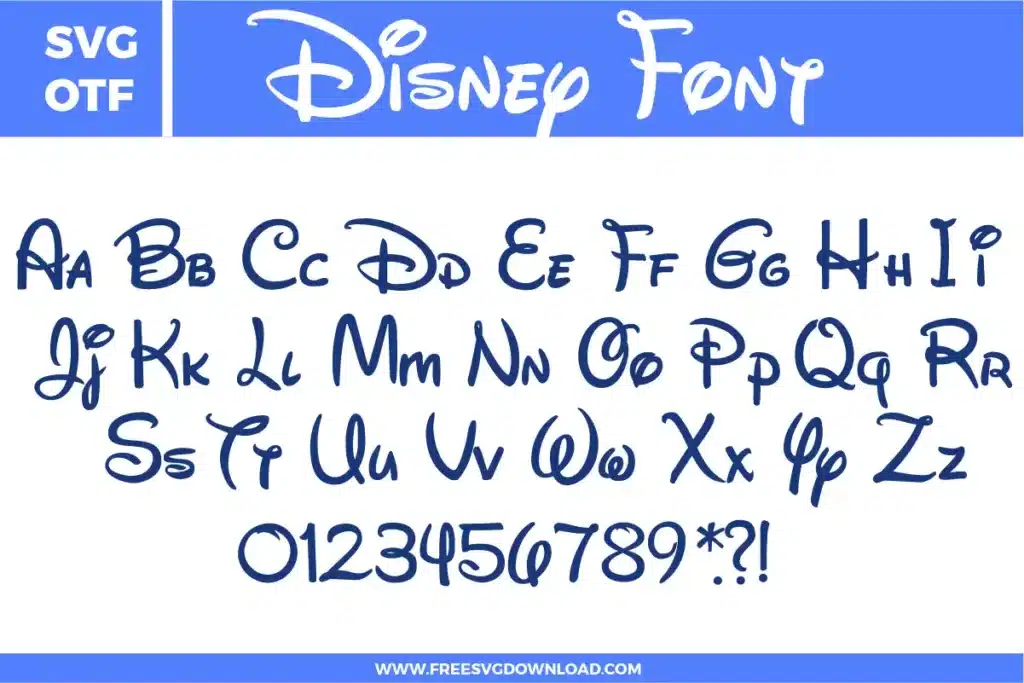
  • Mickey Font SVG: Full alphabet font preview styled like Mickey-inspired character shapes with black upper sections forming round ear silhouettes, red lower halves, and small yellow button details repeated across the letter set.

You May Also Like

FAQ

How do I handle the two-color layering for these Mickey letters in my cutting software?

The letters are designed as two separate parts: the black ear top and the red button bottom. In your software, use the ‘Ungroup’ tool to separate the colors. Cut your black vinyl first, then your red vinyl. When applying, lay the red piece down first as your base and then overlap the black top for perfect alignment.

Since the yellow buttons are very small ovals, use a ‘Premium Fine Point Blade’ with ‘More’ pressure. To ensure they don’t get lost during weeding, use a weeding tool with a sharp point and consider using ‘Reverse Weeding’ by applying transfer tape before removing the excess vinyl.

For items that will be handled or washed, use permanent adhesive vinyl like Oracal 651. Before applying, clean the surface with 70% isopropyl alcohol to remove oils. Use a squeegee to apply firm pressure, ensuring the round edges of the ears are fully bonded to the surface.

You should only use ‘Weld’ (or ‘Unite’) on letters of the same color that are physically touching. Since these letters are meant to be spaced out, use the ‘Attach’ tool instead. This keeps your layout exactly as you designed it on the cutting mat without merging the black and red paths into one color.

If your cutter is moving slowly or jerkily around the ears, use the ‘Simplify’ tool (or ‘Path > Simplify’ in professional software). This reduces the number of anchor points on the circular paths, allowing the blade to glide smoothly and create a much cleaner cut.

Usage & Support Notice

These Mickey Font SVG files are provided for personal use only, and resale or redistribution of the designs is not permitted. You are welcome to explore more free SVG designs across our website, including a wide range of themed and character-based collections.

If you experience any issues with downloading or using the files, feel free to reach out through our contact page and we will be happy to help. We also appreciate feedback from our community, so you’re welcome to leave a review below and share your experience.

For professionally curated bundles and extended design sets, you can also browse our premium SVG collections in our official store. Thank you for crafting with Free SVG Download, and enjoy creating your projects.
Leave a Reply

Your email address will not be published. Required fields are marked *

Free SVG Download