Collection Technical Data |
|
|---|---|
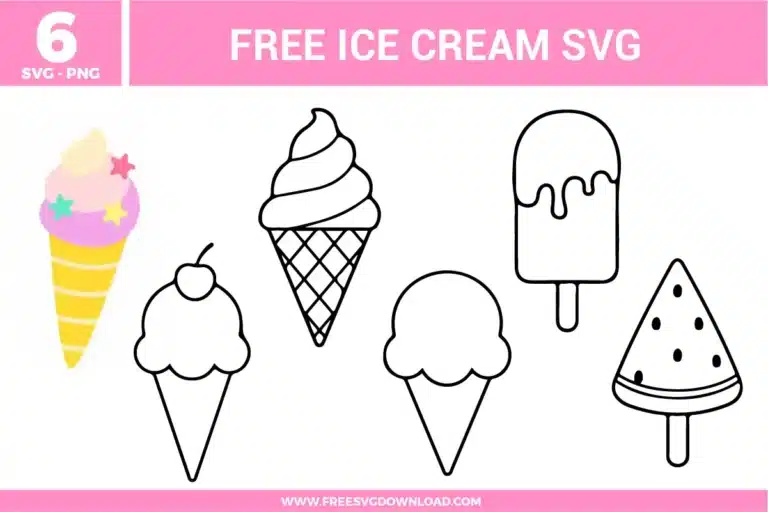
| Total Designs | 6 Items (See grid below) |
| Primary File Type | Scalable Vector Graphics (.svg) |
| Secondary Formats | High-Res PNG (300 DPI) |
| Compatibility Tested | Cricut Design Space, Silhouette Studio, Brother ScanNCut |
| Best For | Birthday Invitations, Summer Shirts, Vinyl Stickers, Party Favors. (Vinyl & HTV) |
| License Type | Personal Use Only |
| Cut Complexity | Beginner (Easy Weeding) |
These Ice Cream SVG files are part of our Summer SVG category, where we organize all seasonal designs in one place. This category includes a wide range of bright, cheerful, and minimalist SVG files created for heat transfer, stickers, and wall decor.
Before cutting, use the Attach tool to lock the seeds to the popsicle slice. This ensures they remain in their exact coordinates on the cutting mat, so you can apply them as a single layer using transfer tape.
Set your heat press to 305°F for 15 seconds. Use firm pressure and wait for the vinyl to cool slightly before peeling the carrier sheet if you are using ‘Warm Peel’ vinyl to prevent the edges from lifting.
Select the design and use the Ungroup command. This allows you to select individual scoops or the cone separately so you can assign different colors to each layer for a multi-flavored look.
Yes. Select the ice cream design, go to the Operation menu and select ‘Print Then Cut,’ then click ‘Flatten.’ This merges all layers into a single image that your printer can recognize for sticker making.
Use the Simplify or Path Reduction tool in your design software. This reduces the number of nodes in the waffle grid, which speeds up the cutting time and helps prevent the blade from snagging on tight corners.
These Ice Cream SVG files are provided for personal use only, and resale or redistribution of the designs is not permitted. You are welcome to explore more free SVG designs across our website, including a wide range of themed and character-based collections.
If you experience any issues with downloading or using the files, feel free to reach out through our contact page and we will be happy to help. We also appreciate feedback from our community, so you’re welcome to leave a review below and share your experience.
For professionally curated bundles and extended design sets, you can also browse our premium SVG collections in our official store. Thank you for crafting with Free SVG Download, and enjoy creating your projects.
Collection Technical Data |
|
|---|---|
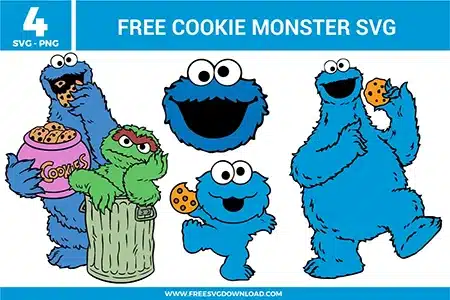
| Total Designs | 4 Items (See grid below) |
| Primary File Type | Scalable Vector Graphics (.svg) |
| Secondary Formats | High-Res PNG (300 DPI) |
| Compatibility Tested | Cricut Design Space, Silhouette Studio, Brother ScanNCut |
| Best For | Kid Apparel, Birthday Decor, Snack Jars, Nursery Stickers. (Vinyl & HTV) |
| License Type | Personal Use Only |
| Cut Complexity | Intermediate (Multi-Layer) |
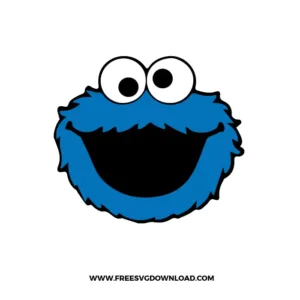
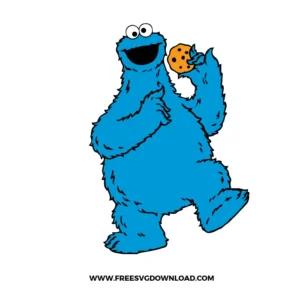
These Cookie Monster SVG files are part of our TV Shows and Movies SVG category, where we organize all character-inspired designs from popular shows and movies in one place. This category includes a wide range of playful, nostalgic, and fun SVG files created for apparel, DIY crafts, and themed party projects.
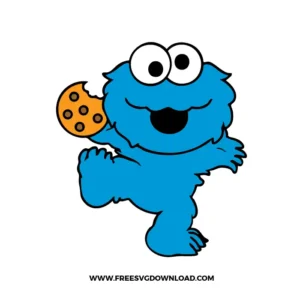
In our testing, very textured “fur” lines can be tricky on smaller machines. We recommend scaling this specific design to at least 4.5 inches wide and using the “Cardstock for Intricate Cuts” setting—even for vinyl—to ensure the blade doesn’t skip on the small jagged edges.
Yes! To get the best look, we suggest creating a 0.05-inch Offset around the name in your software before “Slicing” it out of the Cookie Monster silhouette. This prevents the vinyl from overlapping and creates a professional, clean gap between the name and the character.
For the cookie designs, we highly recommend the Reverse Weeding method. Apply your transfer tape to the entire uncut design first, then peel the backing away and weed the excess while the small chips are held firmly by the tape. This is a lifesaver for tiny details!
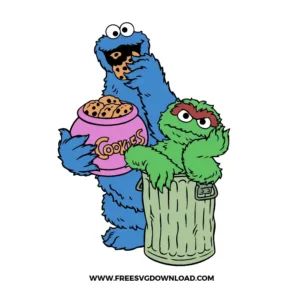
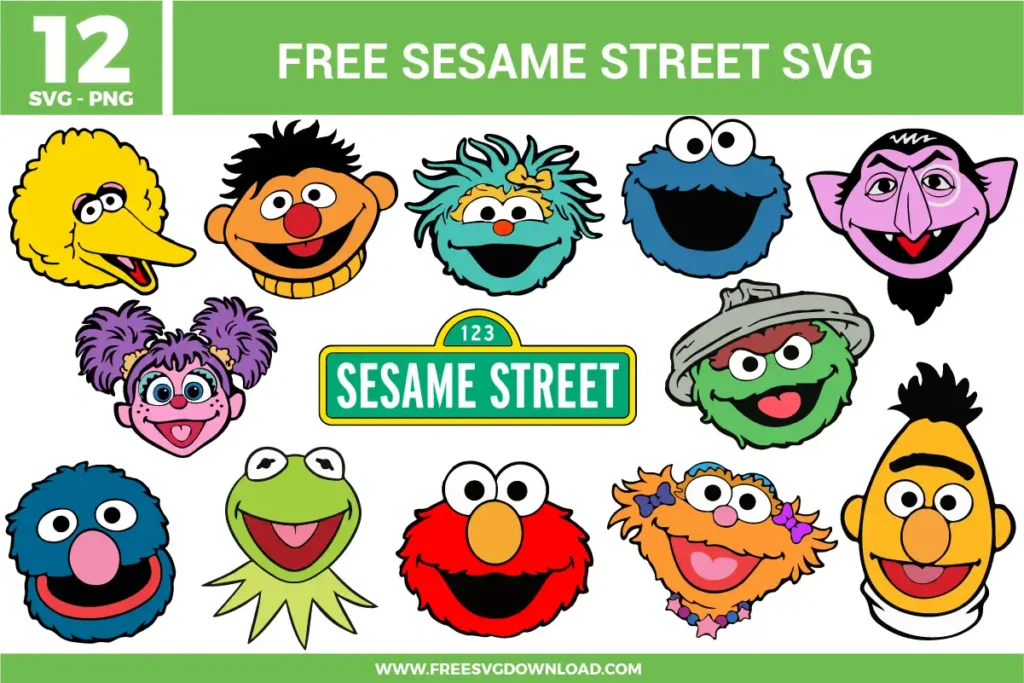
We have curated these SVG layers to match the hex codes of the classic characters as closely as possible. For the most authentic look, we recommend using “Royal Blue” for Cookie and “Grass Green” for Oscar the Grouch to ensure your physical crafts look just like the TV show.
Since sublimation ink is transparent, it won’t show up well on dark blue fabric. For the best results with Cookie Monster, we recommend using the SVG file with “EasyWeed” Heat Transfer Vinyl or using the PNG on a white, 100% polyester surface to keep the colors vibrant.
These Cookie Monster SVG files are provided for personal use only, and resale or redistribution of the designs is not permitted. You are welcome to explore more free SVG designs across our website, including a wide range of themed and character-based collections.
If you experience any issues with downloading or using the files, feel free to reach out through our contact page and we will be happy to help. We also appreciate feedback from our community, so you’re welcome to leave a review below and share your experience.
For professionally curated bundles and extended design sets, you can also browse our premium SVG collections in our official store. Thank you for crafting with Free SVG Download, and enjoy creating your projects.