Anchor Free SVG Files

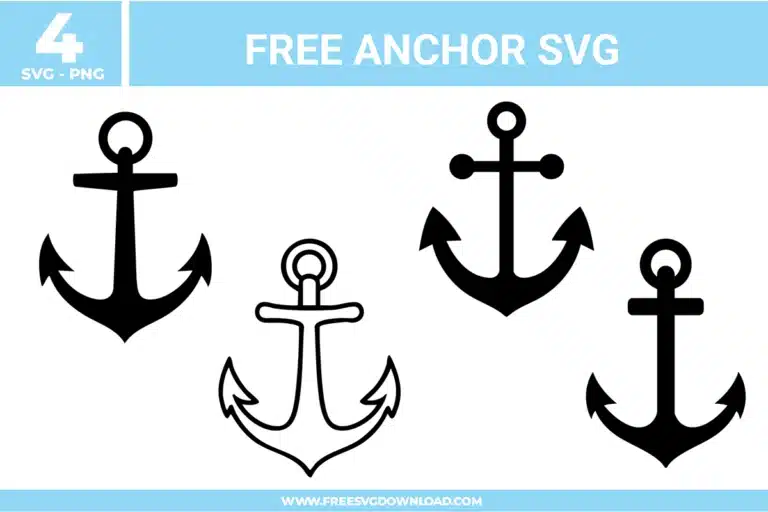
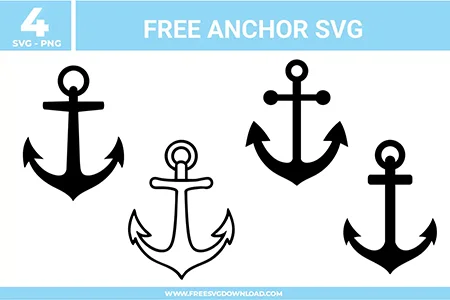
A collection of 4 distinct anchor SVG designs in black and outline styles, featuring curved flukes, bold silhouettes, and maritime-inspired shapes.
Four classic maritime designs from the Anchor SVG bundle, available as free svg files for nautical DIY projects and boat decals.

Collection Technical Data

Total Designs 4 Items (See grid below)
Primary File Type Scalable Vector Graphics (.svg)
Secondary Formats High-Res PNG (300 DPI)
Compatibility Tested Cricut Design Space, Silhouette Studio, Brother ScanNCut
Best For Boat Decals, Nautical Pillows, Beach Bags, Sailor Invitations. (Vinyl & HTV)
License Type Personal Use Only
Cut Complexity Intermediate (Multi-Layer)

Download Anchor SVG Bundle

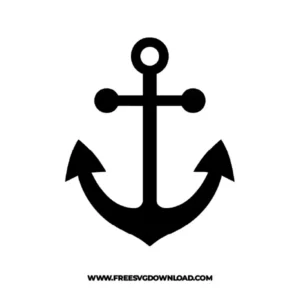
Round Tip Anchor

Round Tip Anchor

  • Size: 14 KB
  • Format: SVG + PNG (300DPI - Transparent)
  • Layers: 1 Layer
  • License: Personal Use
  • Downloads: 92
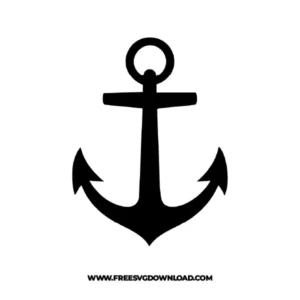
Nautical Ringed Anchor

Nautical Ringed Anchor

  • Size: 15 KB
  • Format: SVG + PNG (300DPI - Transparent)
  • Layers: 1 Layer
  • License: Personal Use
  • Downloads: 96
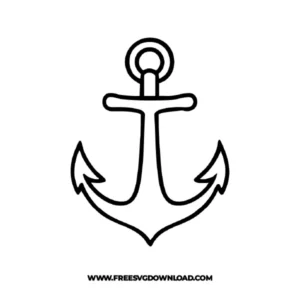
Curved Outline Anchor

Curved Outline Anchor

  • Size: 25 KB
  • Format: SVG + PNG (300DPI - Transparent)
  • Layers: 1 Layer
  • License: Personal Use
  • Downloads: 94
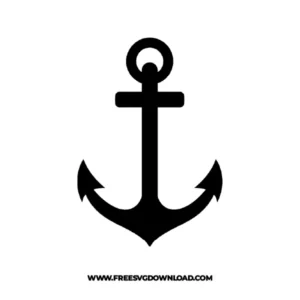
Anchor Silhouette

Anchor Silhouette

  • Size: 12 KB
  • Format: SVG + PNG (300DPI - Transparent)
  • Layers: 1 Layer
  • License: Personal Use
  • Downloads: 113

Package Design Inventory

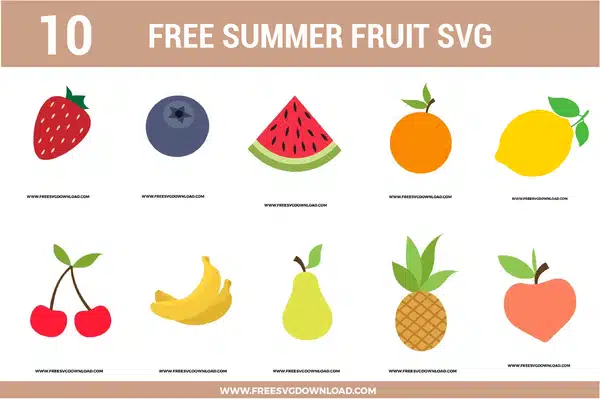
These Anchor SVG files are part of our Summer SVG category, where we organize warm-weather and seasonal designs in one place. This category includes a wide range of nautical, coastal, and ocean-inspired SVG files created for party decor, apparel, and DIY craft projects.

Bundle Content:

  • Round Tip Anchor SVG: A bold black anchor uses rounded side tips, a circular top ring, and a straight center shank for a clean nautical silhouette with strong symmetry. The solid one-color structure cuts quickly and weeds easily, while the thick curves help the design stay readable on smaller projects. It works well for beach shirts, boat decals, tote bags, mugs, or coastal signs.
  • Nautical Ringed Anchor SVG: A classic black anchor shape features a top ring, flat crossbar, curved arms, and pointed arrow tips for a balanced marine-themed layout. The simple filled silhouette keeps layering unnecessary, while the smooth curves and bold edges support crisp vinyl and cardstock cuts. It is a strong choice for nautical wall art, summer shirts, tumblers, gift tags, or beach house decor.
  • Curved Outline Anchor SVG: A thin outline anchor uses curved arms, pointed tips, a rounded top ring, and a wavy crossbar for a lighter hand-drawn nautical look. The single-color line design is easy to use, though the narrow strokes should be sized carefully for cleaner cutting and smoother weeding. It works well for minimalist beach decals, cards, scrapbook pages, mugs, or coastal labels.
  • Anchor Silhouette SVG: A solid black anchor is centered with a round top loop, straight shank, flat crossbar, and curved lower arms ending in pointed tips. The bold one-layer design makes cutting simple, reduces weeding time, and stays clear on both small and large craft projects. It works especially well for boat decals, beach bags, shirts, tumblers, or nautical party decor.

You May Also Like

FAQ

How do I turn the outlined anchor into a solid silhouette?

Select the anchor outline in your design software and use the ‘Contour’ tool. Click ‘Hide All Contours’ to fill in the open space. This creates a solid base layer, which is ideal for creating a bold backing or a single-layer vinyl cut.

Use Oracal 651 or a high-quality marine-grade permanent vinyl. These are specifically designed to withstand UV exposure and salt water, ensuring your anchor decals don’t peel or fade when exposed to the elements.

This usually happens if the path has too many anchor points. Use the ‘Simplify’ tool to reduce the node count. This will smooth out the lines, allowing your machine blade to glide through the curves without stuttering or snagging.

Select the design and apply an ‘Offset’ of 0.06 inches. Change the color of this new layer to a contrasting shade, like white or light blue. This creates a professional-looking border that helps the black anchor silhouette remain visible on dark fabrics.

Use the ‘Align’ tool in your software. Select both your anchor design and your template (like a circle or square), then click ‘Align Center.’ This ensures the anchor is geometrically balanced, which is crucial for symmetrical designs like maritime icons.

Usage & Support Notice

These Anchor SVG files are provided for personal use only, and resale or redistribution of the designs is not permitted. You are welcome to explore more free SVG designs across our website, including a wide range of themed and character-based collections.

If you experience any issues with downloading or using the files, feel free to reach out through our contact page and we will be happy to help. We also appreciate feedback from our community, so you’re welcome to leave a review below and share your experience.

For professionally curated bundles and extended design sets, you can also browse our premium SVG collections in our official store. Thank you for crafting with Free SVG Download, and enjoy creating your projects.
Leave a Reply

Your email address will not be published. Required fields are marked *

Free SVG Download