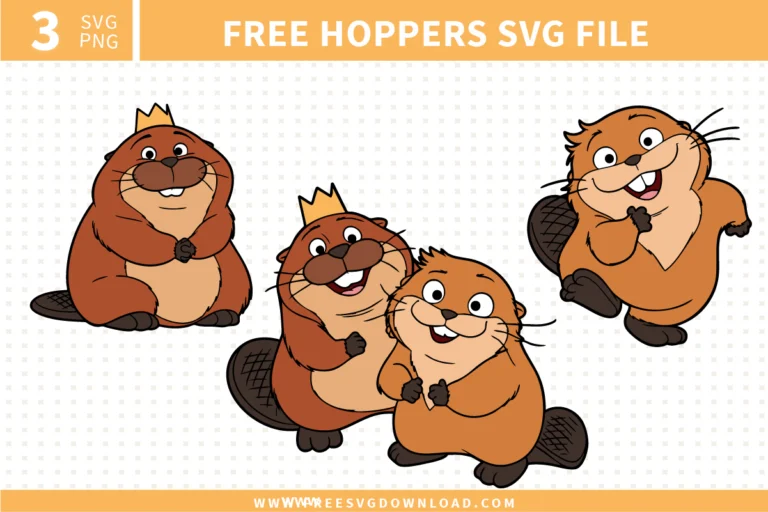
Collection Technical Data |
|
|---|---|
| Total Designs | 3 Items (See grid below) |
| Primary File Type | Scalable Vector Graphics (.svg) |
| Secondary Formats | High-Res PNG (300 DPI) |
| Compatibility Tested | Cricut Design Space, Silhouette Studio, Brother ScanNCut |
| Best For | Kids School Gear, Custom Lunch Boxes, Classroom Bulletin Boards, Personalized Storybooks. (Vinyl & HTV) |
| License Type | Personal Use Only |
| Cut Complexity | Intermediate (Multi-Layer) |
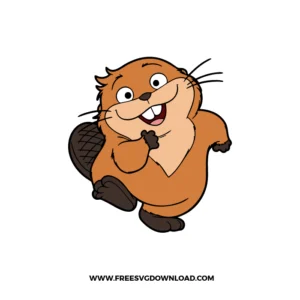
These Hoppers SVG files are part of our TV Shows & Movies SVG category, where we organize all animated character designs in one place. This category includes a wide range of adorable, energetic, and friendly SVG files created for vinyl decals, heat transfer projects, and custom nursery decor.
Intricate whiskers are delicate; to keep them intact, ensure your “Blade Navigation” is set to a slower speed. If you are using a Cricut, use the “Extra Pressure” setting. During weeding, pull the excess vinyl away at a sharp 180° angle rather than pulling upward, which helps the thin lines stay anchored to the carrier sheet.
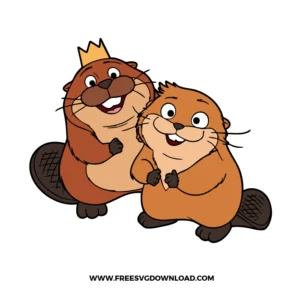
To maintain a professional feel on apparel, use the “Knockout” method. Instead of layering the lighter belly color on top of the dark brown body, slice the belly shape out of the body layer. This allows both colors to sit flush against the fabric, preventing the “stiff” feeling often associated with multi-layered HTV.
Absolutely! Import the SVG into your software and use the “Offset” tool to create a solid backing layer. Cut the different color sections out of heavy cardstock (80lb or higher) and use foam adhesive squares between the layers. This creates a high-quality, dimensional effect for a Hoppers-themed birthday party.
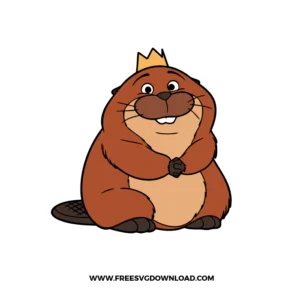
For small details like the points on a crown, turn on the “Line Overcut” feature in Silhouette Studio. This tells the blade to cut slightly past the corner before lifting, ensuring every point is sharp and the piece “pops” out of the vinyl or paper without snagging the edges.
Use “Printable Vinyl” combined with a “Clear Laminate Overlay.” The laminate protects the ink from the heat and water of the dishwasher. Ensure you leave a 0.125 inch white border (offset) around the characters to provide a better seal for the laminate, preventing water from seeping into the paper layers.
These Hopper SVG files are provided for personal use only, and resale or redistribution of the designs is not permitted. You are welcome to explore more free SVG designs across our website, including a wide range of themed and character-based collections.
If you experience any issues with downloading or using the files, feel free to reach out through our contact page and we will be happy to help. We also appreciate feedback from our community, so you’re welcome to leave a review below and share your experience.
For professionally curated bundles and extended design sets, you can also browse our premium SVG collections in our official store. Thank you for crafting with Free SVG Download, and enjoy creating your projects.