Collection Technical Data |
|
|---|---|
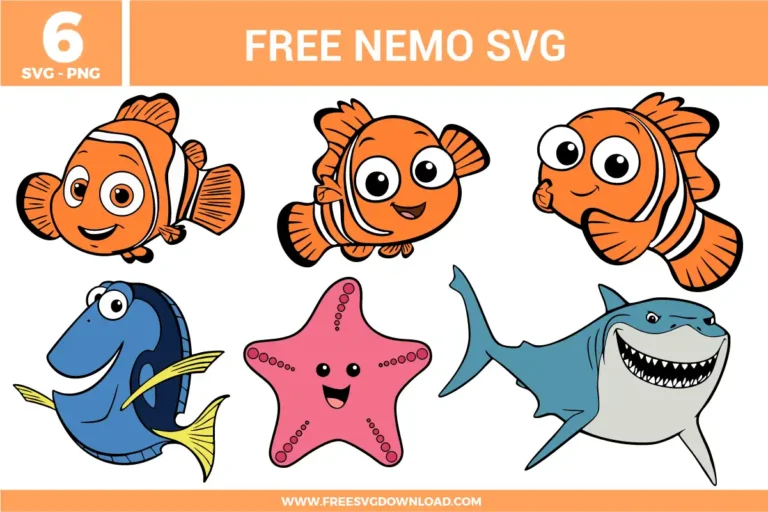
| Total Designs | 6 Items (See grid below) |
| Primary File Type | Scalable Vector Graphics (.svg) |
| Secondary Formats | High-Res PNG (300 DPI) |
| Compatibility Tested | Cricut Design Space, Silhouette Studio, Brother ScanNCut |
| Best For | Apparel, Stickers, Birthday Decor, Party Favors. (Vinyl & HTV) |
| License Type | Personal Use Only |
| Cut Complexity | Intermediate (Multi-Layer) |
These Nemo SVG files are part of our Disney SVG category, where we organize all Disney designs in one place. This category includes a wide range of character-based SVG files featuring Mickey, Minnie, Disney Princesses, and Pixar characters, created for kids crafts, party projects, and personalized gifts.
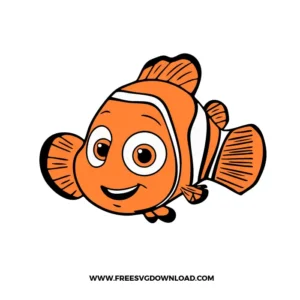
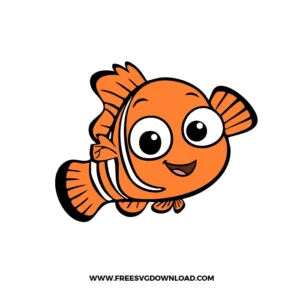
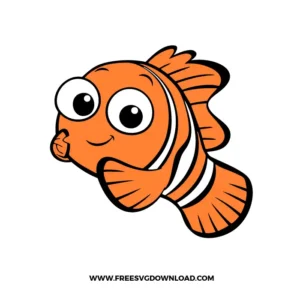
To ensure maximum durability, do not layer white vinyl on top of orange. Use the “Slice” tool in Cricut Design Space to cut the stripe shapes out of the orange body. This allows the white vinyl to adhere directly to the fabric of the shirt, creating a much stronger bond that won’t “bulk up” or peel after multiple washes.
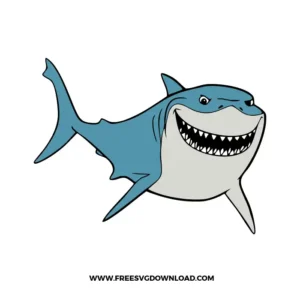
Intricate details like shark teeth require a sharp blade and a “Line Overcut” setting of 0.1mm. This ensures the blade cuts slightly past each point, allowing the tiny triangles to weed cleanly without lifting. If you still have trouble, try increasing your “Force” slightly and using a “Double Cut” pass.
Yes! These files are perfect for scrapbooking. Cut each character out of 65lb cardstock in their respective colors. Use a “Fine Point Blade” and a “Light Grip” mat to ensure the paper doesn’t tear when you remove it. Assembly is easiest with a precision glue pen for the small eyes and fins.
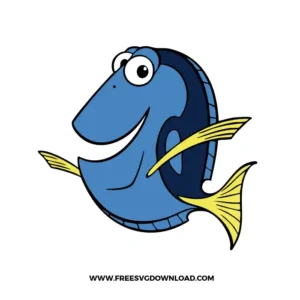
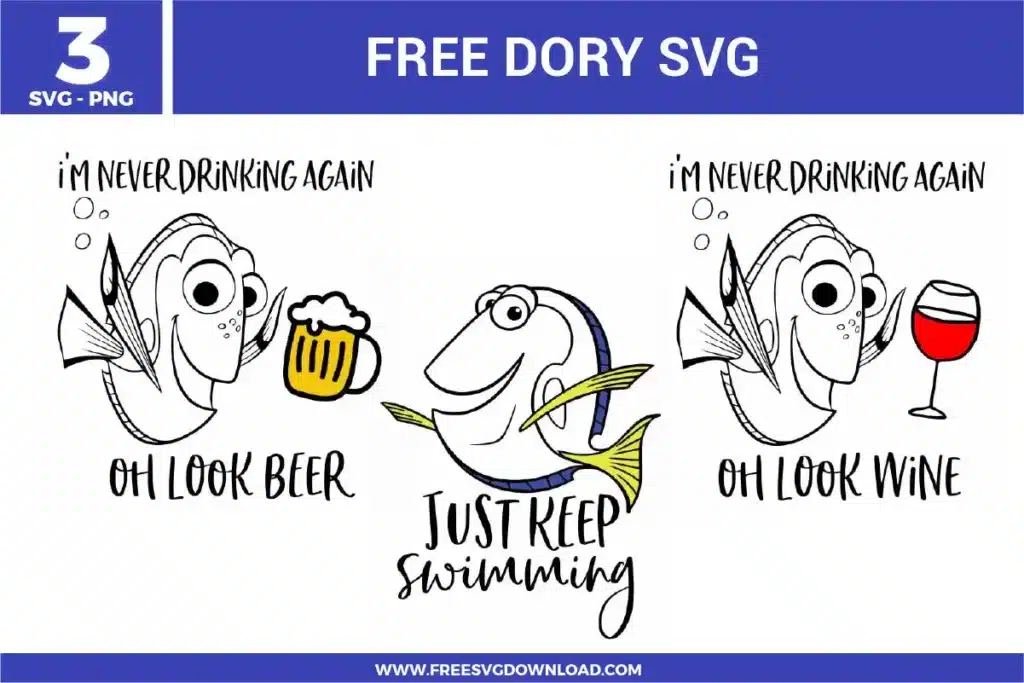
Sublimation requires a high-polyester count garment (at least 65% for good results, 100% for the best vibrancy). When printing your Dory design, ensure you are using high-quality sublimation ink and paper. Press at 400° F for 60 seconds with medium pressure to make the blue “pop” with a professional finish.
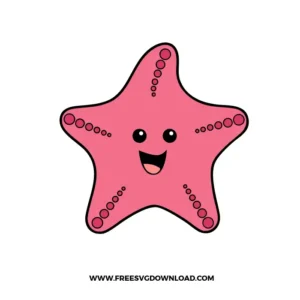
If you want the small circles on Peach the Starfish to stay exactly where they are but be cut out of the pink body, use “Attach.” If you have multiple circles overlapping and want them to become one single path to simplify the cut, use “Weld.” For this specific design, “Attach” is usually better to preserve the detail of the dots.
These Nemo SVG files are provided for personal use only, and resale or redistribution of the designs is not permitted. You are welcome to explore more free SVG designs across our website, including a wide range of themed and character-based collections.
If you experience any issues with downloading or using the files, feel free to reach out through our contact page and we will be happy to help. We also appreciate feedback from our community, so you’re welcome to leave a review below and share your experience.
For professionally curated bundles and extended design sets, you can also browse our premium SVG collections in our official store. Thank you for crafting with Free SVG Download, and enjoy creating your projects.