Collection Technical Data |
|
|---|---|
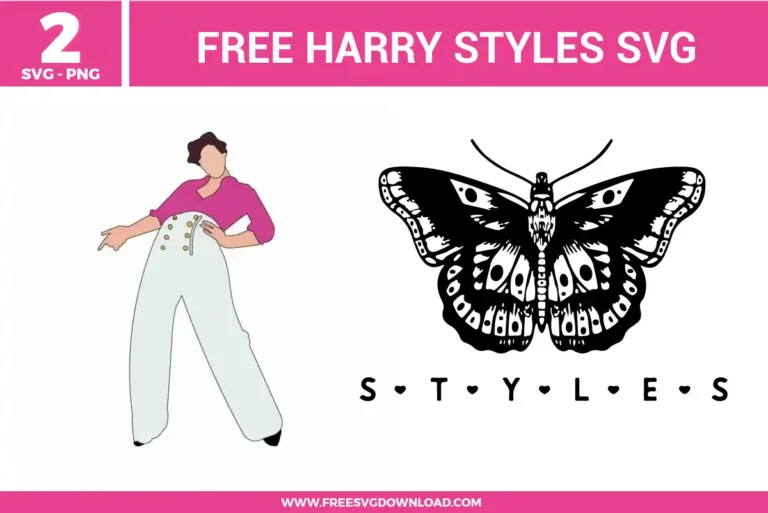
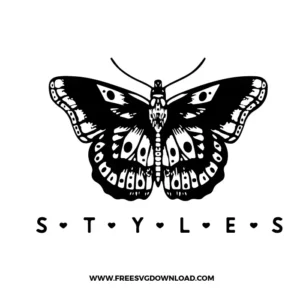
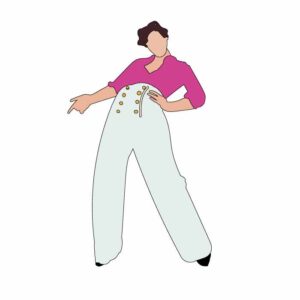
| Total Designs | 4 Items (See grid below) |
| Primary File Type | Scalable Vector Graphics (.svg) |
| Secondary Formats | High-Res PNG (300 DPI) |
| Compatibility Tested | Cricut Design Space, Silhouette Studio, Brother ScanNCut |
| Best For | Concert Tees, Tote Bags, Journal Covers, Wall Art. (Vinyl & HTV) |
| License Type | Personal Use Only |
| Cut Complexity | Intermediate (Multi-Layer) |
These Harry Styles SVG files are part of our Music SVG category, where we organize music-themed designs in one place. This category includes a wide range of pop-inspired, artist-themed, and decorative SVG files created for apparel, stickers, and DIY craft projects.
Select the vector illustration in your cutting software and open the Offset tool. Set the offset distance to around 0.10 or 0.15 inches and choose a rounded corner style. Click apply, then select both your original image and the new offset layer and use the Flatten tool to convert it into a seamless Print Then Cut project.
Intricate designs contain thousands of vector anchor points that strain software memory. In Silhouette Studio, use the Simplify panel to automatically lower the node count without losing shape details. In Cricut Design Space, welding paths together or cleaning them up using the Simplify path feature in external software like Inkscape before importing will ease the processing load.
For intricate vinyl cuts, ensure you use a sharp Premium Fine-Point blade. In your materials settings, reduce the cutting speed and set the pressure profile to “More,” or select a custom setting like “Cardstock for Intricate Cuts.” This tells the machine to perform slower, dual-pass cuts that prevent small design pieces from lifting.
No, standard smooth HTV should never be layered on top of glitter HTV because the textured surface prevents proper thermal adhesion, causing the top layer to peel off quickly in the wash. Always keep glitter HTV as your topmost layer, or use the knockout method so both vinyl types adhere directly to the fabric.
In Cricut Design Space, select the graphic and click the Contour tool in the bottom right corner, then select the text lines to hide them. Alternatively, place a basic square shape completely over the text layer, select both the shape and the graphic, and click Slice to cleanly divide them into separate, color-customizable pieces.
These Harry Styles SVG files are provided for personal use only, and resale or redistribution of the designs is not permitted. You are welcome to explore more free SVG designs across our website, including a wide range of themed and character-based collections.
If you experience any issues with downloading or using the files, feel free to reach out through our contact page and we will be happy to help. We also appreciate feedback from our community, so you’re welcome to leave a review below and share your experience.
For professionally curated bundles and extended design sets, you can also browse our premium SVG collections in our official store. Thank you for crafting with Free SVG Download, and enjoy creating your projects.