Home » Starbucks Wrap » Harry Potter Starbucks Free SVG Files
Collection Technical Data |
|
|---|---|
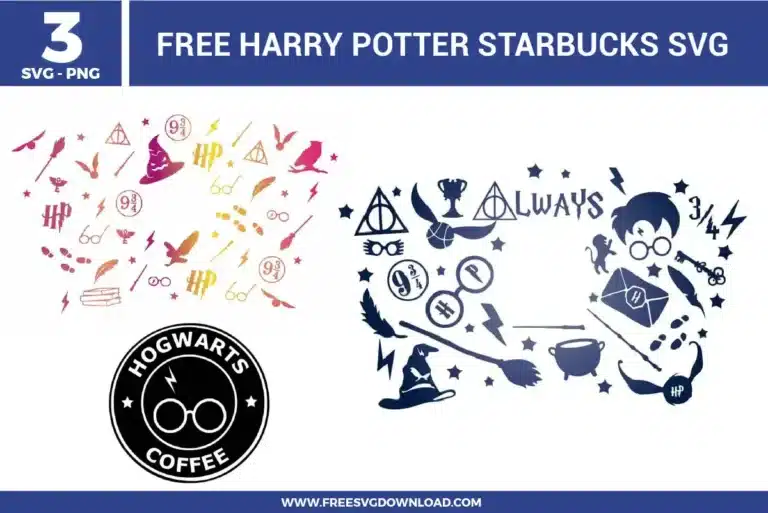
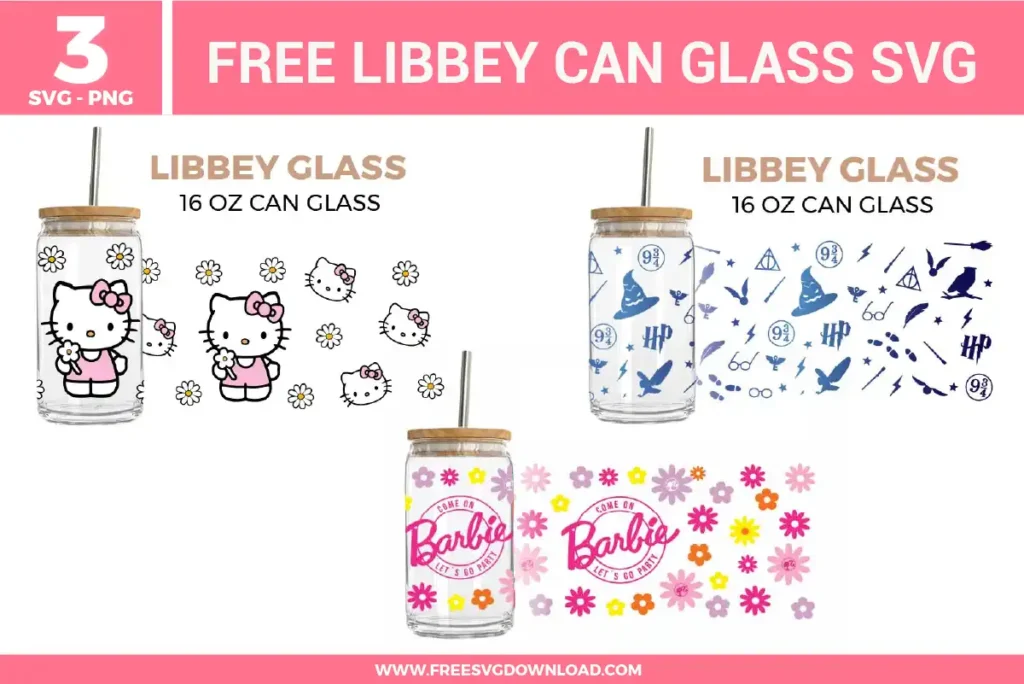
| Total Designs | 3 Items (See grid below) |
| Primary File Type | Scalable Vector Graphics (.svg) |
| Secondary Formats | High-Res PNG (300 DPI) |
| Compatibility Tested | Cricut Design Space, Silhouette Studio, Brother ScanNCut |
| Best For | Starbucks 24oz Cold Cup Wrap. (Vinyl & HTV) |
| License Type | Personal Use Only |
| Cut Complexity | Beginner (Easy Weeding) |
These Harry Potter Starbucks SVG files are part of our TV Shows & Movies SVG category, where we organize all cinematic and pop-culture designs in one place. This category includes a wide range of enchanted, trendy, and artistic SVG files created for vinyl decals, heat transfer vinyl, and personalized gifts. You can also check out our Starbucks Wrap SVG category for more cold cup wraps.
To protect these micro-details, use the “Force” settings to perform a double pass with lower pressure rather than one heavy cut. In your software, utilize the “Offset” feature to add a 0.01-inch buffer around the thinnest elements. This creates a slightly thicker path that provides more surface area for the adhesive to grip the carrier sheet during weeding.
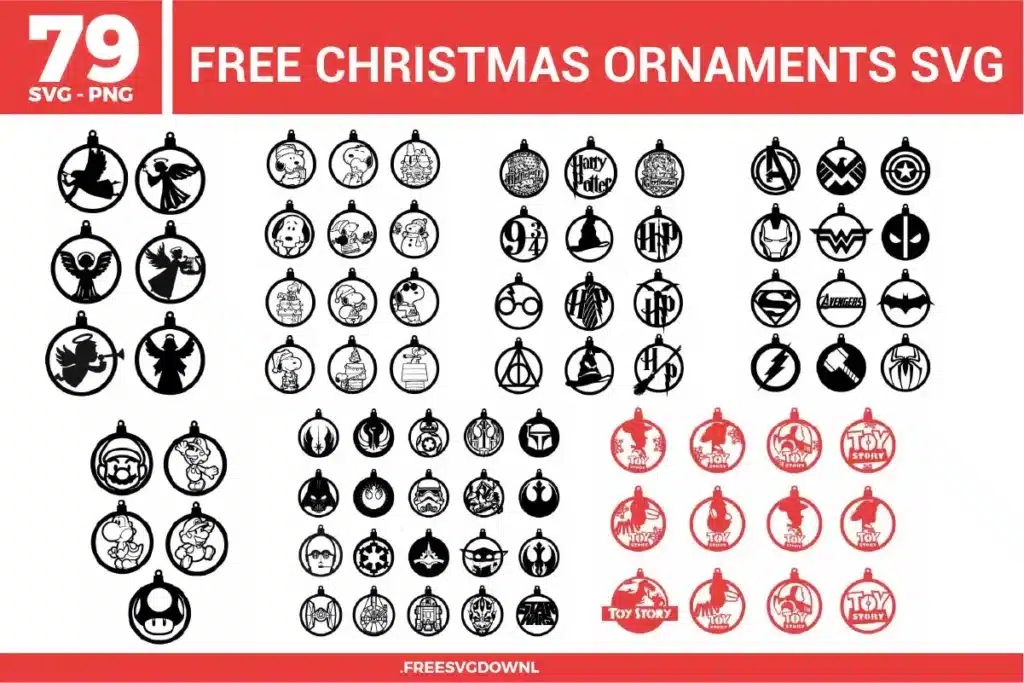
Applying a circular design to a tapered surface can cause “puckering.” To fix this, use the “Hinge Method” and make small snips in the outer edge of your transfer tape (without cutting the vinyl itself). This allows the decal to flex and follow the curve of the cup without creating bubbles or misaligning the text.
Yes, but since SVG files are vector-based, you must first “Flatten” the design in your software to preserve the gradient as a printable image. Print using sublimation ink on high-quality paper and press onto a polyester-coated white tumbler at 385°F for 45 to 60 seconds using a mug press or silicone wrap.
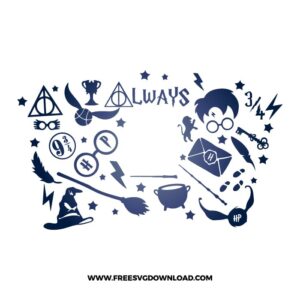
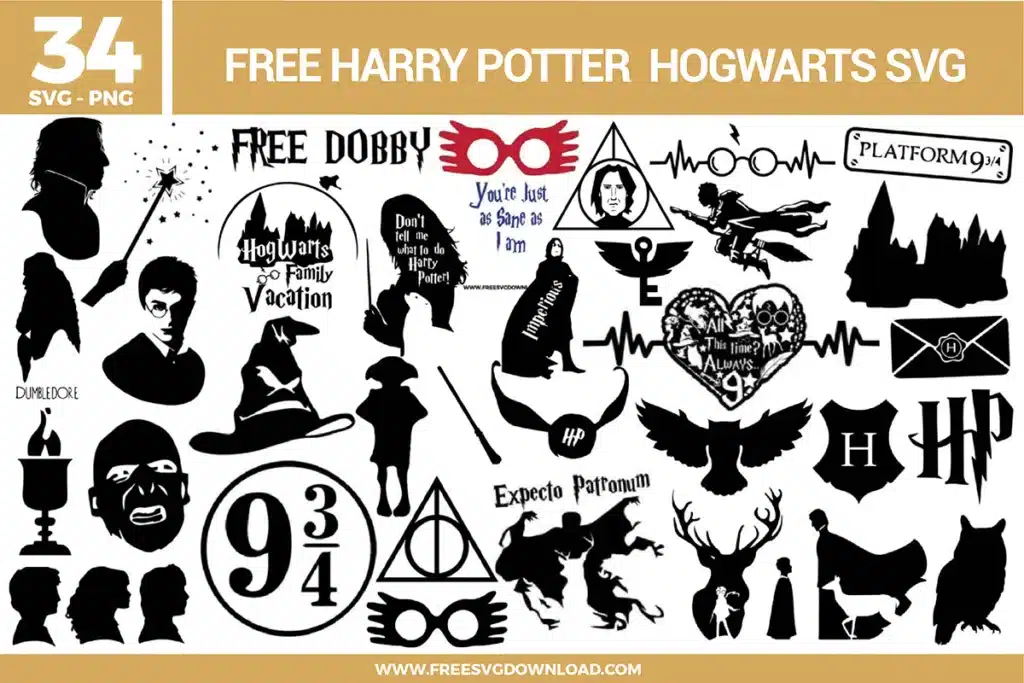
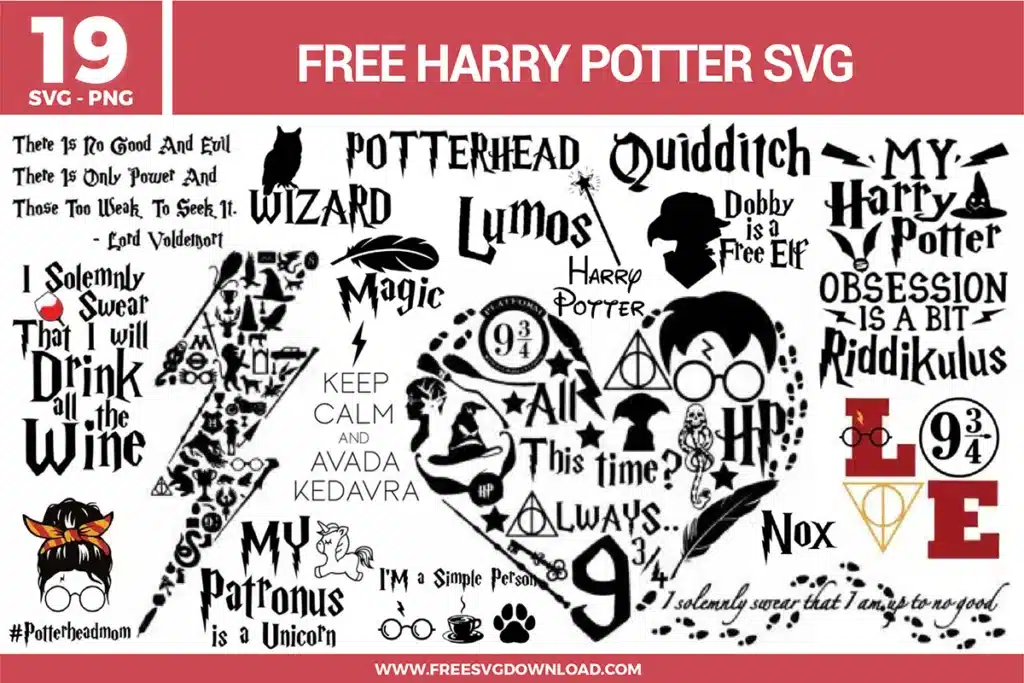
Use “Frosted Glass” or “Etched Glass” specialty adhesive vinyl. It mimics the look of professional sandblasting but is much easier to apply. When weeding the intricate “9 3/4” and sorting hat icons, work under a bright weeding lamp to easily distinguish the translucent cut lines against the backing.
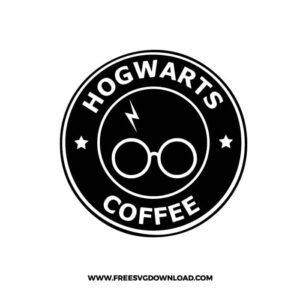
Use the “Slice” or “Subtract” tool to create a “True Layered” design. Instead of placing the white glasses on top of a solid black circle, cut the glasses shape out of the black vinyl. This allows the white layer to sit flush against the substrate, resulting in a professional, flat finish that is less likely to snag or peel over time.
These Harry Potter Starbucks Wraps SVG files are provided for personal use only, and resale or redistribution of the designs is not permitted. You are welcome to explore more free SVG designs across our website, including a wide range of themed and character-based collections.
If you experience any issues with downloading or using the files, feel free to reach out through our contact page and we will be happy to help. We also appreciate feedback from our community, so you’re welcome to leave a review below and share your experience.
For professionally curated bundles and extended design sets, you can also browse our premium SVG collections in our official store. Thank you for crafting with Free SVG Download, and enjoy creating your projects.