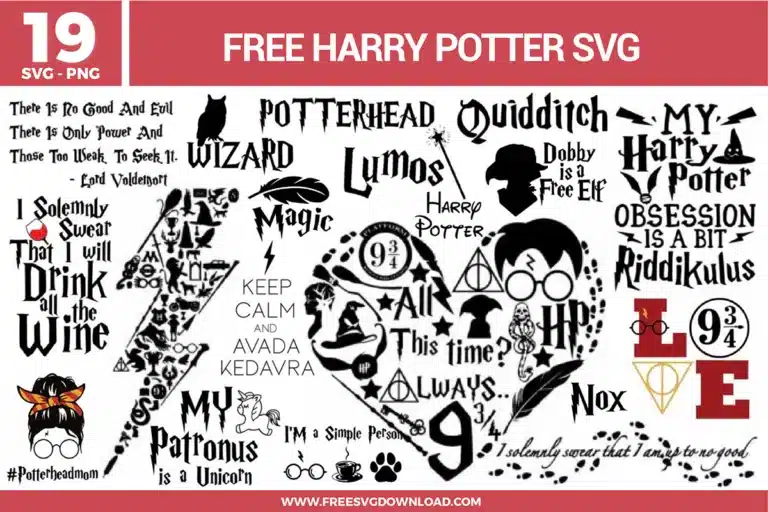
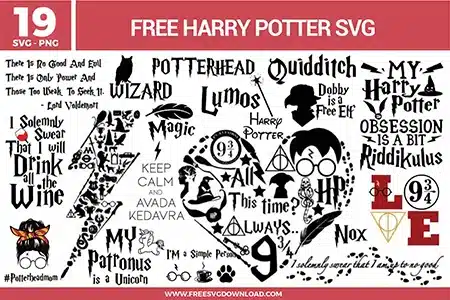
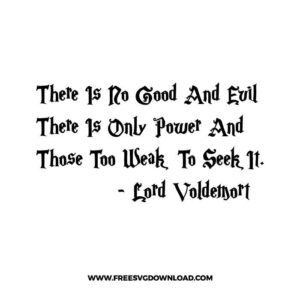
Voldemort Quote
- Size: 143 KB
- Format: SVG + PNG (300DPI - Transparent)
- Layers: 1 Layer
- License: Personal Use
- Downloads: 618
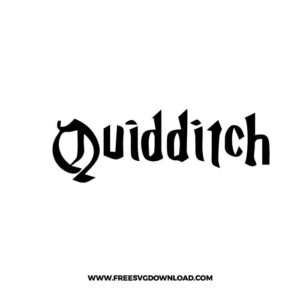
Quidditch
- Size: 45 KB
- Format: SVG + PNG (300DPI - Transparent)
- Layers: 1 Layer
- License: Personal Use
- Downloads: 301
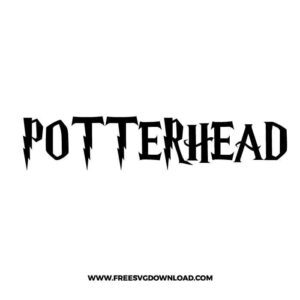
Potterhead
- Size: 49 KB
- Format: SVG + PNG (300DPI - Transparent)
- Layers: 1 Layer
- License: Personal Use
- Downloads: 613
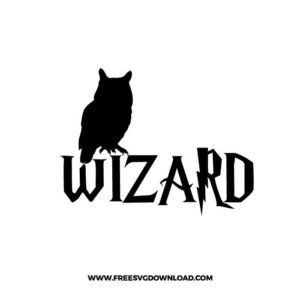
Owl Wizard
- Size: 59 KB
- Format: SVG + PNG (300DPI - Transparent)
- Layers: 1 Layer
- License: Personal Use
- Downloads: 741
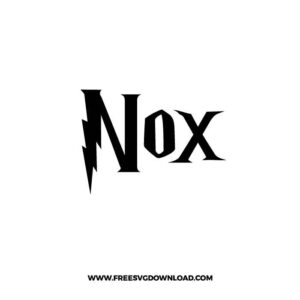
Nox
- Size: 34 KB
- Format: SVG + PNG (300DPI - Transparent)
- Layers: 1 Layer
- License: Personal Use
- Downloads: 438
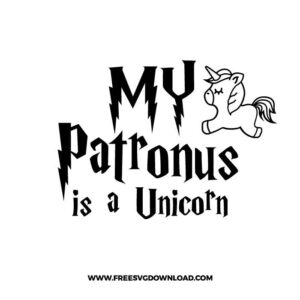
My Patronus Is a Unicorn
- Size: 159 KB
- Format: SVG + PNG (300DPI - Transparent)
- Layers: 1 Layer
- License: Personal Use
- Downloads: 819
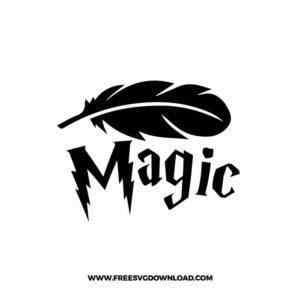
Magic
- Size: 76 KB
- Format: SVG + PNG (300DPI - Transparent)
- Layers: 1 Layer
- License: Personal Use
- Downloads: 678
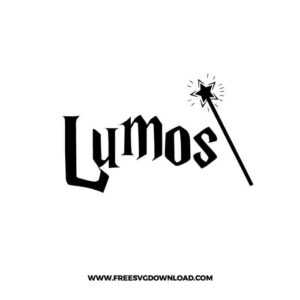
Lumos
- Size: 52 KB
- Format: SVG + PNG (300DPI - Transparent)
- Layers: 1 Layer
- License: Personal Use
- Downloads: 1177
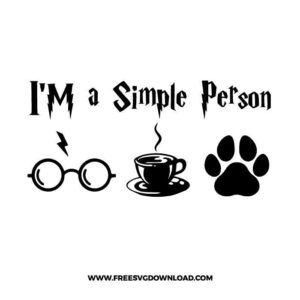
I'm a Simple Person
- Size: 101 KB
- Format: SVG + PNG (300DPI - Transparent)
- Layers: 1 Layer
- License: Personal Use
- Downloads: 1177
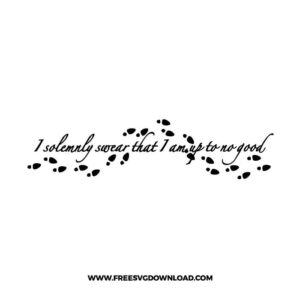
I Solemnly Swear
- Size: 75 KB
- Format: SVG + PNG (300DPI - Transparent)
- Layers: 1 Layer
- License: Personal Use
- Downloads: 3112
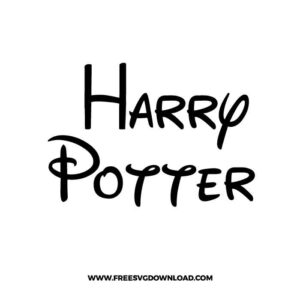
H.P Disney
- Size: 73 KB
- Format: SVG + PNG (300DPI - Transparent)
- Layers: 1 Layer
- License: Personal Use
- Downloads: 242

Drink All The Wine
- Size: 127 KB
- Format: SVG + PNG (300DPI - Transparent)
- Layers: 2 Layers (Color Separated)
- License: Personal Use
- Downloads: 763
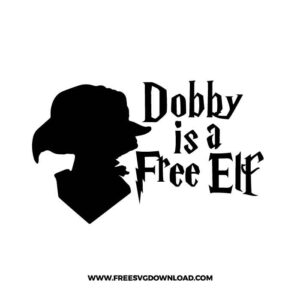
Dobby Is a Free Elf
- Size: 81 KB
- Format: SVG + PNG (300DPI - Transparent)
- Layers: 1 Layer
- License: Personal Use
- Downloads: 1020
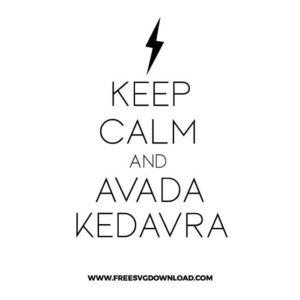
Avada Kedavra
- Size: 66 KB
- Format: SVG + PNG (300DPI - Transparent)
- Layers: 1 Layer
- License: Personal Use
- Downloads: 589
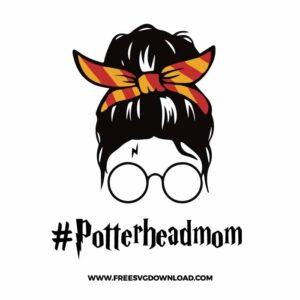
Potterhead Mom Life
- Size: 174 KB
- Format: SVG + PNG (300DPI - Transparent)
- Layers: 3 Layers (Color Separated)
- License: Personal Use
- Downloads: 2219
Harry Potter Love
- Size: 81 KB
- Format: SVG + PNG (300DPI - Transparent)
- Layers: 3 Layers (Color Separated)
- License: Personal Use
- Downloads: 3333
Harry Potter Obsession Is a Bit Riddikulus
- Size: 165 KB
- Format: SVG + PNG (300DPI - Transparent)
- Layers: 1 Layer
- License: Personal Use
- Downloads: 3004
Harry Potter Bolt
- Size: 178 KB
- Format: SVG + PNG (300DPI - Transparent)
- Layers: 1 Layer
- License: Personal Use
- Downloads: 5307
Harry Potter Heart
- Size: 330 KB
- Format: SVG + PNG (300DPI - Transparent)
- Layers: 1 Layer
- License: Personal Use
- Downloads: 21477