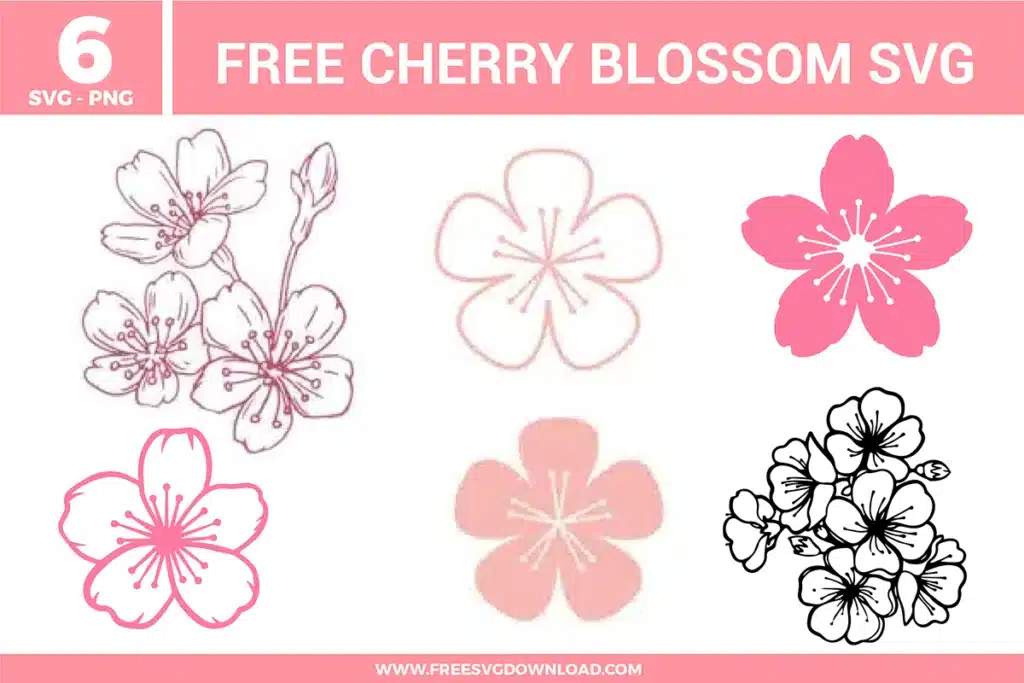
Collection Technical Data |
|
|---|---|
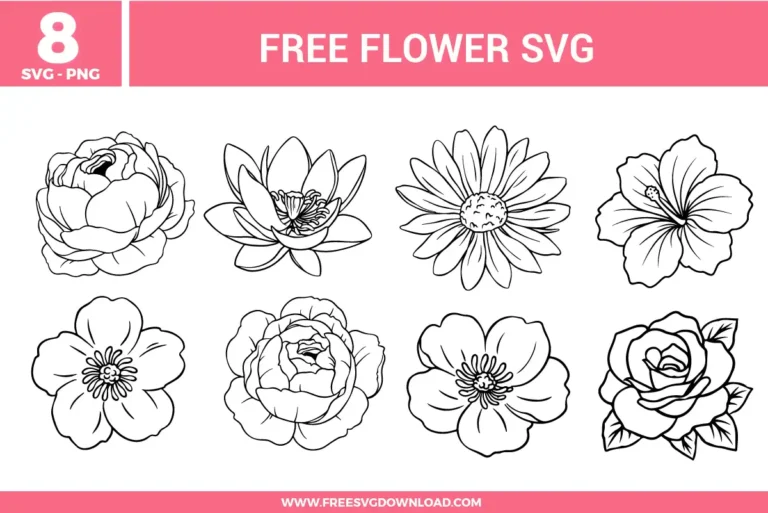
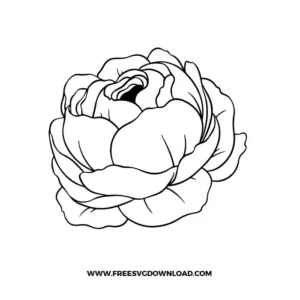
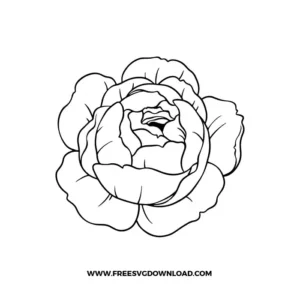
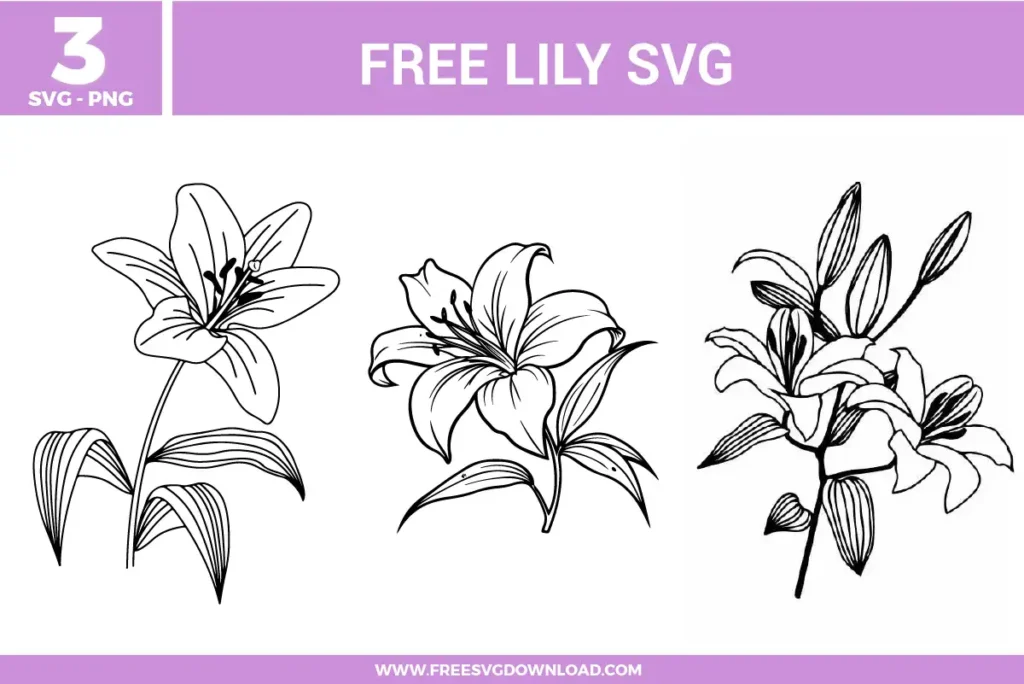
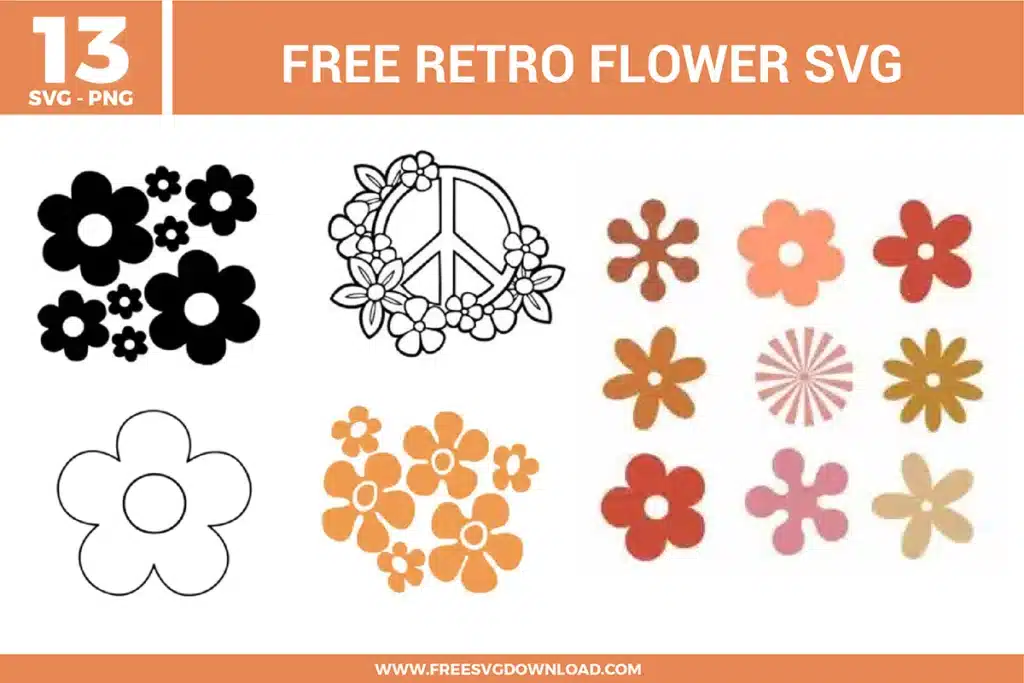
| Total Designs | 8 Items (See grid below) |
| Primary File Type | Scalable Vector Graphics (.svg) |
| Secondary Formats | High-Res PNG (300 DPI) |
| Compatibility Tested | Cricut Design Space, Silhouette Studio, Brother ScanNCut |
| Best For | Botanical Wall Art, Floral Tote Bags, Wedding Invitations, Engraved Wood Decor. (Vinyl & HTV) |
| License Type | Personal Use Only |
| Cut Complexity | Beginner (Easy Weeding) |
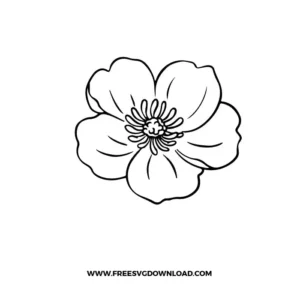
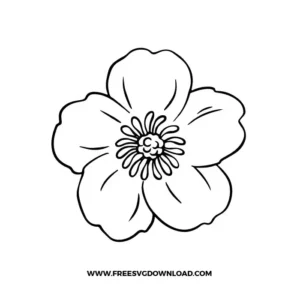
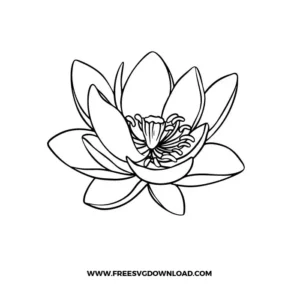
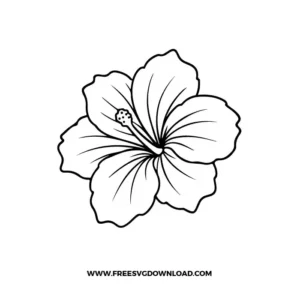
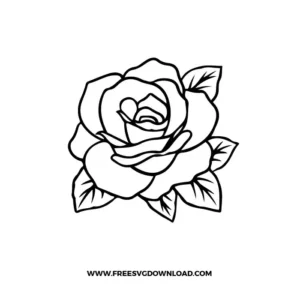
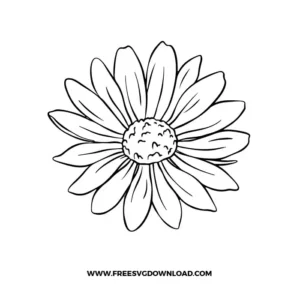
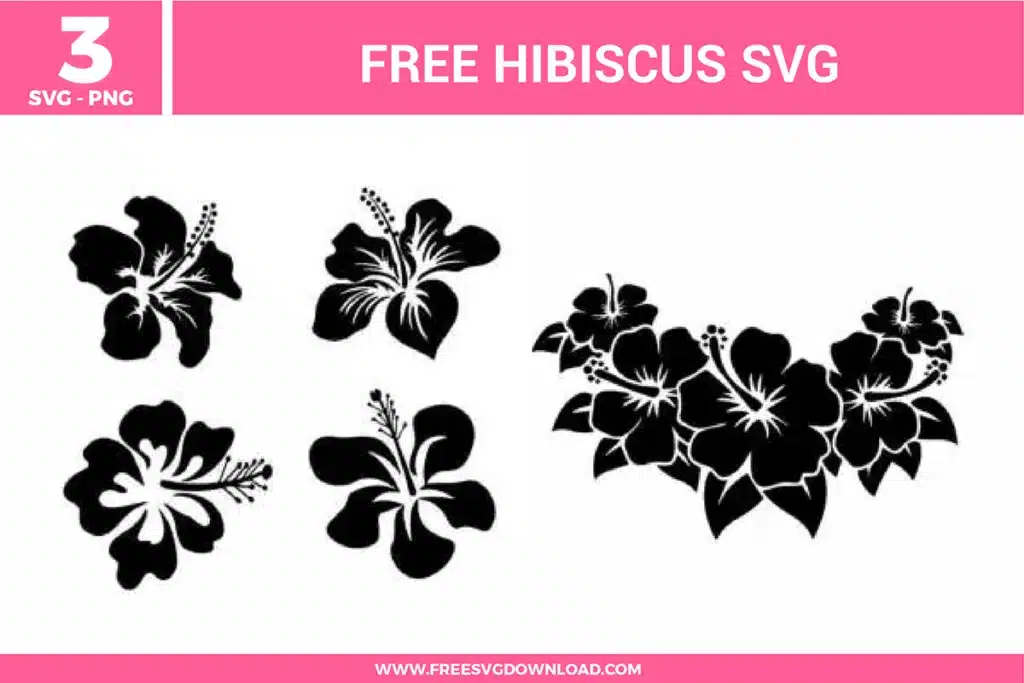
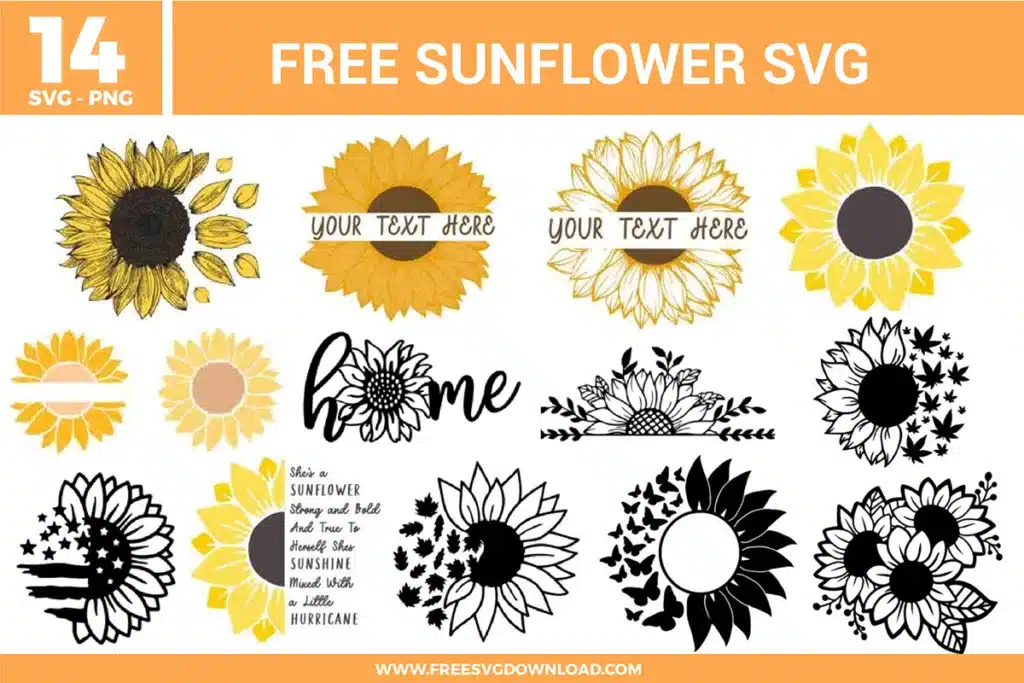
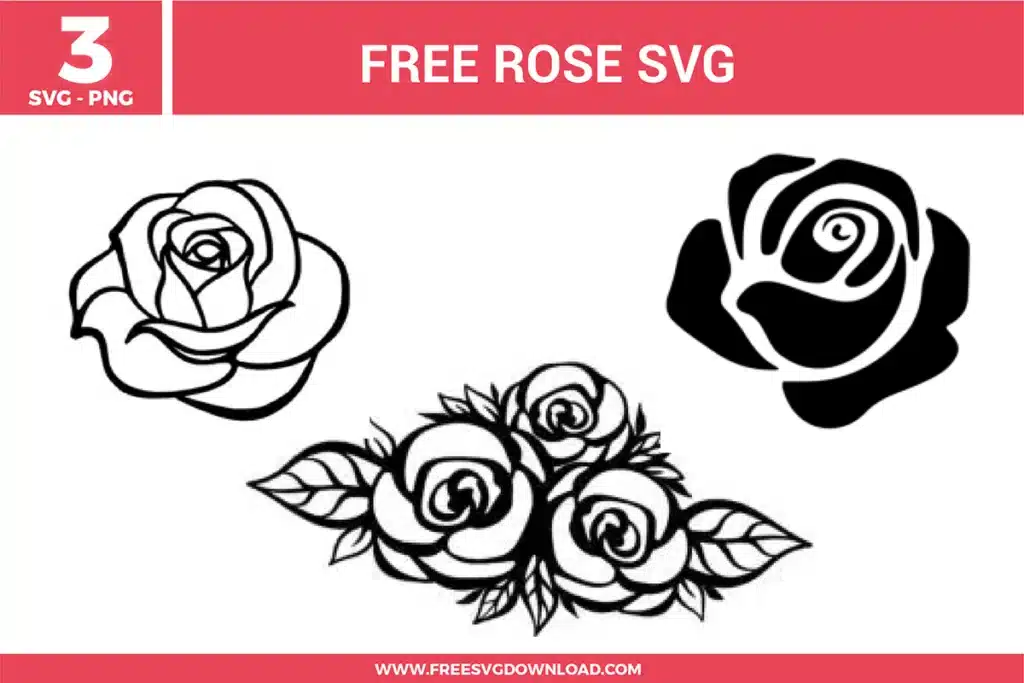
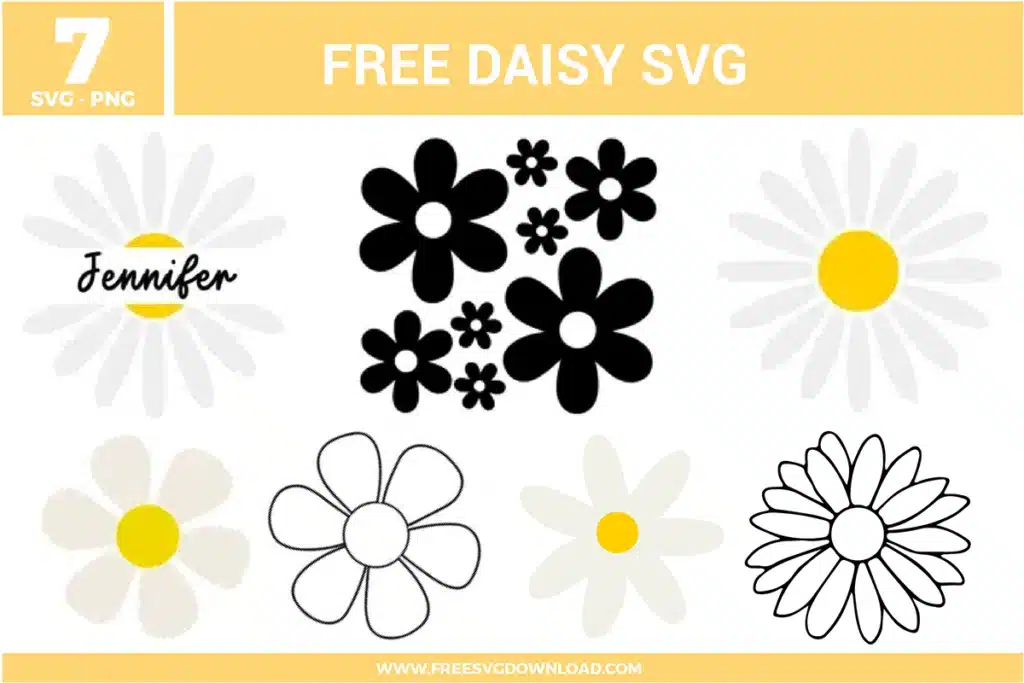
These Flower SVG files are part of our Flower SVG category, where we organize all floral designs in one place. This category includes a wide range of bold, nostalgic, and elegant SVG files created for sublimation, paper crafts, and vinyl decals.
When working with intricate line art, increase your “Pressure” or “Force” setting by one or two increments and use a brand-new blade. If the lines are extremely fine, consider creating a very small 0.02″ offset to thicken the paths slightly, ensuring the vinyl adheres better to the carrier sheet during weeding.
Reverse weeding is ideal for these complex floral designs. Apply your transfer tape to the entire uncut design first, burnish it well, and then flip it over to peel the backing away. This leaves the delicate flower lines stuck to the tape, allowing you to pick out the negative spaces without lifting the thin petal edges.
Sublimation ink is transparent and requires a light-colored, high-polyester surface to show detail. For these black line art designs, you can sublimate them onto light grey or pastel fabrics, but for dark colors, you should first press a layer of white “Sublimation Glitter” or “Glow-in-the-Dark” HTV as a base.
Ragged edges usually indicate that your “Overcut” setting is turned off or your blade is dull. Enable “Line Segment Overcut” in the Send panel. This forces the blade to start a cut slightly before the line begins and end slightly after it finishes, ensuring every petal corner is cleanly severed.
Applying Heat Transfer Vinyl to wood requires a lower temperature than fabric to avoid scorching. Set your press to 300°F and apply firm pressure for 10-15 seconds. Ensure the wood is sanded smooth and free of dust for the strongest thermal bond.
These Flower SVG files are provided for personal use only, and resale or redistribution of the designs is not permitted. You are welcome to explore more free SVG designs across our website, including a wide range of themed and character-based collections.
If you experience any issues with downloading or using the files, feel free to reach out through our contact page and we will be happy to help. We also appreciate feedback from our community, so you’re welcome to leave a review below and share your experience.
For professionally curated bundles and extended design sets, you can also browse our premium SVG collections in our official store. Thank you for crafting with Free SVG Download, and enjoy creating your projects.