Collection Technical Data |
|
|---|---|
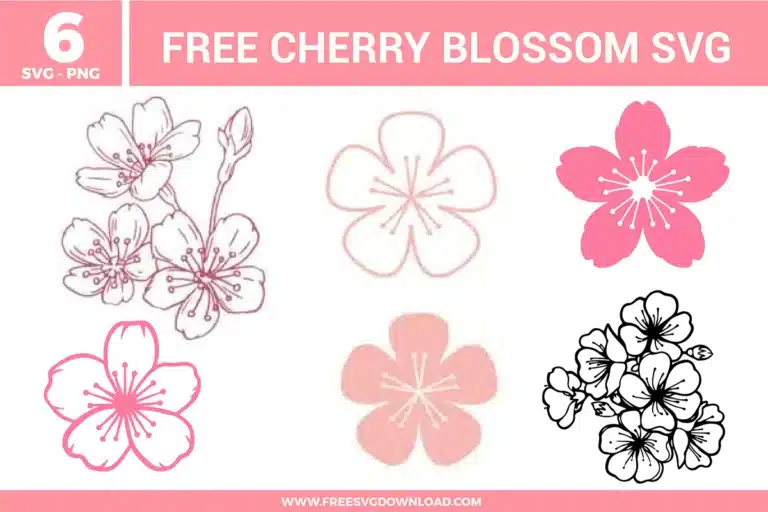
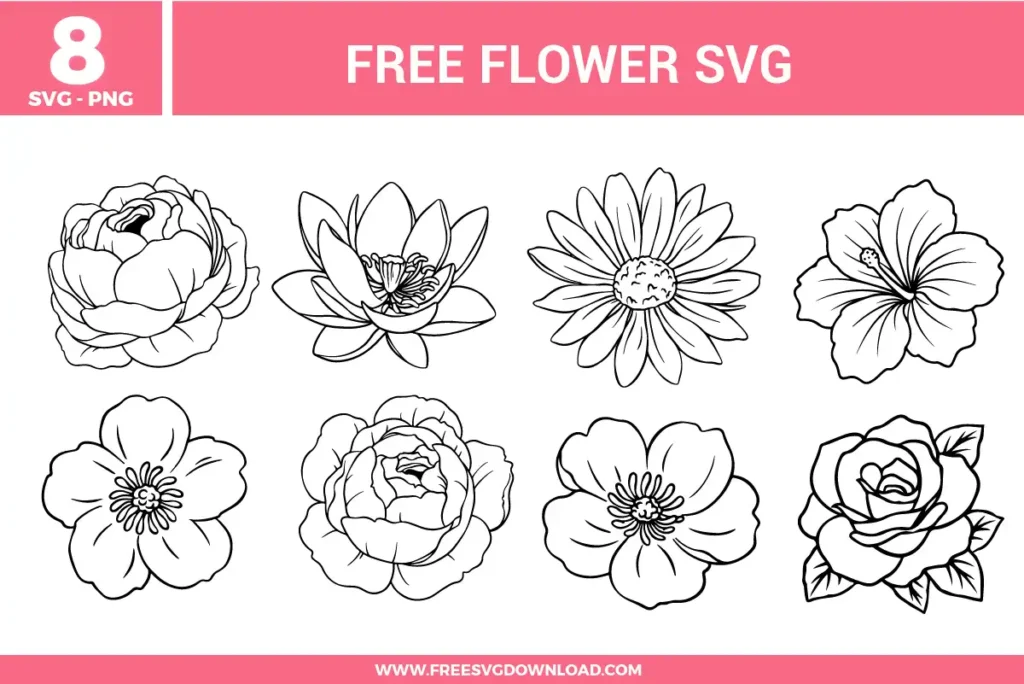
| Total Designs | 6 Items (See grid below) |
| Primary File Type | Scalable Vector Graphics (.svg) |
| Secondary Formats | High-Res PNG (300 DPI) |
| Compatibility Tested | Cricut Design Space, Silhouette Studio, Brother ScanNCut |
| Best For | Journal Stickers, Glass Etching, Delicate Apparel, Wedding Stationery. (Vinyl & HTV) |
| License Type | Personal Use Only |
| Cut Complexity | Beginner (Easy Weeding) |
These Cherry Blossom SVG files are part of our Flower SVG category, where we organize all Floral designs in one place. This category includes a wide range of whimsical, bold, and vibrant SVG files created for sublimation, vinyl decals, and paper crafts.
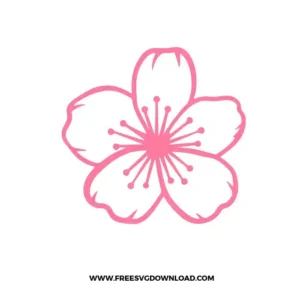
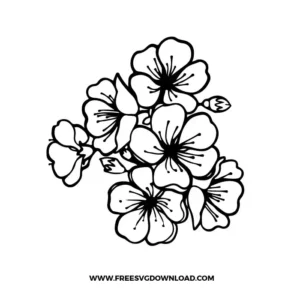
For the highly detailed stamen in the line-art cherry blossoms, reverse weeding is your best friend. Instead of weeding while the vinyl is on the backing, apply your transfer tape first. Flip the sheet over and peel the backing away. This keeps the tiny, delicate dots and lines of the floral center secured to the tape while you carefully remove the excess vinyl around them
To achieve a sophisticated look for cherry blossoms, try using “Matte” or “Satin” adhesive vinyl rather than glossy. These finishes mimic the soft texture of real petals. If you are applying them to apparel, use “Flock HTV” to give the flowers a raised, velvet-like feel that adds a high-end tactile dimension to your project.
If you are scaling these flowers down for a small project like a phone case, enter “Node Editing” mode. Select the anchor points of the thinnest petal kontours and move the handles to slightly thicken the paths. This ensures the blade has enough surface area to cut without the vinyl tearing or the design losing its shape at a smaller scale.
For the solid pink silhouettes, use a fresh Fine-Point Blade. If you are using specialty vinyl like holographic or glitter pink, switch your setting to “glitter vinyl” and set the pressure to “More.” This ensures the blade cuts all the way through the thicker material without snagging on the rounded edges of the cherry blossoms.
When layering different shades of cherry blossoms, use the “Tack Method.” Set your heat press to 305°F. Press the first layer for only 2 seconds to set it, then align your next color and press the entire design for the full 15 seconds. This prevents the bottom layer from shrinking or overheating, which can cause alignment issues with your floral layers.
These Cherry Blossom SVG files are provided for personal use only, and resale or redistribution of the designs is not permitted. You are welcome to explore more free SVG designs across our website, including a wide range of themed and character-based collections.
If you experience any issues with downloading or using the files, feel free to reach out through our contact page and we will be happy to help. We also appreciate feedback from our community, so you’re welcome to leave a review below and share your experience.
For professionally curated bundles and extended design sets, you can also browse our premium SVG collections in our official store. Thank you for crafting with Free SVG Download, and enjoy creating your projects.