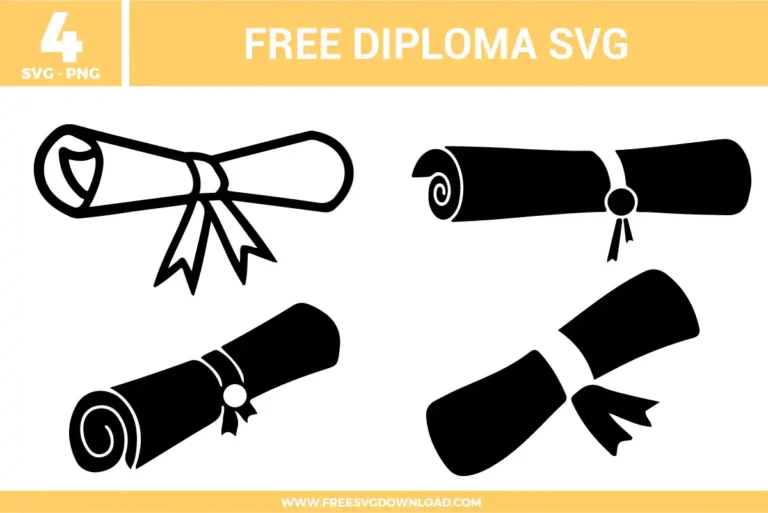
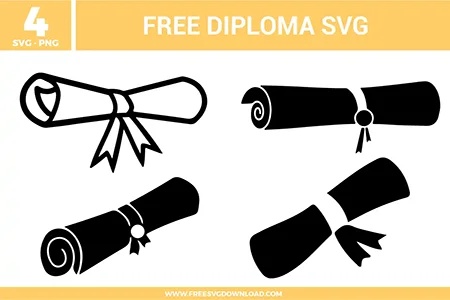
Collection Technical Data |
|
|---|---|
| Total Designs | 4 Items (See grid below) |
| Primary File Type | Scalable Vector Graphics (.svg) |
| Secondary Formats | High-Res PNG (300 DPI) |
| Compatibility Tested | Cricut Design Space, Silhouette Studio, Brother ScanNCut |
| Best For | Graduation Caps, Party Invitations, Memory Books, Scrapbook Layouts. (Vinyl & HTV) |
| License Type | Personal Use Only |
| Cut Complexity | Beginner (Easy Weeding) |
These Diploma Free SVG Files are part of our School SVG Category, where we organize all graduation designs in one place. This category includes a wide range of formal, celebratory, and classic SVG files created for vinyl decals, graduation cards, and shadow boxes.
Use the Offset tool to create a small external buffer, such as 0.02 inches. Once the offset is created, delete the original thin line and use the new, thicker path. This provides more surface area for the adhesive to grip your material during the weeding process.
Use the Path Simplification or Simplify tool in your design software. This reduces the number of nodes (points) along the edges of the diploma. Fewer nodes lead to smoother blade movement and prevent the “chatter” that often causes paper or vinyl to tear at sharp corners.
If the diploma is a single solid piece, you don’t need either. However, if you have added a year or name on top, use Weld to fuse them into one single cut path, or Attach if you want to keep them as separate layers that stay in their exact relative positions during the cut.
Try the Reverse Weeding method. Apply your transfer tape to the entire uncut piece of vinyl first, burnish it well, then flip it over and peel the backing away. Finally, pick out the excess vinyl while the design is stuck to the tape; this keeps tiny details like ribbon tails firmly in place.
Absolutely. When using Glitter HTV, ensure you mirror your design before cutting. Set your blade to a higher force or use the specific Glitter HTV setting on your machine, as this material is much thicker and tougher than standard smooth heat transfer vinyl.
These Diploma SVG files are provided for personal use only, and resale or redistribution of the designs is not permitted. You are welcome to explore more free SVG designs across our website, including a wide range of themed and character-based collections.
If you experience any issues with downloading or using the files, feel free to reach out through our contact page and we will be happy to help. We also appreciate feedback from our community, so you’re welcome to leave a review below and share your experience.
For professionally curated bundles and extended design sets, you can also browse our premium SVG collections in our official store. Thank you for crafting with Free SVG Download, and enjoy creating your projects.