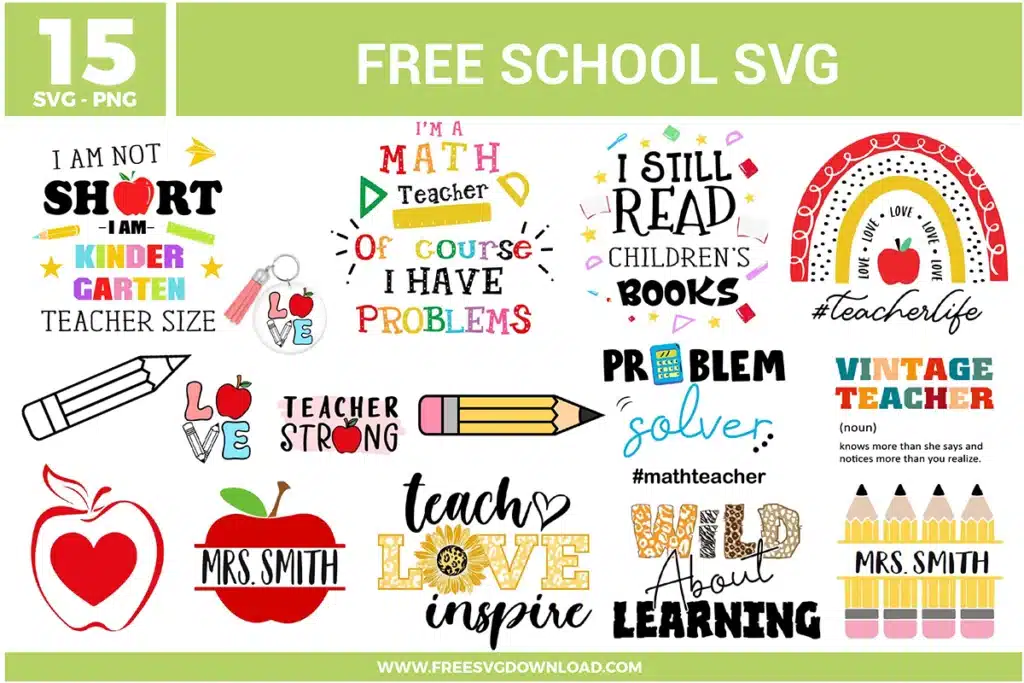
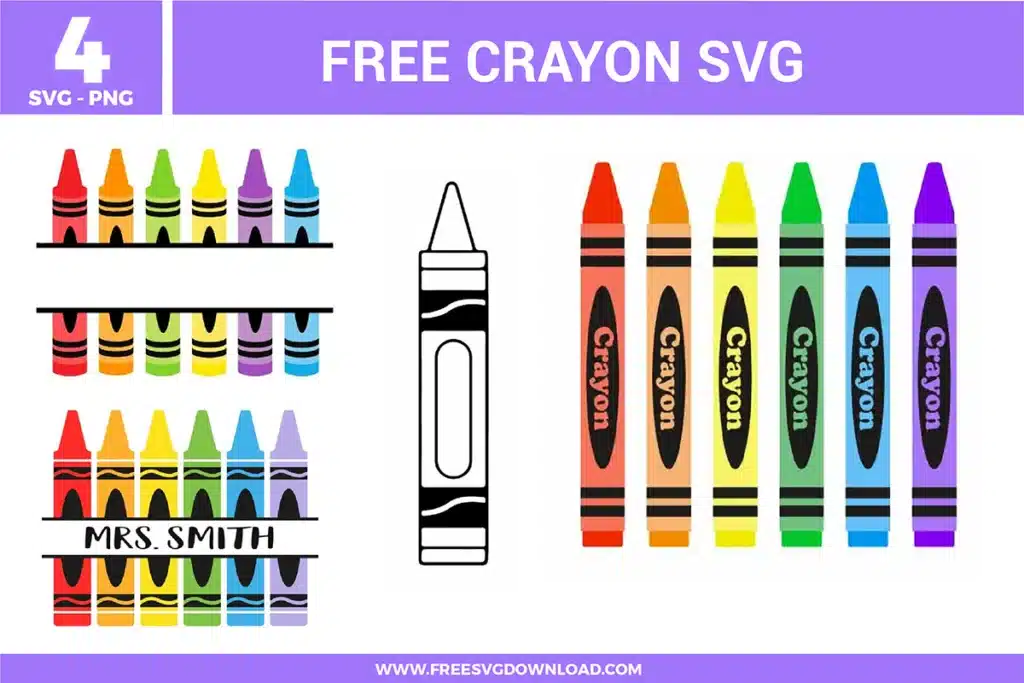
Collection Technical Data |
|
|---|---|
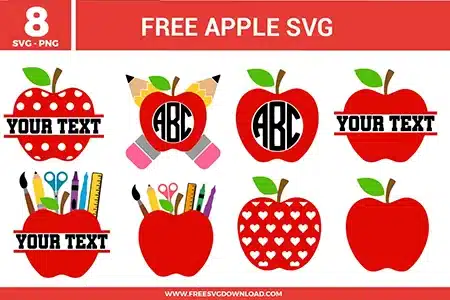
| Total Designs | 8 Items (See grid below) |
| Primary File Type | Scalable Vector Graphics (.svg) |
| Secondary Formats | High-Res PNG (300 DPI) |
| Compatibility Tested | Cricut Design Space, Silhouette Studio, Brother ScanNCut |
| Best For | Teacher Shirts, Canvas Totes, Notebook Stickers, Classroom Labels. (Vinyl & HTV) |
| License Type | Personal Use Only |
| Cut Complexity | Intermediate (Multi-Layer) |
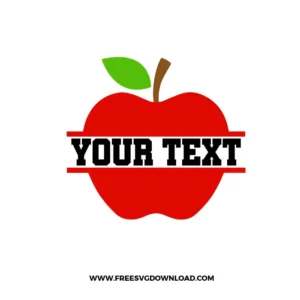
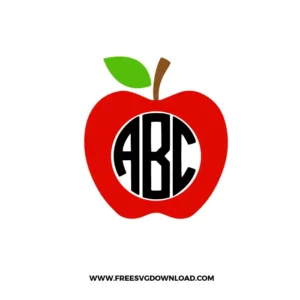
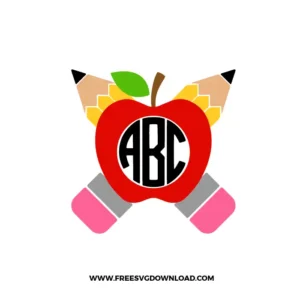
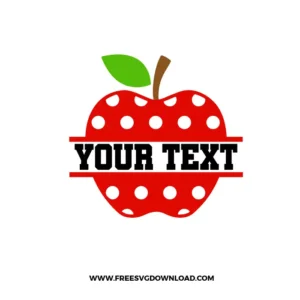
These Apple SVG files are part of our School SVG category, where we organize classroom and education-themed designs in one place. This category includes a wide range of playful, colorful, and decorative SVG files created for teacher gifts, classroom decor, and DIY craft projects.
If your mat has lost its tack, you can lightly clean it with a lint-free cloth and non-alcohol baby wipes to remove paper dust. For a quick fix during a project, use a small piece of painter’s tape on the corners of your material to secure it firmly to the mat surface.
Use the “Registration Mark” technique. Place two small identical squares at the top of your design in your software before cutting. Cut these squares with every color layer. When layering, simply align the squares on your carrier sheets to ensure the apple components sit exactly where they should.
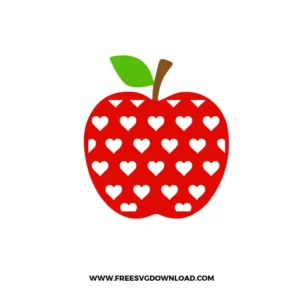
Select both the apple shape and the heart patterns in your software, then use the Exclude or Subtract tool. This will “punch out” the hearts from the red apple layer, turning them into holes that allow your base material color to be visible.
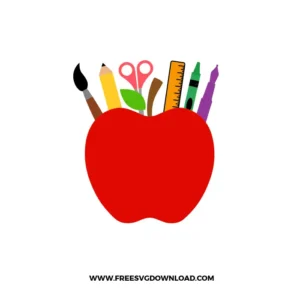
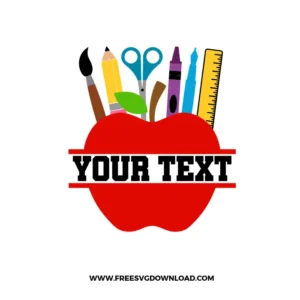
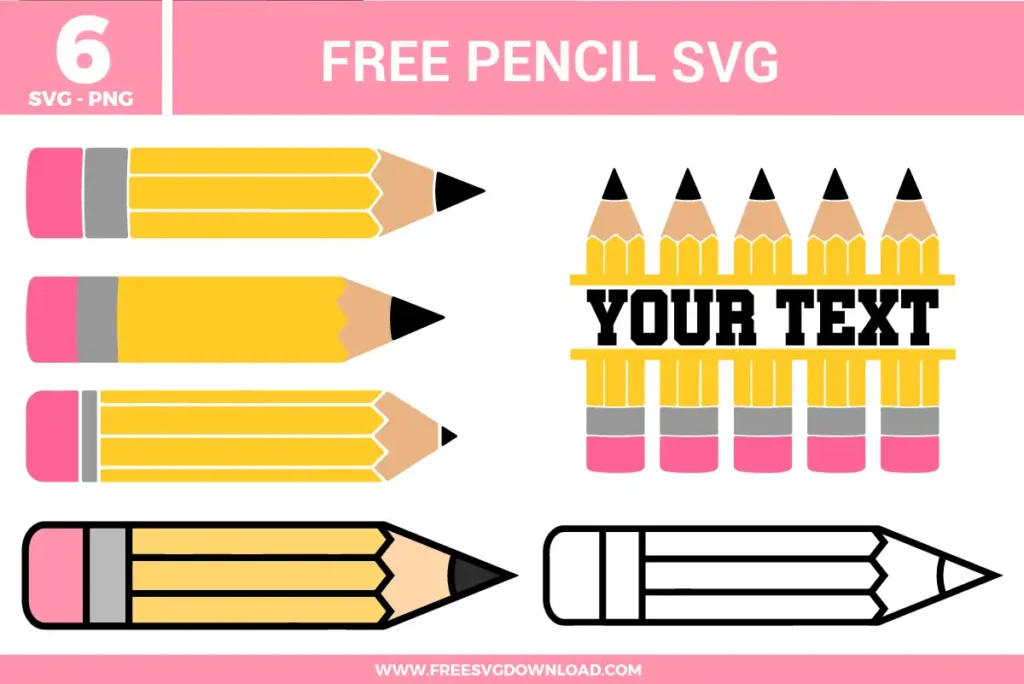
When cutting intricate details like rulers or pencils, try slowing down your machine’s cutting speed to 1 or 2. Also, ensure you are using a sharp blade. If the material still lifts, a “Double Cut” setting can help the blade pass through the material more cleanly without dragging the small bits.
These Apple SVG files are provided for personal use only, and resale or redistribution of the designs is not permitted. You are welcome to explore more free SVG designs across our website, including a wide range of themed and character-based collections.
If you experience any issues with downloading or using the files, feel free to reach out through our contact page and we will be happy to help. We also appreciate feedback from our community, so you’re welcome to leave a review below and share your experience.
For professionally curated bundles and extended design sets, you can also browse our premium SVG collections in our official store. Thank you for crafting with Free SVG Download, and enjoy creating your projects.