Home » Starbucks Wrap » Breast Cancer Starbucks Free SVG Files
Collection Technical Data |
|
|---|---|
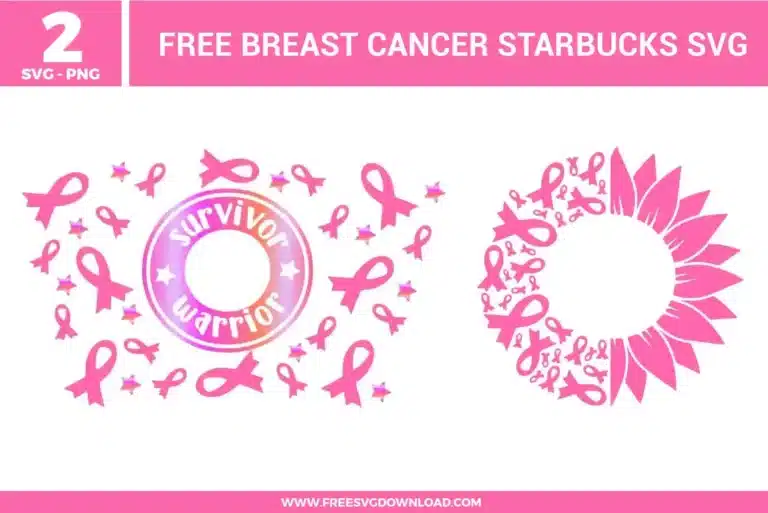
| Total Designs | 2 Items (See grid below) |
| Primary File Type | Scalable Vector Graphics (.svg) |
| Secondary Formats | High-Res PNG (300 DPI) |
| Compatibility Tested | Cricut Design Space, Silhouette Studio, Brother ScanNCut |
| Best For | 24 oz Starbucks Cold Cup Wrap. (Vinyl & HTV) |
| License Type | Personal Use Only |
| Cut Complexity | Intermediate (Multi-Layer) |
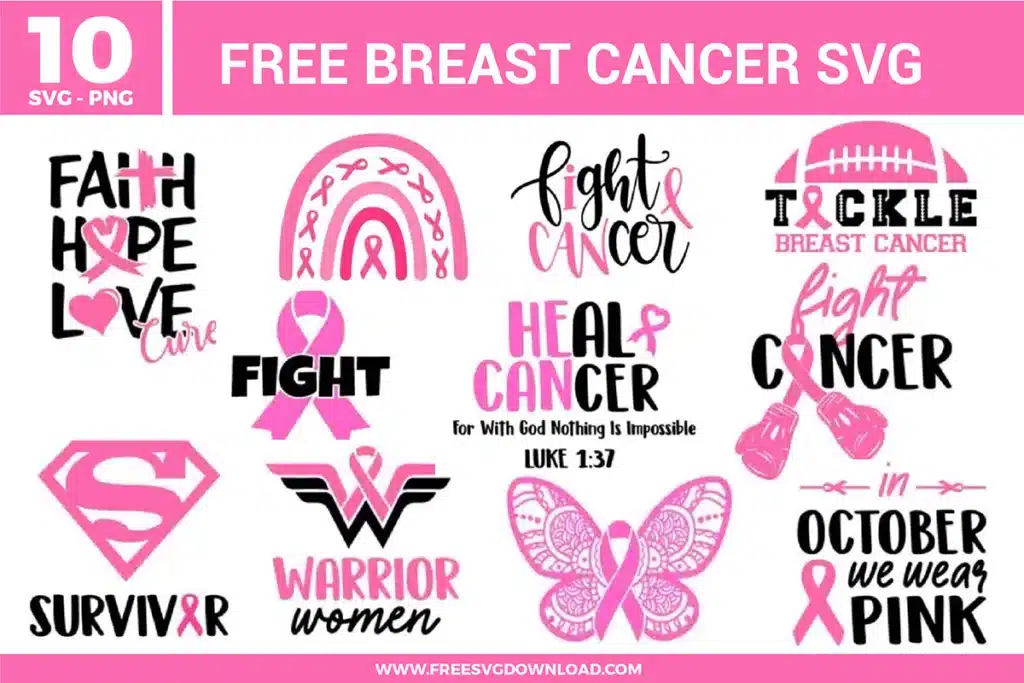
These Breast Cancer Starbucks SVG files are part of our Awareness SVG category, where we organize supportive and cause-focused designs in one place. This category includes a wide range of meaningful, decorative, and purposeful SVG files created for awareness projects, gift items, and DIY craft projects. For drinkware-focused designs, you may also check out our Starbucks Wrap SVG category.
In your design software, use the Path Simplification or Simplify tool to reduce the number of nodes on the smallest elements. This creates smoother paths for your blade to follow, preventing the vinyl from lifting or tearing on those sharp corners. Using a fresh, sharp blade is also essential for these intricate awareness symbols.
No, mirroring is only required for Heat Transfer Vinyl (HTV) or when applying adhesive vinyl to the inside of glass to be viewed from the outside. Since these wraps are typically applied directly to the exterior of a plastic tumbler or cold cup, you should cut them exactly as they appear on your screen.
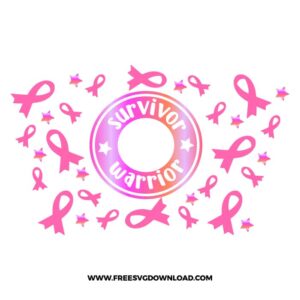
Before hitting the cut button, select the text and the circular frame together and use the “Attach” tool in your software. This locks their positions relative to each other. If you don’t attach them, the software will separate the text from the ring to save material, making it nearly impossible to center them manually during application.
For standard HTV on a cotton or polyester t-shirt, set your heat press to 305°F. Apply firm pressure for 10 to 15 seconds. If you are using a glitter pink vinyl for the ribbons, you may need to increase the temperature to 320°F and perform a “hot peel” immediately after pressing to ensure the texture adheres correctly.
Measure the circumference of the top and bottom of your cup, as most are tapered. Generally, a 24oz cold cup wrap should be roughly 10.9 inches wide by 6.7 inches tall. Use the “Slice” tool in your software to trim any excess if you want a perfect butt-joint where the ends of the vinyl meet on the back of the cup.
These Breast Cancer Starbucks Wrap SVG files are provided for personal use only, and resale or redistribution of the designs is not permitted. You are welcome to explore more free SVG designs across our website, including a wide range of themed and character-based collections.
If you experience any issues with downloading or using the files, feel free to reach out through our contact page and we will be happy to help. We also appreciate feedback from our community, so you’re welcome to leave a review below and share your experience.
For professionally curated bundles and extended design sets, you can also browse our premium SVG collections in our official store. Thank you for crafting with Free SVG Download, and enjoy creating your projects.