Collection Technical Data |
|
|---|---|
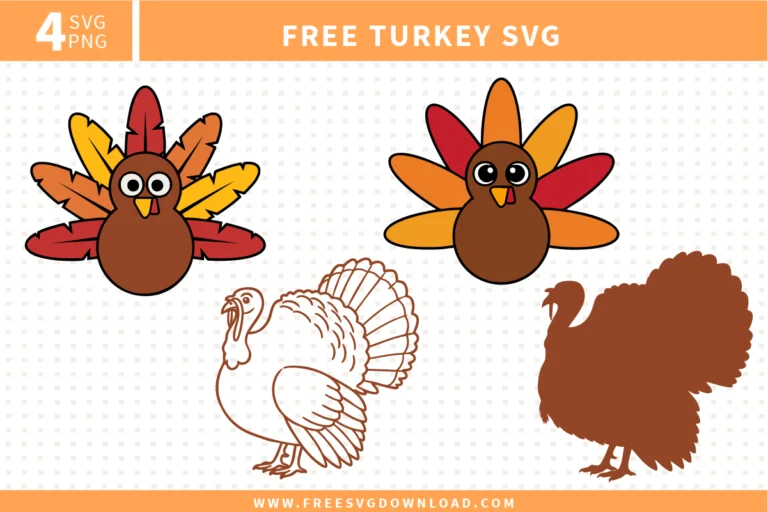
| Total Designs | 4 Items (See grid below) |
| Primary File Type | Scalable Vector Graphics (.svg) |
| Secondary Formats | High-Res PNG (300 DPI) |
| Compatibility Tested | Cricut Design Space, Silhouette Studio, Brother ScanNCut |
| Best For | Thanksgiving Shirts, Kids Crafts, Holiday Tablecloths, Window Decals. (Vinyl & HTV) |
| License Type | Personal Use Only |
| Cut Complexity | Intermediate (Multi-Layer) |
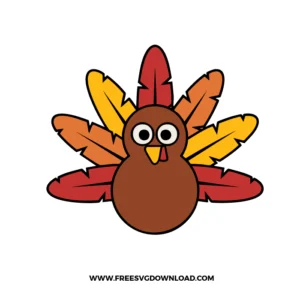
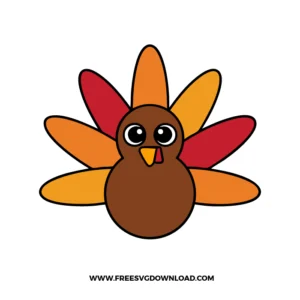
These Thanksgiving Turkey SVG files are part of our Fall Svg category, where we organize autumn-themed designs in one place. This category includes a wide range of Thanksgiving, turkey, and seasonal SVG files created for apparel, stickers, and DIY craft projects.
To avoid a thick, uncomfortable layer of stacked vinyl, use your software’s Subtract or Slice tool to create a hollowed-out template where each colored feather piece fits flush against the central brown body like a puzzle. When pressing the heat transfer vinyl, apply heat for just 2 to 3 seconds per color layer to prevent the carrier sheets from shrinking out of alignment, then execute a final full 15-second press at 305°F once all components are positioned.
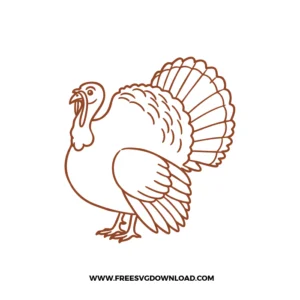
Intricate line art vectors require a slower cutting motion to protect delicate paths from lifting off the backing paper. Lower your machine’s speed setting to 1 or 2, and use a sharp 45-degree premium fine-point blade. If individual lines continue to bunch up or catch on the tool head, increase the cut pressure slightly and verify that your adhesive mat has strong enough tack to hold the media completely flat.
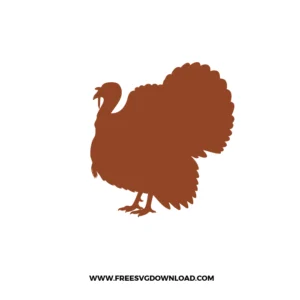
Bumpy contours typically point to an excess of messy anchor points along the outer vector paths. Open the file in your design space and utilize the Simplify or Smooth tool to eliminate unnecessary nodes. Reducing the node count flattens the path geometry, allowing your machine’s cutting head to travel continuously along the perimeter without stuttering or chewing up the material edges.
When multiple designs import as a consolidated graphic, highlight the layer on your canvas and click the Ungroup option at the top of the layers panel. If the vector pieces remain physically locked together after ungrouping, place a basic square shape directly over the specific turkey you want to isolate, select both the shape and the graphic, and click the Slice tool to cut it away into its own independent layer.
For temporary or seasonal items like Thanksgiving dinner glasses, standard removable vinyl (such as Oracal 631) allows clean removal after the holidays without leaving sticky residue. If you want the design to be permanent, use premium high-gloss outdoor vinyl (such as Oracal 651). Regardless of the adhesive type chosen, decorated glassware must be hand-washed only and never placed in a microwave or dishwasher.
These Thanksgiving Turkey SVG files are provided for personal use only, and resale or redistribution of the designs is not permitted. You are welcome to explore more free SVG designs across our website, including a wide range of themed and character-based collections.
If you experience any issues with downloading or using the files, feel free to reach out through our contact page and we will be happy to help. We also appreciate feedback from our community, so you’re welcome to leave a review below and share your experience.
For professionally curated bundles and extended design sets, you can also browse our premium SVG collections in our official store. Thank you for crafting with Free SVG Download, and enjoy creating your projects.