Collection Technical Data |
|
|---|---|
| Total Designs | 2 Items (See grid below) |
| Primary File Type | Scalable Vector Graphics (.svg) |
| Secondary Formats | OpenType Font (.otf) |
| Compatibility Tested | Cricut Design Space, Silhouette Studio, Brother ScanNCut |
| Best For | Birthday Party Decor, Gaming Room Signs, Personalized Lunch Boxes, Custom Apparel. (Vinyl & HTV) |
| License Type | Personal Use Only |
| Cut Complexity | Beginner (Easy Weeding) |
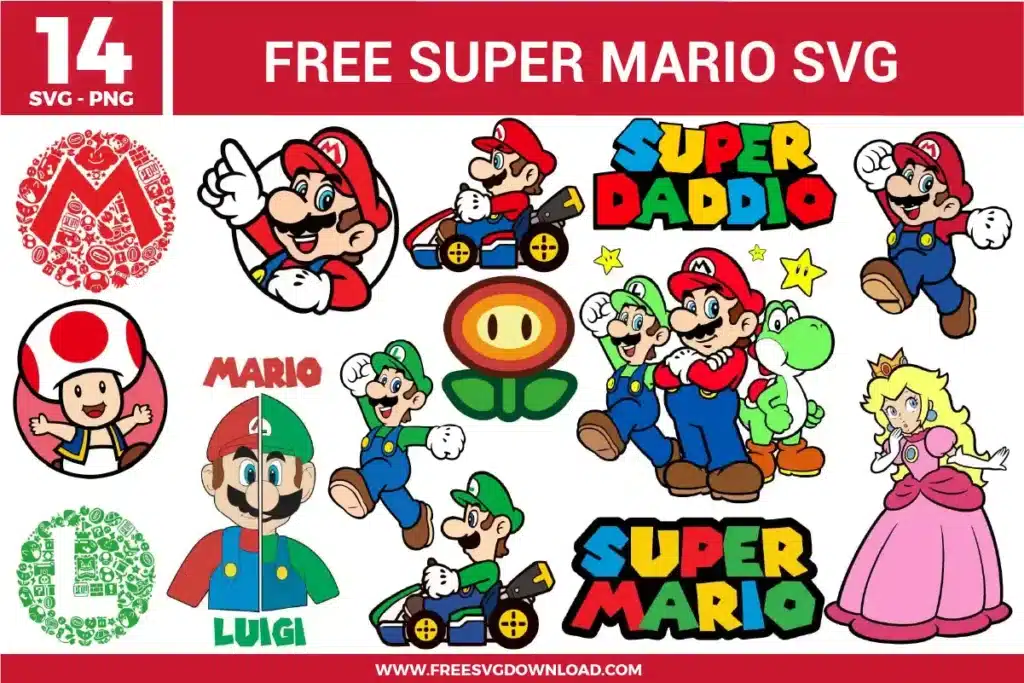
These Mario Font SVG files are part of our Font category, where we organize all typography designs in one place. This category includes a wide range of whimsical, vibrant, and bold SVG files created for heat transfer, vinyl decals, and paper crafts.
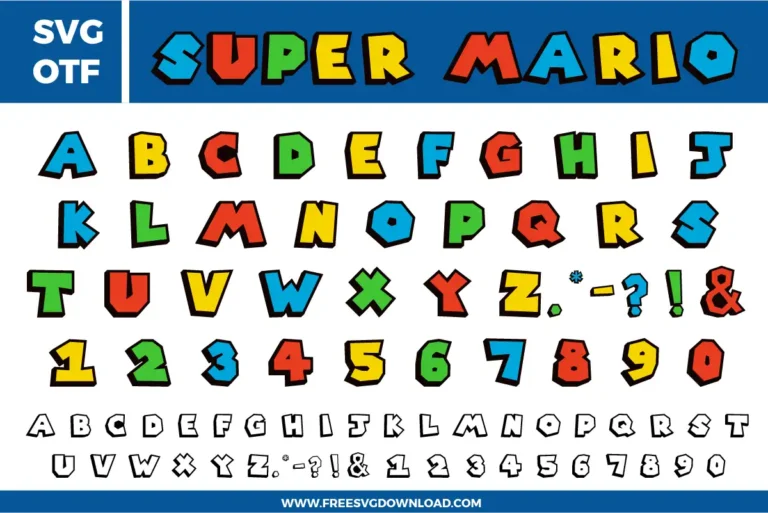
Place the colored letter over the black outline layer and align them perfectly. Select both and click ‘Slice.’ This allows you to remove the overlapping middle section so that the colored vinyl sits flush within the outline rather than on top of it, which prevents the design from feeling bulky on fabric.
Even though these letters look geometric, digital files can contain hidden anchor points. Using the ‘Simplify’ tool in your software reduces the node count on straight edges. This prevents your machine from ‘stuttering’ during the cut, leading to much cleaner lines and a faster overall cutting process for large banners.
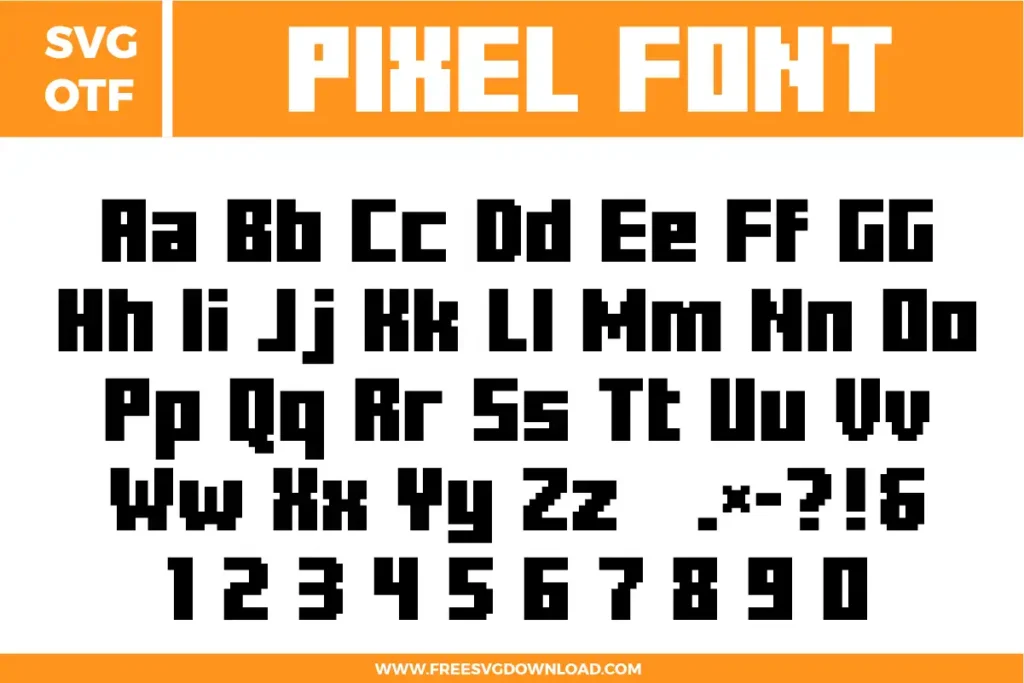
Select the letter and enter the ‘Edit Nodes’ or ‘Point Editing’ mode. If a corner looks rounded instead of sharp, delete the extra nodes and ensure the remaining ones are set to ‘Corner’ or ‘Straight’ rather than ‘Smooth.’ This maintains the authentic 8-bit blocky aesthetic of the Mario typography.
When cutting these chunky letters out of heavy cardstock (80lb or higher), use a ‘Cardstock for Intricate Cuts’ setting. This forces the machine to make two light passes rather than one heavy one, ensuring the thick black outlines don’t tear or lift off the cutting mat during the process.
Select your word and apply a 0.125-inch external Offset. Fill this new background layer with white. This creates a professional-looking white border around the colorful Mario letters, making them ‘pop’ against any surface and providing more adhesive area for stickers or cake toppers.
These Mario Font SVG files are provided for personal use only, and resale or redistribution of the designs is not permitted. You are welcome to explore more free SVG designs across our website, including a wide range of themed and character-based collections.
If you experience any issues with downloading or using the files, feel free to reach out through our contact page and we will be happy to help. We also appreciate feedback from our community, so you’re welcome to leave a review below and share your experience.
For professionally curated bundles and extended design sets, you can also browse our premium SVG collections in our official store. Thank you for crafting with Free SVG Download, and enjoy creating your projects.