Collection Technical Data |
|
|---|---|
| Total Designs | 4 Items (See grid below) |
| Primary File Type | Scalable Vector Graphics (.svg) |
| Secondary Formats | High-Res PNG (300 DPI) |
| Compatibility Tested | Cricut Design Space, Silhouette Studio, Brother ScanNCut |
| Best For | Holiday Ornament Accents, Custom Sports Apparel, Patriotic Home Decor, Kids Bedroom Stickers (Vinyl & HTV) |
| License Type | Personal Use Only |
| Cut Complexity | Beginner (Easy Weeding) |
These Star SVG files are part of our Mixed SVG category, where we organize general-use and assorted designs in one place. This category includes a wide range of simple, decorative, and versatile SVG files created for apparel, stickers, and DIY craft projects.
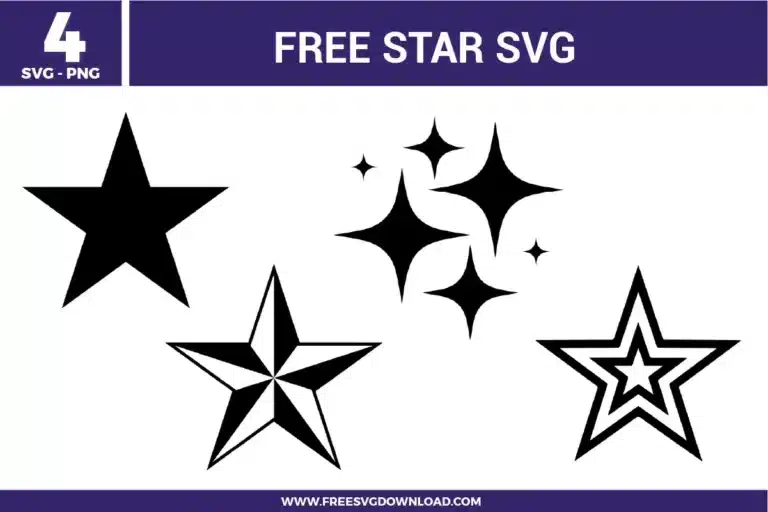
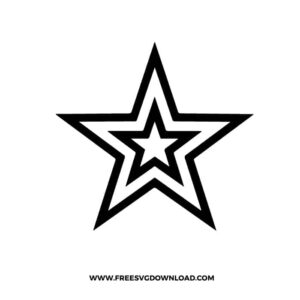
When working with the multi-layered outline star, use the “Slice” tool in your software to create a hollow frame. By cutting the center out of the larger star, you can nest the smaller star inside it on the same level. This prevents a thick “bump” in your finished project and is especially important for wearable HTV designs.
If the points of your stars look slightly rounded or jagged after resizing, use the “Node Editing” or “Edit Points” tool. Select the tip of the star and ensure the node is set to a “Corner” or “Sharp” point rather than a “Smooth” curve. This ensures your cutting machine makes a crisp, 180-degree turn for a professional finish.
Glitter vinyl is much denser than standard film. For these solid star shapes, use a “Deep Point Blade” with the “Glitter Vinyl” setting and “More” pressure. If you are using a Cricut, the machine will often perform a double-cut automatically to ensure the blade passes entirely through the glitter flakes and adhesive.
Use the “Offset” feature to create a shadow. Set your offset distance to approximately 0.1 or 0.2 inches to generate a slightly larger version of the star behind the original. This is a great way to make your design “pop” against busy backgrounds on tumblers or signs.
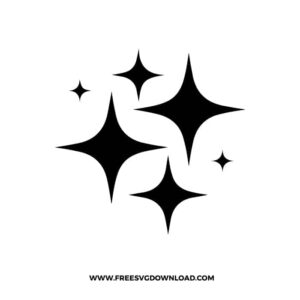
For the small four-point twinkle stars, use a “Brute Force” weeding method: place a small piece of painter’s tape or a weeding scrap over the tiny stars before you pull the main sheet away. This helps keep the small elements weighted down so they don’t accidentally lift and stick to the waste vinyl.
These Star SVG files are provided for personal use only, and resale or redistribution of the designs is not permitted. You are welcome to explore more free SVG designs across our website, including a wide range of themed and character-based collections.
If you experience any issues with downloading or using the files, feel free to reach out through our contact page and we will be happy to help. We also appreciate feedback from our community, so you’re welcome to leave a review below and share your experience.
For professionally curated bundles and extended design sets, you can also browse our premium SVG collections in our official store. Thank you for crafting with Free SVG Download, and enjoy creating your projects.