Collection Technical Data |
|
|---|---|
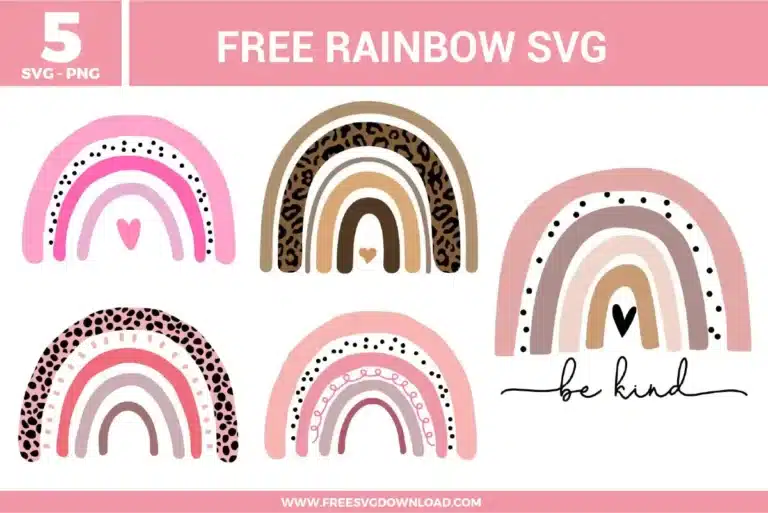
| Total Designs | 5 Items (See grid below) |
| Primary File Type | Scalable Vector Graphics (.svg) |
| Secondary Formats | High-Res PNG (300 DPI) |
| Compatibility Tested | Cricut Design Space, Silhouette Studio, Brother ScanNCut |
| Best For | Nursery Wall Art, Baby Onesies, Toddler Apparel, Custom Blankets. (Vinyl & HTV) |
| License Type | Personal Use Only |
| Cut Complexity | Beginner (Easy Weeding) |
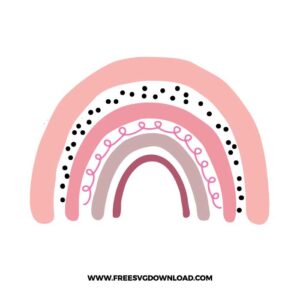
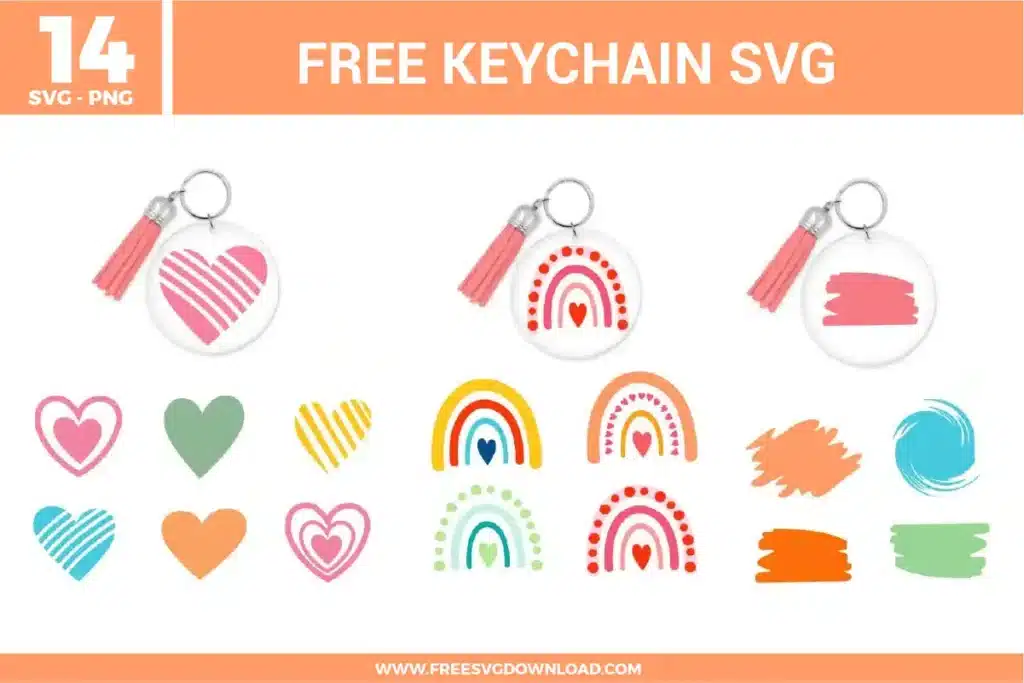
These Rainbow SVG files are part of our Mixed SVG category, where we organize general-use and assorted designs in one place. This category includes a wide range of colorful, decorative, and versatile SVG files created for apparel, stickers, and DIY craft projects.
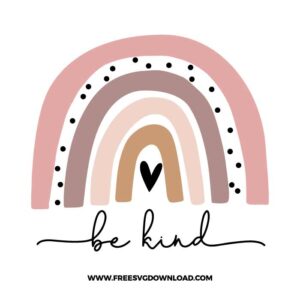
Use the Weld or Combine tool in your workspace before sending the project to your mat. This permanently merges the overlapping cursive tails of script typography into a single continuous cut path, ensuring your machine blade doesn’t slice through the joints of connected letters.
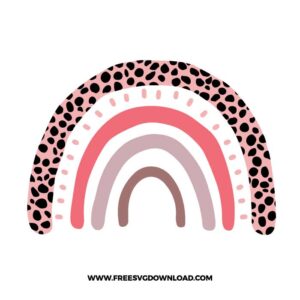
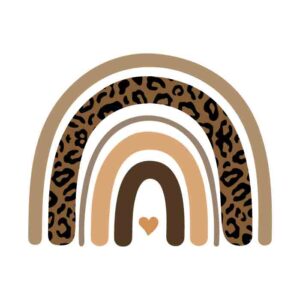
Standard smooth Heat Transfer Vinyl (HTV) is ideal for cutting out the intricate leopard spots. If you plan to layer multiple colors, remember to place smooth vinyl as your base layer; specialty materials like glitter, flocked, or textured vinyl should always be placed on top since other layers cannot stick to them properly.
You can optimize the graphic using a path simplification tool or “Simplify” command in your vector software. This reduces the total number of individual anchor nodes along the complex edges of the spots, creating a smoother, faster, and more efficient path for your cutting machine blade.
Select the entire rainbow graphic and open the Offset tool. Adjust the distance slider outward until all the individual arches merge together into a single continuous boundary silhouette. Change this background offset layer to white, group it with your rainbow, and apply the Flatten tool to convert it into a clean Print Then Cut graphic.
Design software automatically groups vector elements onto cutting mats by color to maximize material usage. To maintain the exact alignment and spacing of arches of the same color, select those elements together on your canvas and click the Attach button to lock their layout positioning permanently.
These Rainbow SVG files are provided for personal use only, and resale or redistribution of the designs is not permitted. You are welcome to explore more free SVG designs across our website, including a wide range of themed and character-based collections.
If you experience any issues with downloading or using the files, feel free to reach out through our contact page and we will be happy to help. We also appreciate feedback from our community, so you’re welcome to leave a review below and share your experience.
For professionally curated bundles and extended design sets, you can also browse our premium SVG collections in our official store. Thank you for crafting with Free SVG Download, and enjoy creating your projects.