Home » Tv Shows - Movies » Paw Patrol Birthday Free SVG Files
Collection Technical Data |
|
|---|---|
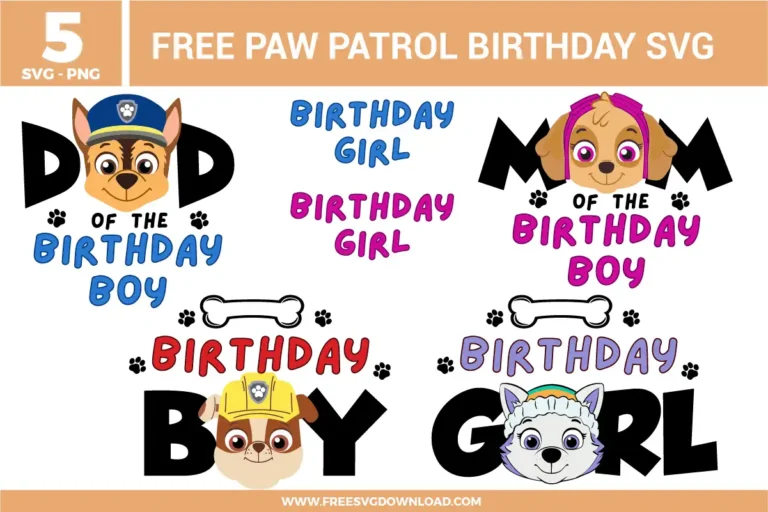
| Total Designs | 5 Items (See grid below) |
| Primary File Type | Scalable Vector Graphics (.svg) |
| Secondary Formats | High-Res PNG (300 DPI) |
| Compatibility Tested | Cricut Design Space, Silhouette Studio, Brother ScanNCut |
| Best For | Family Shirts, Party Favors, Birthday Invitations, Custom Water Wottles. (Vinyl & HTV) |
| License Type | Personal Use Only |
| Cut Complexity | Intermediate (Multi-Layer) |
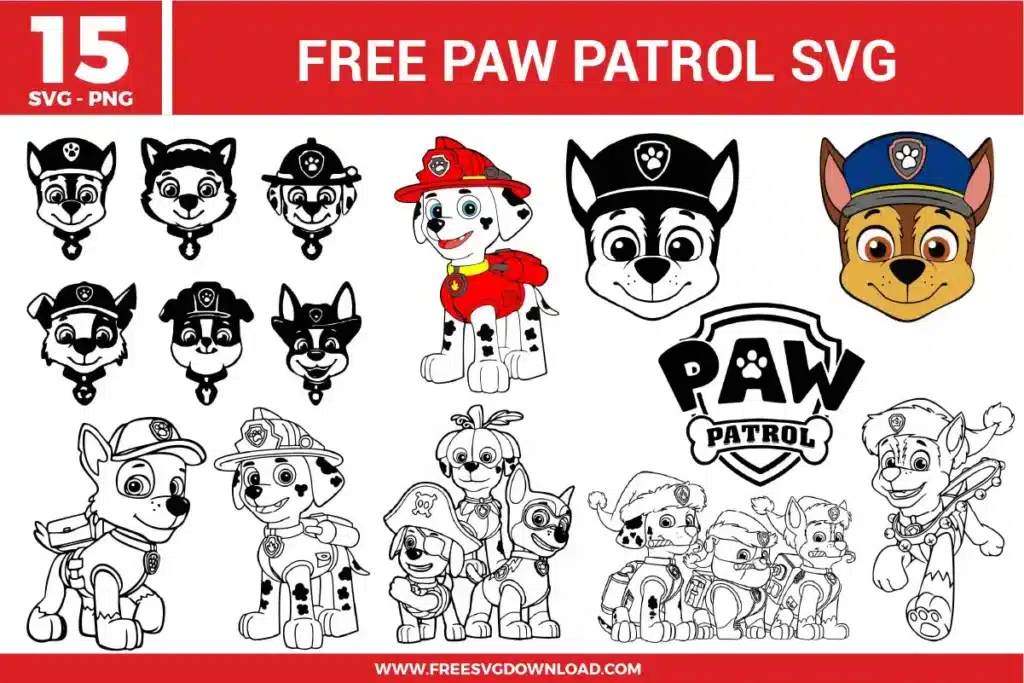
These Paw Patrol Birthday SVG files are part of our TV Shows and Movies SVG category, where we organize all character-inspired designs from popular shows and movies in one place. This category includes a wide range of playful, party-ready, and character-based SVG files created for birthday apparel, themed decorations, and DIY crafts.
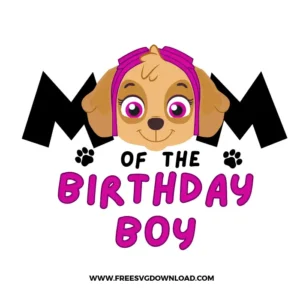
In your design software, use the “Ungroup” function to separate the text elements from the character graphics. This allows you to select specific words or paw prints to change their hex codes or move them to a different cutting mat, ensuring you can customize the color palette for “Dad” or “Mom” shirts perfectly.
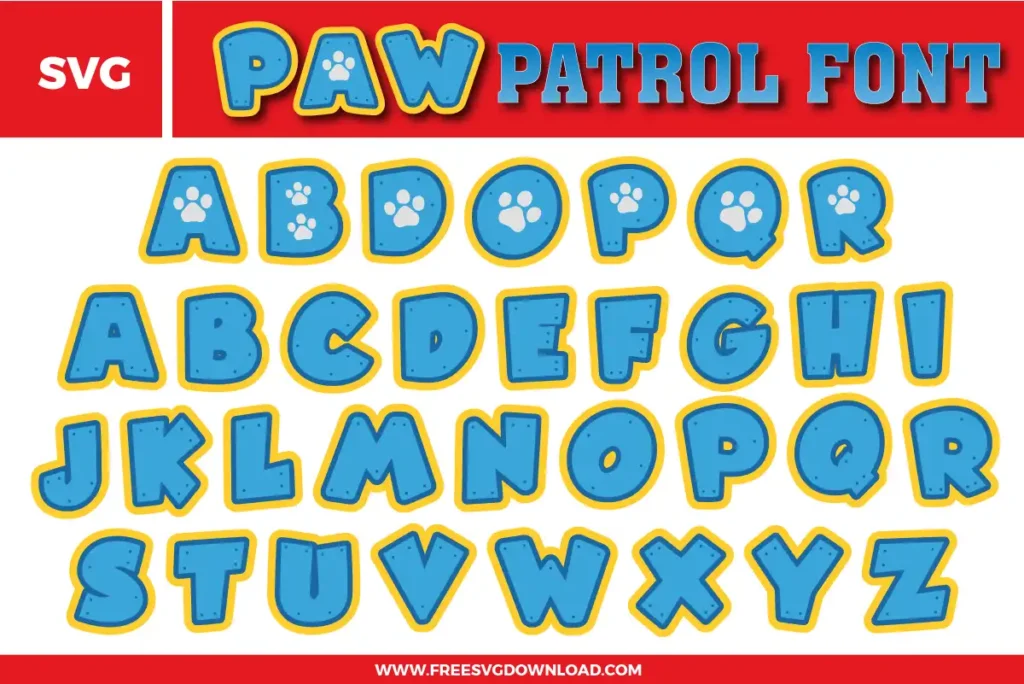
For large, blocky letters, I recommend using a high-quality Heat Transfer Vinyl (HTV) and a heat press rather than a handheld iron. Set your press to 305°F (150°C) and apply medium pressure for 10–15 seconds. If you are using “Cold Peel” vinyl, wait until the carrier sheet is completely cool before lifting to prevent the edges of the bold letters from warping.
Standard sublimation requires a high-polyester, light-colored fabric because the ink is transparent. To put these Paw Patrol designs on a dark shirt, you should use “Sublimation on Glitter HTV” or “Siser EasySubli.” Cut the shape out of the specialty vinyl first, then sublimate your design onto that white base to ensure the colors remain vibrant against the dark fabric.
If you are seeing jagged edges, ensure you have imported the SVG (vector) file rather than the PNG (raster) version. Vectors use mathematical paths rather than pixels, allowing you to scale the “Birthday Boy” shield or character faces to any size without any loss in clarity. Always check that your “Line Type” is set to “Cut” in the software to maintain crisp vector paths.
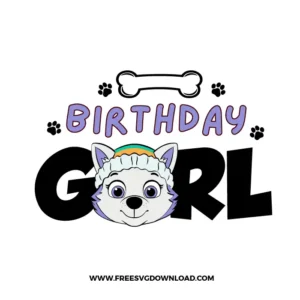
To avoid a bulky feel, use the “Slice” tool in Cricut Design Space or “Subtract” in Silhouette Studio to create a “knockout” in the black letters. This allows the colored text to sit flush inside the black frame rather than on top of it. This “single-layer” feel is much more durable and comfortable for wearable birthday apparel.
These Paw Patrol Birthday SVG files are provided for personal use only, and resale or redistribution of the designs is not permitted. You are welcome to explore more free SVG designs across our website, including a wide range of themed and character-based collections.
If you experience any issues with downloading or using the files, feel free to reach out through our contact page and we will be happy to help. We also appreciate feedback from our community, so you’re welcome to leave a review below and share your experience.
For professionally curated bundles and extended design sets, you can also browse our premium SVG collections in our official store. Thank you for crafting with Free SVG Download, and enjoy creating your projects.