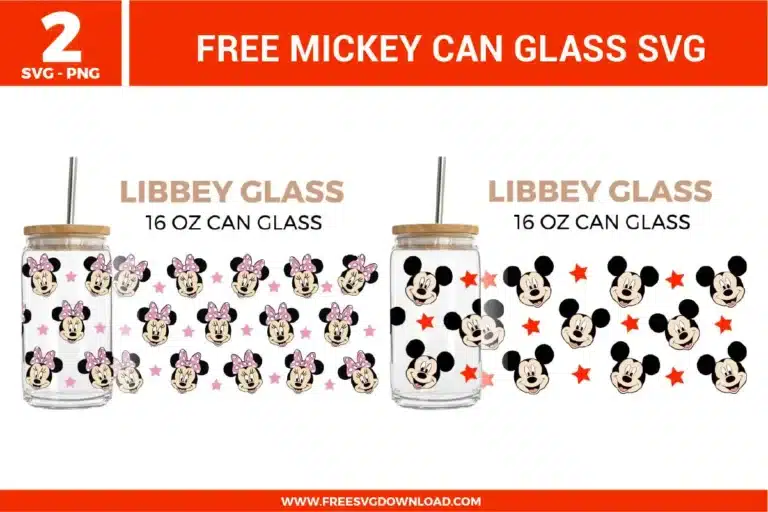
Home » Libbey Can Glass » Mickey Can Glass Free SVG Files
Collection Technical Data |
|
|---|---|
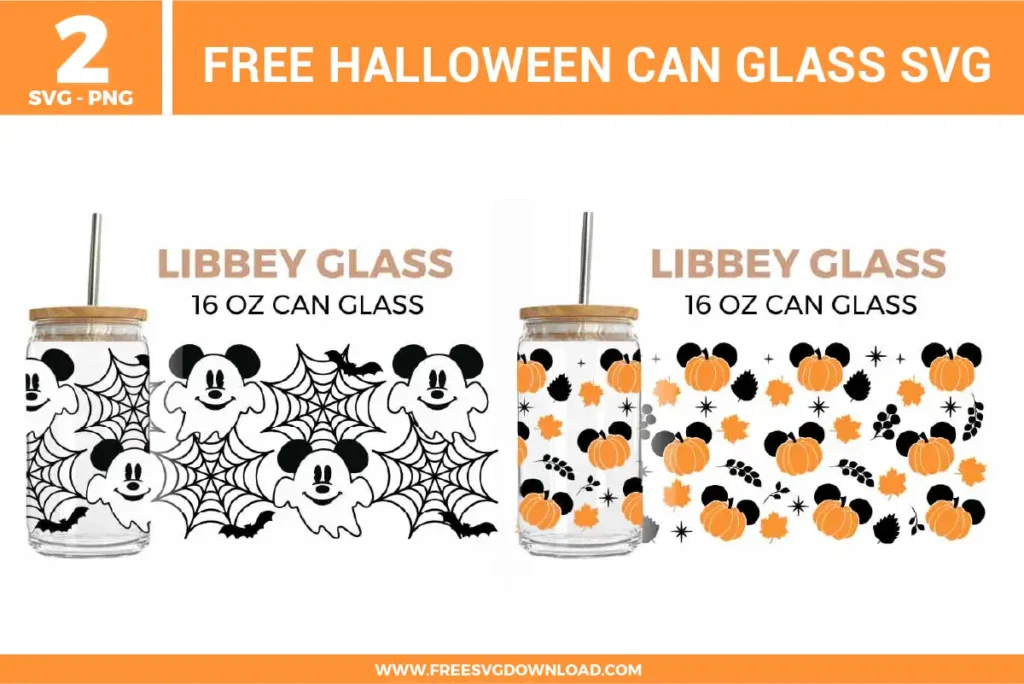
| Total Designs | 2 Items (See grid below) |
| Primary File Type | Scalable Vector Graphics (.svg) |
| Secondary Formats | High-Res PNG (300 DPI) |
| Compatibility Tested | Cricut Design Space, Silhouette Studio, Brother ScanNCut |
| Best For | Libbey Can Glass. (Vinyl & HTV) |
| License Type | Personal Use Only |
| Cut Complexity | Intermediate (Multi-Layer) |
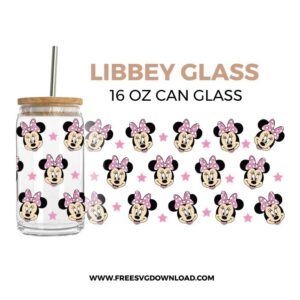
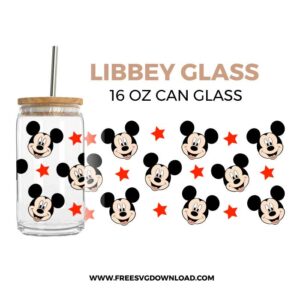
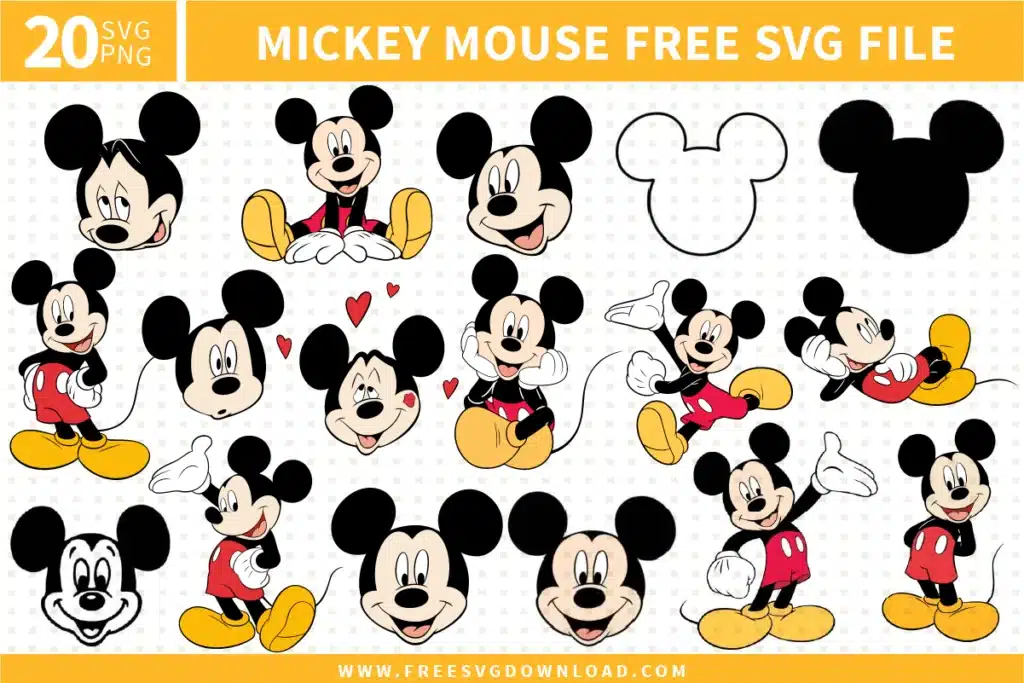
These Mickey Can Glass SVG files are part of our Libbey Can Glass SVG category, where we organize can glass wrap and drinkware designs in one place. This category includes a wide range of colorful, character-inspired, and themed SVG files created for glass cup wraps, stickers, and DIY craft projects.
Select both the star shape and the base character path on your workspace layout, ensuring only two individual vector layers are highlighted simultaneously. Click the Slice tool, then select and delete the unwanted cut fragments to produce a perfectly flush seam between your design elements.
Cutter stuttering occurs when an SVG path contains too many unnecessary anchor points. Open the design in Silhouette Studio, select the problematic path, and use the Simplify panel to lower node density. For Cricut users, optimizing the path with a Simplify command in external vector editors before importing will resolve this.
Use the Attach tool if you want the software to preserve the precise spatial arrangement and distance between the individual stars on your physical cutting mat. You should only use the Weld tool if paths physically overlap and you want to fuse them into a single, unseparated outline shape.
Import the SVG template to your workspace, scale it precisely to your 16 oz can glass wrap dimensions, highlight all layered vector components, and select the Flatten command. This merges the artwork into a high-resolution Print Then Cut graphic tailored for specialized sublimation printing.
Select the primary head silhouette path, apply a small external offset path of roughly 0.08 inches, and place this expanded offset boundary directly over the background design layer. Use the Subtract or Cut tool to punch out the shape, leaving an exact negative space border.
These Mickey Can Glass SVG files are provided for personal use only, and resale or redistribution of the designs is not permitted. You are welcome to explore more free SVG designs across our website, including a wide range of themed and character-based collections.
If you experience any issues with downloading or using the files, feel free to reach out through our contact page and we will be happy to help. We also appreciate feedback from our community, so you’re welcome to leave a review below and share your experience.
For professionally curated bundles and extended design sets, you can also browse our premium SVG collections in our official store. Thank you for crafting with Free SVG Download, and enjoy creating your projects.