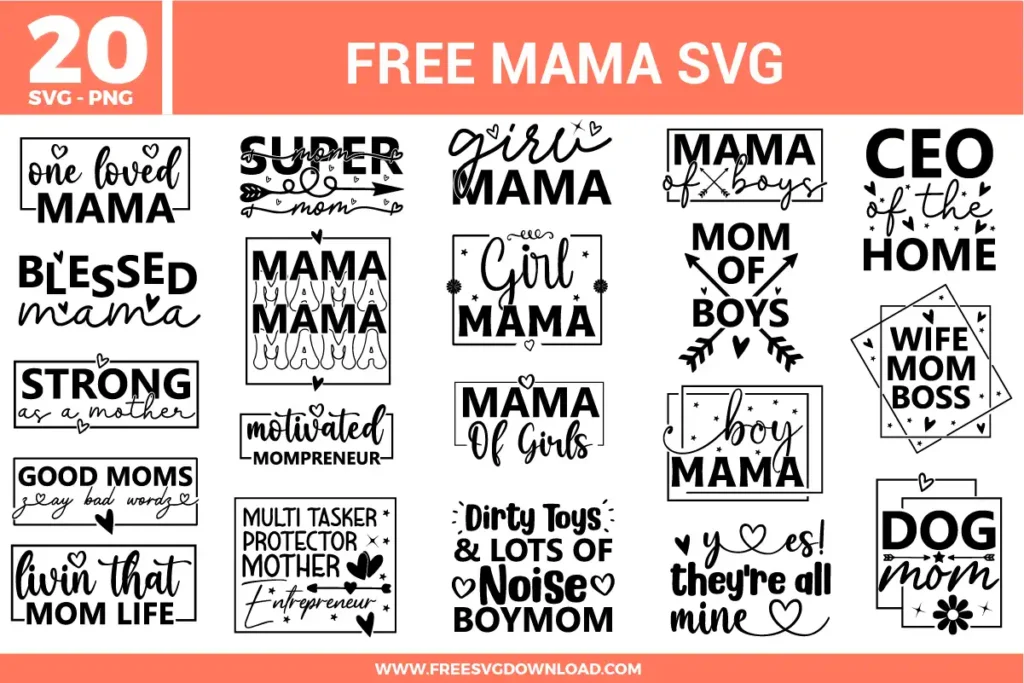
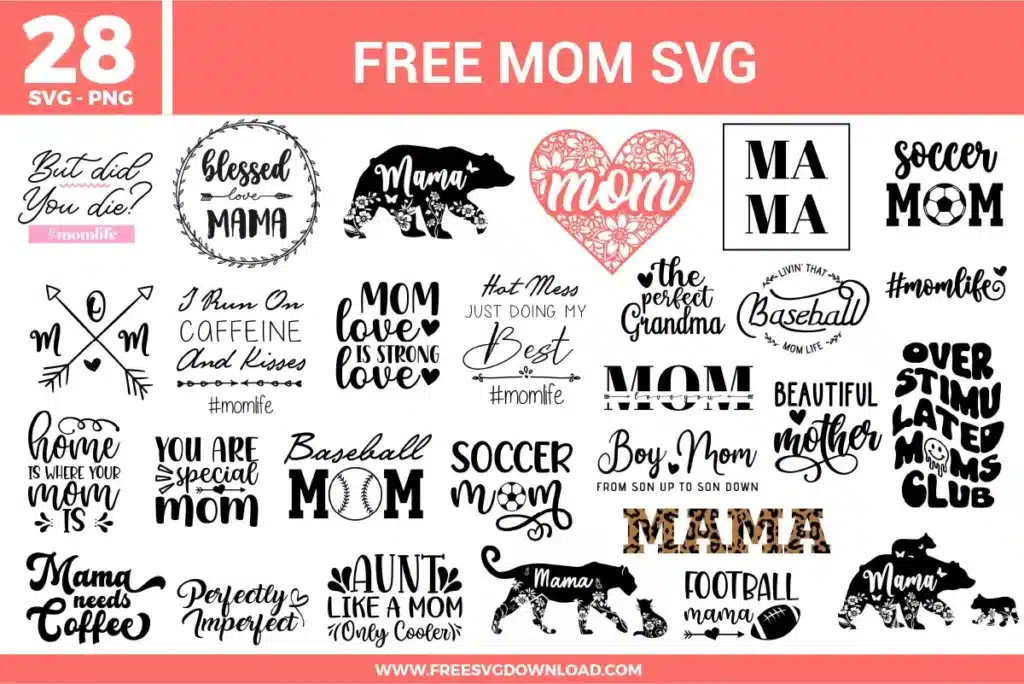
Collection Technical Data |
|
|---|---|
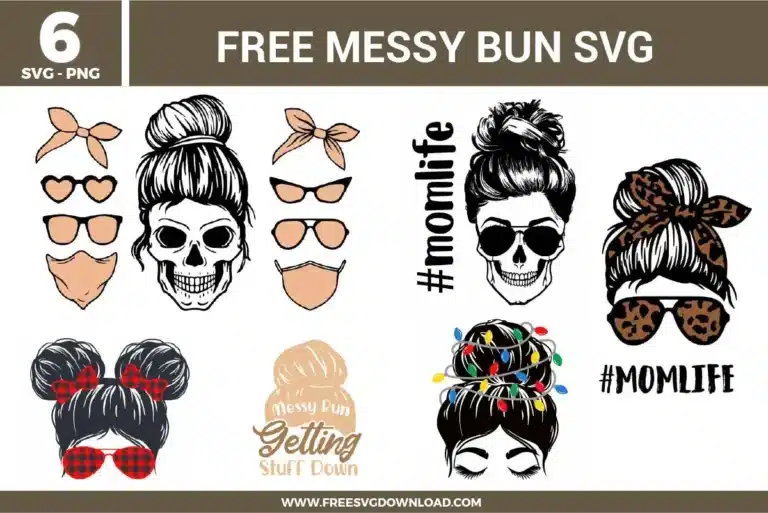
| Total Designs | 6 Items (See grid below) |
| Primary File Type | Scalable Vector Graphics (.svg) |
| Secondary Formats | High-Res PNG (300 DPI) |
| Compatibility Tested | Cricut Design Space, Silhouette Studio, Brother ScanNCut |
| Best For | Graphic Tees, Craft Totes, Holiday Crewnecks, Tumbler Decals. (Vinyl & HTV) |
| License Type | Personal Use Only |
| Cut Complexity | Intermediate (Multi-Layer) |
These Messy Bun SVG files are part of our Mom Life Svg Category, where we organize mom-themed designs in one place. This category includes a wide range of motherhood, lifestyle, and quote-based SVG files created for apparel, stickers, and DIY craft projects.
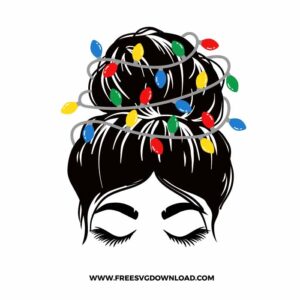
To apply multi-layered HTV graphics seamlessly, use short, partial presses for the initial base layers. Press the main black hair outline for 2 to 3 seconds at 305°F to set it in place without shrinking the carrier sheet, then peel the plastic warm. Position individual colored light bulb shapes into their proper spots, cover the entire design with a Teflon protective sheet, and execute the final full press for 12 to 15 seconds to fully cure the adhesive on all layers.
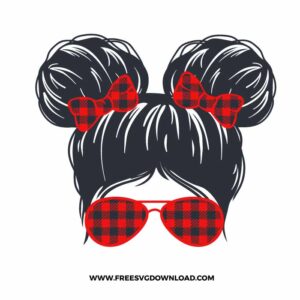
Use the Slice tool in Cricut Design Space or the Intersect/Subtract tool in Silhouette Studio to clear hidden vector lines. Layer the hair shape and the bow graphics accurately, select both components, and execute the slice action. This separates overlapping boundary paths into individual cut out pieces, allowing you to delete overlapping vinyl fragments so your final design sits completely flat when layered.
For complex contours and curved surfaces like mugs or ornaments, choose premium cast adhesive vinyl (such as Oracal 651) over calendar vinyl types. Cast options are thinner, more flexible, and stretch slightly under gentle heat from a craft heat gun, allowing you to smooth out wrinkles and air bubbles over circular curves without causing the fine strands of the messy hair artwork to warp or lift away.
Skipping is usually caused by an incorrect balance between cutting velocity and pressure, or micro-debris trapped inside the tool housing. Decrease the machine cut speed setting significantly for complex graphic designs, and check that you are using an extra sharp 45-degree or 60-degree fine-point blade. If a blade is forced to turn sharply at a high speed across detailed node points, it will skip paths and rip the backing sheet.
When processing designs containing minuscule independent objects, verify your adhesive cutting mat maintains high grip tackiness so the carrier paper doesn’t shift mid-cut. Additionally, use the node editing tool prior to cutting to inspect for isolated stray nodes, and increase your pressure setting slightly while ensuring the mirror function is turned on if you are processing heat transfer vinyl sheets.
These Messy Bun SVG files are provided for personal use only, and resale or redistribution of the designs is not permitted. You are welcome to explore more free SVG designs across our website, including a wide range of themed and character-based collections.
If you experience any issues with downloading or using the files, feel free to reach out through our contact page and we will be happy to help. We also appreciate feedback from our community, so you’re welcome to leave a review below and share your experience.
For professionally curated bundles and extended design sets, you can also browse our premium SVG collections in our official store. Thank you for crafting with Free SVG Download, and enjoy creating your projects.