Collection Technical Data |
|
|---|---|
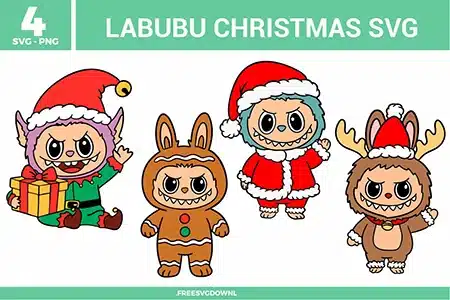
| Total Designs | 4 Items (See grid below) |
| Primary File Type | Scalable Vector Graphics (.svg) |
| Secondary Formats | High-Res PNG (300 DPI) |
| Compatibility Tested | Cricut Design Space, Silhouette Studio, Brother ScanNCut |
| Best For | Holiday Apparel, Christmas Decor, Custom Ornaments, Personalized Cards. (Vinyl & HTV) |
| License Type | Personal Use Only |
| Cut Complexity | Intermediate (Multi-Layer) |
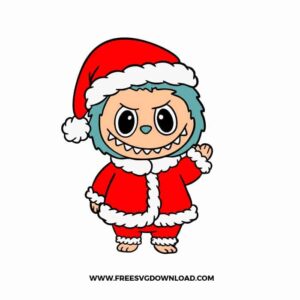
These Labubu Christmas SVG files are part of our TV Shows and Movies SVG category, where we organize all character-inspired designs from popular shows and movies in one place. This category includes a wide range of festive, playful, and seasonal SVG files created for apparel, DIY crafts, and holiday projects. For more seasonal designs, you may also check out our Christmas SVG category.
To ensure the fine fur texture on the Santa and Elf suits cuts cleanly, use a “Sticky” StandardGrip mat to prevent material shifting. I recommend a “Fine-Point Blade” with the “Premium Vinyl” setting and “More Pressure.” This double-pass approach ensures the blade pivots accurately through the small directional changes in the character’s fur without snagging or tearing.
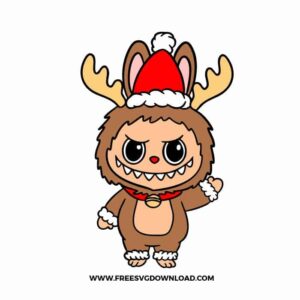
To keep the garment soft and flexible, use the “Slice” tool in your design software to create a “knockout” for the base layers. This allows the reindeer antlers and Santa hat to sit flush with the main body rather than being stacked three or four layers deep. This technique significantly increases the durability of the Heat Transfer Vinyl (HTV) and prevents the design from feeling like a stiff patch.
Yes, since these are high-quality vector files, you can export them as 300 DPI PNGs for sublimation. When sublimating onto ornaments, ensure your software is set to “Mirror Image” before printing. Because sublimation ink is transparent, it works best on white or light-colored surfaces, perfectly preserving the vibrant reds and greens of the Labubu holiday costumes.
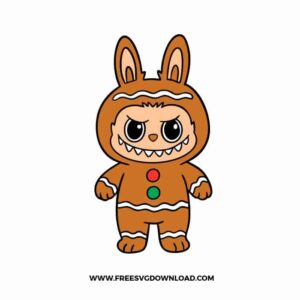
I highly recommend the “Parchment Paper” layering method for precise alignment. Place a sheet of parchment paper over your base layer, leaving just a tiny edge exposed. Position your colored detail (like the green and red gingerbread buttons) over the parchment; once aligned, stick the exposed edge down and slide the paper out. This prevents the adhesive from grabbing too early and allows for professional-grade centering.
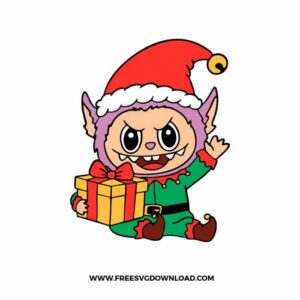
You should use the “Attach” function if you want to keep the character and the gift box in their exact relative positions while cutting them on the same mat. Do not use “Weld” unless you want to merge both shapes into a single-color silhouette. “Attach” is the superior choice for multi-color vinyl projects as it preserves the individual paths for different colored layers like the yellow ribbon and red box.
These Labubu Christmas SVG files are provided for personal use only, and resale or redistribution of the designs is not permitted. You are welcome to explore more free SVG designs across our website, including a wide range of themed and character-based collections.
If you experience any issues with downloading or using the files, feel free to reach out through our contact page and we will be happy to help. We also appreciate feedback from our community, so you’re welcome to leave a review below and share your experience.
For professionally curated bundles and extended design sets, you can also browse our premium SVG collections in our official store. Thank you for crafting with Free SVG Download, and enjoy creating your projects.